Key Takeaways
- Refraction is an AI code-generation tool for developers.
- It generates unit tests, documentation, and refactors code.
- It works across dozens of programming languages.
- Handy for the coding tasks around writing code, not just writing it.
Refraction is an AI tool for the work that surrounds writing code: paste in your code and it generates unit tests, writes documentation, refactors and improves it, or hunts for bugs — across dozens of languages. Rather than being a full IDE assistant, it focuses on discrete, useful transformations of code you already have. For developers who want quick help with tests, docs, and refactoring, Refraction is a handy, focused tool.
What is Refraction?
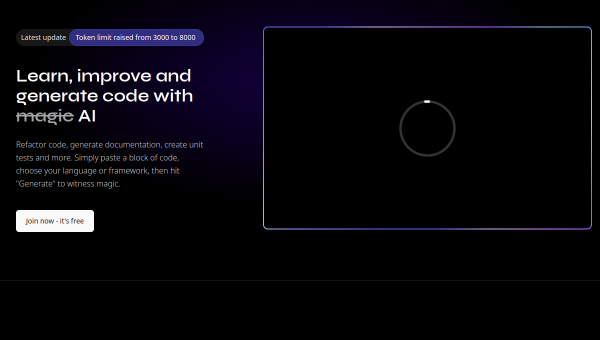
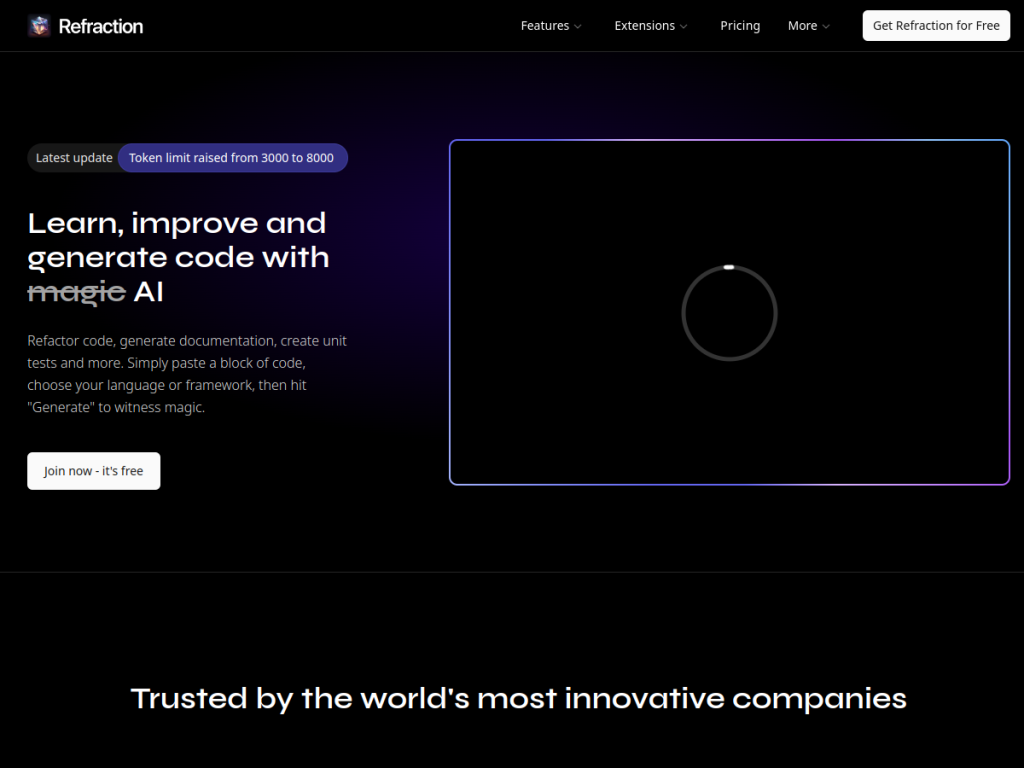
Refraction (refraction.dev) is an AI-powered code-generation tool aimed at helping developers with common coding tasks beyond writing new features. You provide code (or describe what you need), and Refraction uses AI to perform specific transformations: generating unit tests for your code, writing documentation and comments, refactoring and improving code, detecting potential bugs and issues, converting code between languages, and generating related artifacts. It supports a wide range of programming languages (the company cites dozens, on the order of 56-plus), making it broadly applicable. Rather than being a deeply integrated IDE agent, it functions as a focused tool for discrete, high-value tasks — the kind of work (writing tests, documenting code, refactoring) that developers often postpone or find tedious. It is typically used via its web interface. Its value is speeding up those surrounding tasks so developers can spend more time on core problems. It targets software developers and engineering teams. Refraction offers free use with paid plans for more usage. As always, AI-generated code, tests, and documentation should be reviewed and tested before use.
What it does well
- Focused tasks: tests, docs, refactoring, and bug detection.
- Many languages: dozens supported.
- Tackles the tedious: work developers often postpone.
- Simple: paste code, get the transformation.
Who it is for
Refraction fits software developers and engineering teams who want AI help with the tasks surrounding writing code — generating unit tests, writing documentation, refactoring, detecting bugs, and converting between languages — across dozens of languages, without a deeply integrated IDE agent. Its focus on discrete, often-postponed tasks (tests, docs, refactoring) is the draw. Developers wanting a full agentic, whole-codebase coding assistant may prefer AI-native IDEs, and — as always — AI-generated code, tests, and documentation should be reviewed and tested before use. Heavier use is paid. For quick help with tests, docs, and refactoring, Refraction is a handy, free-to-start choice.
Things to keep in mind
- AI-generated code, tests, and docs should be reviewed and tested.
- For whole-codebase agentic coding, an AI-native IDE may fit better.
- Heavier usage requires paid plans.
Our verdict
Refraction is a handy, focused AI tool for the work that surrounds writing code: paste in your code and it generates unit tests, writes documentation, refactors and improves it, detects potential bugs, or converts between languages — across dozens of languages. Rather than a full IDE assistant, it targets the discrete, often-tedious tasks developers postpone, which is exactly where quick AI help is welcome. Developers wanting deep whole-codebase agentic coding may prefer AI-native IDEs, and AI-generated code, tests, and docs always need review and testing, but for speeding up tests, documentation, and refactoring, Refraction is a solid, free-to-start choice.
Frequently asked questions
What is Refraction?
Refraction (refraction.dev) is an AI code-generation tool that generates unit tests, documentation, refactors code, and detects bugs across dozens of programming languages.
What tasks does Refraction help with?
It focuses on discrete tasks around code — generating tests, writing documentation, refactoring and improving code, detecting bugs, and converting between languages.
Is Refraction free?
Refraction offers free use, with paid plans for more usage.
Should I review Refraction’s output?
Yes — as with all AI-generated code, its tests, documentation, and refactored code should be reviewed and tested before use.
Top Refraction alternatives
Other hand-reviewed AI Coding tools worth comparing against Refraction.
a0Free
a0 is a free AI coding tool. Our hands-on review covers features, pricing, pros and cons, and who…
AugmentFree
Augment by Augment Code is a free AI coding tool. Our hands-on review covers features, pricing, pros and…
bolt.newFreemium
bolt.new is a freemium AI coding tool. Our hands-on review covers features, pricing, pros and cons, and who…
ClineFree
Cline is a free AI coding tool. Our hands-on review covers features, pricing, pros and cons, and who…
CodebuffPaid
Codebuff is a paid AI coding tool. Our hands-on review covers features, pricing, pros and cons, and who…
CosinePaid
Cosine is a paid AI coding tool. Our hands-on review covers features, pricing, pros and cons, and who…
Are you the maker of Refraction?
Show visitors this review with the badge below. Copy the code into your site or press kit; it links straight back to this page.