Key Takeaways
- Relume speeds up web design by generating sitemaps and wireframes from a text prompt.
- It pairs that with a large component library for Figma, Webflow, and React.
- Aimed at web designers, developers, freelancers, and agencies who want to move faster.
- It accelerates the process; real design judgement and polish are still yours to add.
Relume targets the slowest part of building a website: getting from a blank page to a structure. Describe a site in a prompt and it generates a sitemap and wireframes in minutes, then lets you build out the design using a large library of components for Figma, Webflow, and React. For designers and agencies, it compresses days of groundwork into a much shorter loop.
What is Relume?
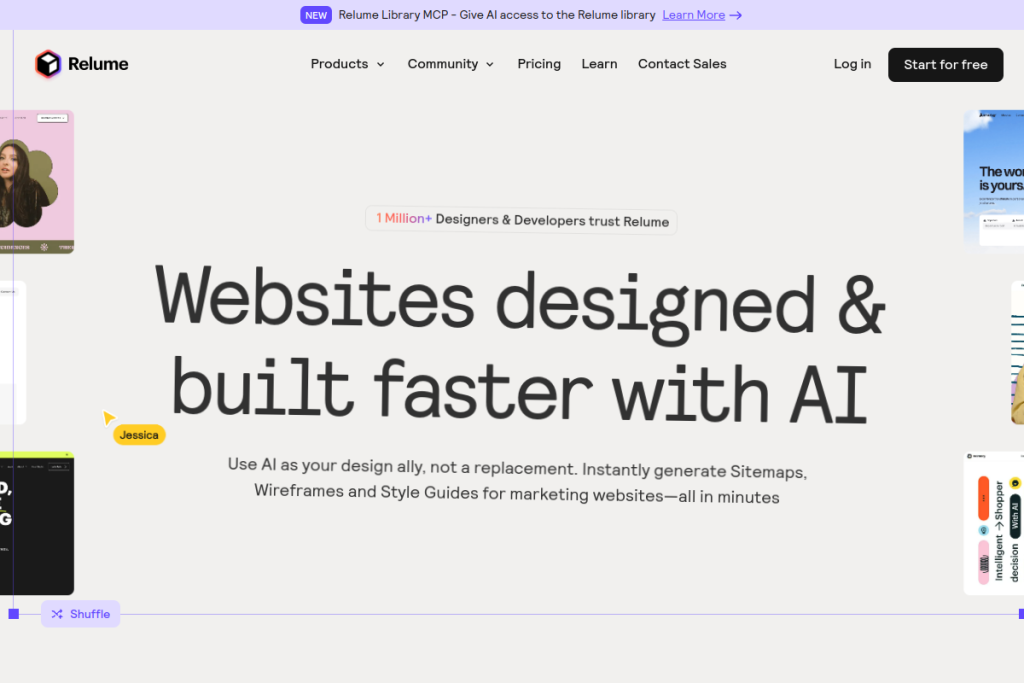
Relume is an AI-powered web design platform. Its AI site builder generates sitemaps and wireframes from your prompt, giving you a structured starting point fast. Around that sits a library of well over a thousand components that export directly to Figma, Webflow, and React, plus a style-guide builder and collaboration features. It is designed to slot into the workflows designers and developers already use.
What it does well
- AI sitemaps and wireframes — generate site structure from a prompt in minutes.
- Large component library — over a thousand components to build from.
- Exports to real tools — Figma, Webflow, and React integration.
- Style guides — generate visual systems automatically.
- Collaboration — commenting and project sharing built in.
Who it is for
Relume suits web designers, developers, freelancers, and agencies — especially those working in Webflow, Figma, or React — who want to prototype and structure sites faster. Product teams needing rapid prototyping also benefit. It is aimed at people who already know web design and want to remove the repetitive early groundwork.
Things to keep in mind
Relume accelerates structure and starting points, but it does not replace design judgement — the AI-generated sitemaps and wireframes are a foundation you refine, not a finished site. The best results come from designers who shape and polish the output into something genuinely tailored and on-brand.
Our verdict
Relume is a genuinely useful accelerator for web design, particularly for Webflow and Figma users. Turning a prompt into a sitemap, wireframes, and component-built pages removes a real bottleneck in the process. Treat it as a fast foundation to build on rather than a one-click website, and it can meaningfully speed up how designers and agencies work.
Frequently asked questions
What does Relume integrate with?
Its components and exports work directly with Figma, Webflow, and React, and it fits into the workflows designers and developers already use.
Does Relume build a finished website for me?
It generates sitemaps, wireframes, and component-based pages as a fast foundation. Real design polish and tailoring are still up to you.
Reviewed by the World of AI Hub editorial team based on the tool website and documentation.