
Key Takeaways
- Remini is an AI photo and video enhancer that turns low-quality images into HD.
- It unblurs, denoises, upscales, restores old photos, and enhances faces.
- A newer AI Photos feature generates professional-quality portraits.
- Great for reviving old or blurry pictures; results are impressive but AI-interpreted.
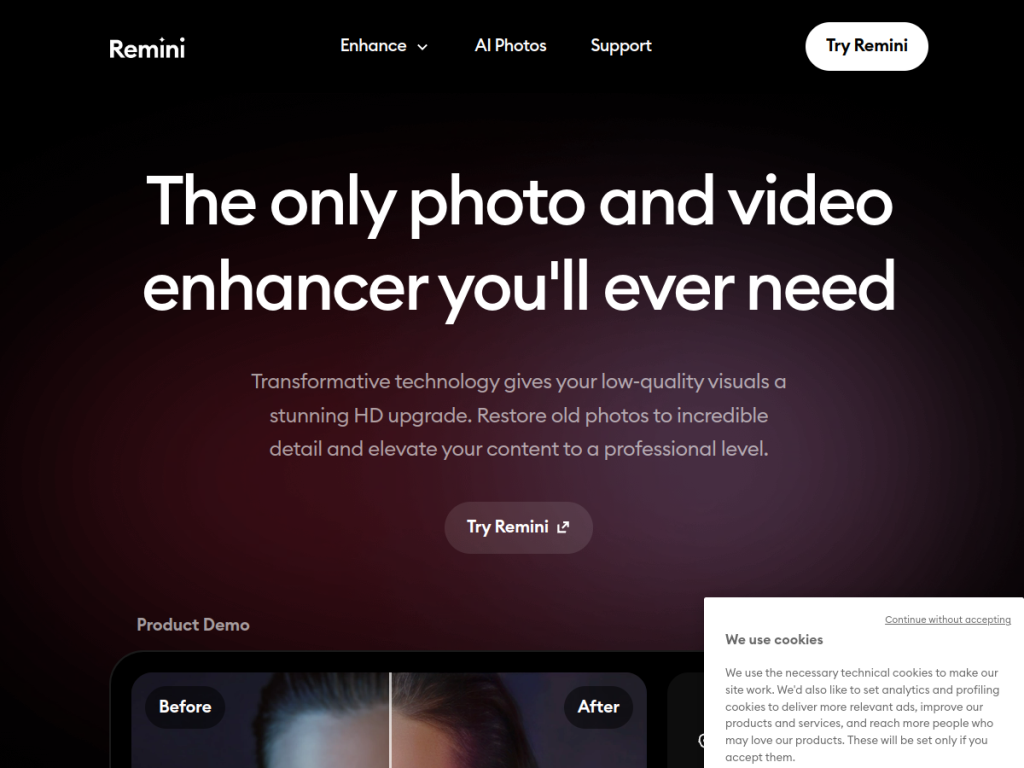
Remini is one of the most popular AI photo enhancers, and its appeal is immediate: feed it a blurry, grainy, or old photo and it brings back sharpness, detail, and clarity that seemed lost. Used by a huge global audience, it specializes in rescuing low-quality images — especially faces — and has expanded into video enhancement and AI-generated portraits.
What is Remini?
Remini is an AI-powered photo and video enhancement app that upgrades low-quality visuals toward HD. It offers a set of focused tools: an unblur and sharpener for motion blur and focus issues, a denoiser for grain and noise, an old-photos restorer for faded or damaged pictures, an image enlarger that upscales without losing quality, a color fixer, a face enhancer for facial detail, a background enhancer, a general low-quality enhancer, and a video enhancer. It also offers AI Photos, which generates professional-quality portraits using AI. Remini is enormously popular — reporting around a hundred million monthly active users and billions of enhanced photos and videos — and works through its app with a free tier and paid subscriptions for more usage and features.
What it does well
- Face and detail recovery: dramatically sharpens blurry or low-res photos.
- Old photo restoration: revives faded and damaged pictures.
- Upscaling and cleanup: enlarge, denoise, and color-fix images.
- AI portraits: generate professional-quality headshots.
Who it is for
Remini suits anyone who wants to rescue or improve photos — restoring old family pictures, sharpening blurry shots, upscaling low-resolution images, or generating polished portraits — without photo-editing skills. It is especially loved for bringing detail back to faces. Professional photographers doing precise, high-end retouching may prefer dedicated tools, and enhanced results are AI interpretations rather than true original detail, but for accessible, impressive photo enhancement, Remini is a standout with a free tier.
Things to keep in mind
- AI enhancement reconstructs detail, so results are interpretations, not the true original.
- Faces can occasionally look slightly altered; check important images.
- More usage and features require a paid subscription.
Our verdict
Remini delivers genuinely impressive results at the thing it does best: rescuing low-quality, blurry, or old photos and bringing back clarity, especially in faces. For restoring family memories, sharpening bad shots, or upscaling small images — no skills required — it is hard to beat, which is why it has such a massive user base. Its enhancements are AI reconstructions rather than recovered original detail, so faces occasionally shift, and heavier use is paid, but for accessible, dramatic photo enhancement, Remini is an excellent choice with a free tier to try.
Frequently asked questions
What is Remini?
Remini is an AI photo and video enhancer that turns low-quality, blurry, or old images into sharper, higher-quality ones, with tools for unblurring, denoising, upscaling, and face enhancement.
Can Remini restore old photos?
Yes. Remini includes an old-photos restorer that revives faded and damaged pictures, along with color fixing and face enhancement to bring back detail.
Is Remini free?
Remini has a free tier with limited enhancements, and paid subscriptions unlock more usage and features.
Are Remini results real or AI-generated?
Remini uses AI to reconstruct detail, so the enhanced result is an AI interpretation rather than true recovered original detail — usually impressive, but worth checking on important images.
Top Remini alternatives
Other hand-reviewed Avatar Generators tools worth comparing against Remini.
Captions AIFreemium
Captions AI is a freemium AI avatars and social media tool for video creators. Our review covers what…
Character.AIFreemium
Character.AI is a freemium AI avatars and chatbot tool for game developers. Our review covers what it does,…
ColossyanPaid
Colossyan is a paid AI avatars and video generation tool for video creators. Our review covers what it…
D-IDPaid
D-ID is a paid AI avatars and video generation tool for video creators. Our review covers what it…
ElevenLabsFreemium
ElevenLabs is a freemium AI avatars and video generation tool for video creators. Our review covers what it…
HeyGenPaid
HeyGen is a paid AI avatars and marketing tool for video creators. Our review covers what it does,…
Are you the maker of Remini?
Show visitors this review with the badge below. Copy the code into your site or press kit; it links straight back to this page.



