Key Takeaways
- Amazon SageMaker is AWS’s platform for data, analytics, and AI.
- It builds, trains, and deploys machine learning and foundation models.
- It adds generative AI (via Bedrock), a unified studio, and Amazon Q.
- Great for enterprises and data teams doing ML and AI on AWS.
Amazon SageMaker is AWS’s comprehensive platform for machine learning and AI — positioned as the center for data, analytics, and AI. It lets teams build, train, and deploy machine-learning models (including foundation models) on fully managed infrastructure, and now unifies data, analytics, and generative AI in one studio. For enterprises and data teams building AI on AWS, SageMaker is a powerful, deeply integrated backbone.
What is SageMaker?
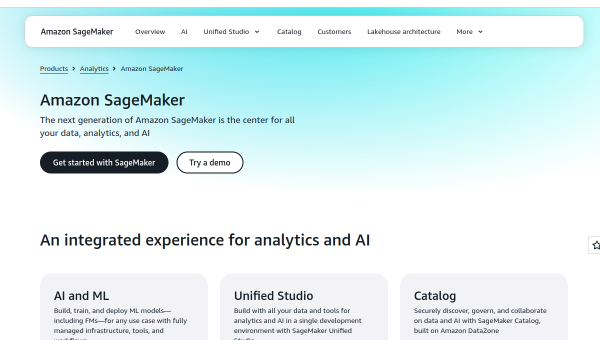
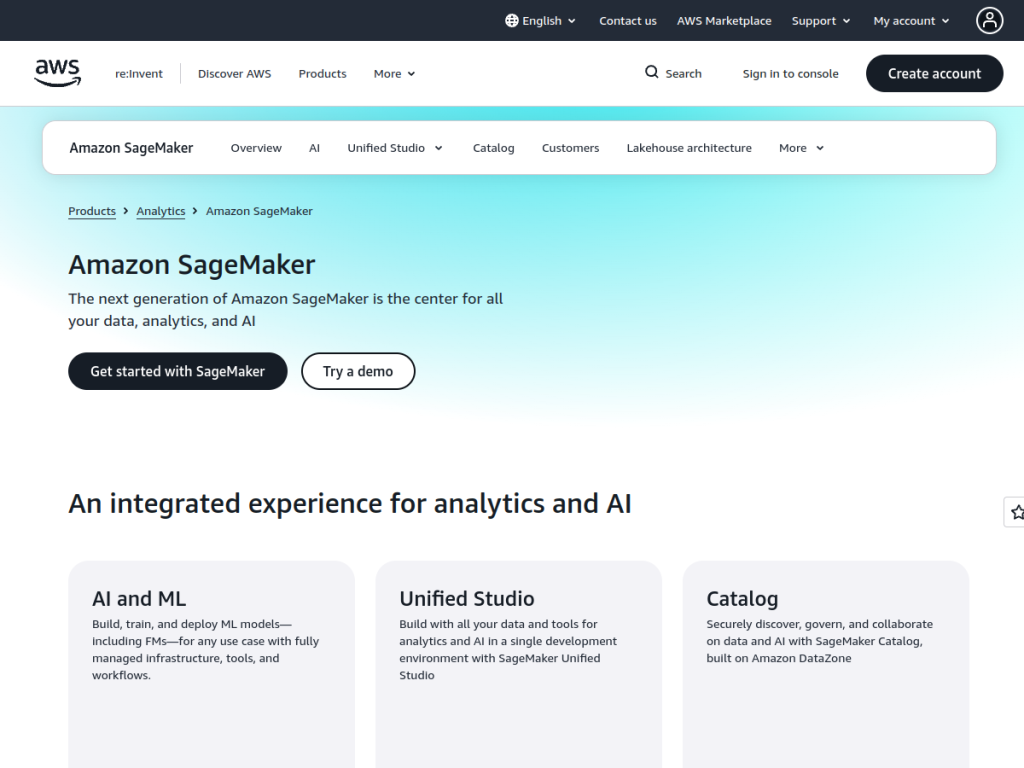
Amazon SageMaker is AWS’s platform described as the center for all your data, analytics, and AI, enabling organizations to build, train, and deploy machine-learning models — including foundation models — alongside data analytics and generative AI. Its core capabilities include ML model development and deployment on fully managed infrastructure, foundation-model training and customization, generative-AI application development via Amazon Bedrock, SQL analytics through Amazon Redshift, and data processing with open-source frameworks. Its Unified Studio brings tools together in one workspace, with serverless notebooks featuring a built-in AI agent, a SQL editor, and Amazon Q Developer for AI-assisted coding and data discovery. On data and governance, it offers a lakehouse architecture, fine-grained access controls, Apache Iceberg compatibility, and federated queries. It serves enterprises managing siloed data (such as Toyota and NatWest) and targets data engineers, ML developers, analysts, and data scientists. SageMaker uses AWS usage-based pricing with a free tier to start.
What it does well
- End-to-end ML: build, train, and deploy on managed infrastructure.
- Generative AI: foundation models and Bedrock integration.
- Unified Studio: notebooks, SQL, and Amazon Q in one place.
- Enterprise data: lakehouse, governance, and federated queries.
Who it is for
Amazon SageMaker fits enterprises, data engineers, ML developers, analysts, and data scientists — especially organizations already on AWS — that need to build, train, and deploy machine-learning and foundation models, run analytics, and develop generative-AI applications in one governed platform. Its scale and integration suit large, data-rich organizations. Small teams or those not on AWS may find it heavier than needed, and it requires cloud and ML expertise, but for enterprise ML and AI on AWS, SageMaker is a powerful, well-integrated choice with a free tier to start.
Things to keep in mind
- It is an enterprise AWS platform with a learning curve.
- Usage-based pricing means costs scale with compute and services.
- Full value comes for teams already invested in AWS.
Our verdict
Amazon SageMaker is a powerful, deeply integrated platform for machine learning and AI on AWS, and its scope is its strength: build, train, and deploy ML and foundation models on managed infrastructure, develop generative AI via Bedrock, and unify data, analytics, and AI in one studio with serverless notebooks and Amazon Q. A lakehouse architecture and strong governance suit data-rich enterprises. It carries a learning curve and usage-based costs and is best for AWS-committed teams, but for enterprise ML and AI on AWS, SageMaker is an excellent choice with a free tier.
Frequently asked questions
What is Amazon SageMaker?
Amazon SageMaker is AWS’s platform for data, analytics, and AI that lets organizations build, train, and deploy machine-learning and foundation models, plus generative AI and analytics.
What generative AI features does SageMaker have?
It supports foundation-model training and customization and generative-AI application development via Amazon Bedrock, plus Amazon Q Developer for AI-assisted coding.
Is SageMaker free?
SageMaker uses AWS usage-based pricing across its services, with a free tier for getting started.
Who is SageMaker for?
It is for enterprises and data teams — data engineers, ML developers, analysts, and scientists — building ML, foundation models, and generative AI, especially on AWS.
Top SageMaker alternatives
Other hand-reviewed Coding Assistants tools worth comparing against SageMaker.
AiderFree
Aider is a free AI coding assistant and developer tool tool for software developers. Our review covers what…
AlphaCodeFree
AlphaCode by Google DeepMind is a free AI coding assistant and developer tool tool for software developers. Our…
Amazon Q DeveloperFreemium
Amazon Q Developer by Amazon Web Services is a freemium AI business and coding assistant tool for software…
AnacondaFree
Anaconda is a free AI coding assistant and developer tool tool for engineers. Our review covers what it…
ApplitoolsPaid
Applitools is a paid AI coding assistant and developer tool tool for engineers. Our review covers what it…
AskCodiFreemium
AskCodi is a freemium AI coding assistant and developer tool tool for software developers. Our review covers what…
Are you the maker of SageMaker?
Show visitors this review with the badge below. Copy the code into your site or press kit; it links straight back to this page.



