Key Takeaways
- Slack AI brings AI into the Slack workspace.
- It summarizes channels and threads and gives daily recaps.
- It offers AI enterprise search and an AI assistant (Slackbot).
- Great for teams who want to catch up and find answers faster in Slack.
Slack AI adds artificial intelligence directly into Slack, the popular team messaging platform, to help you cut through the noise. It summarizes long channels and threads, gives you daily recaps of what needs attention, and lets you search across conversations, files, and connected apps to get answers. With an AI assistant and meeting notes too, Slack AI helps teams catch up and find information faster — without leaving Slack.
What is Slack AI?
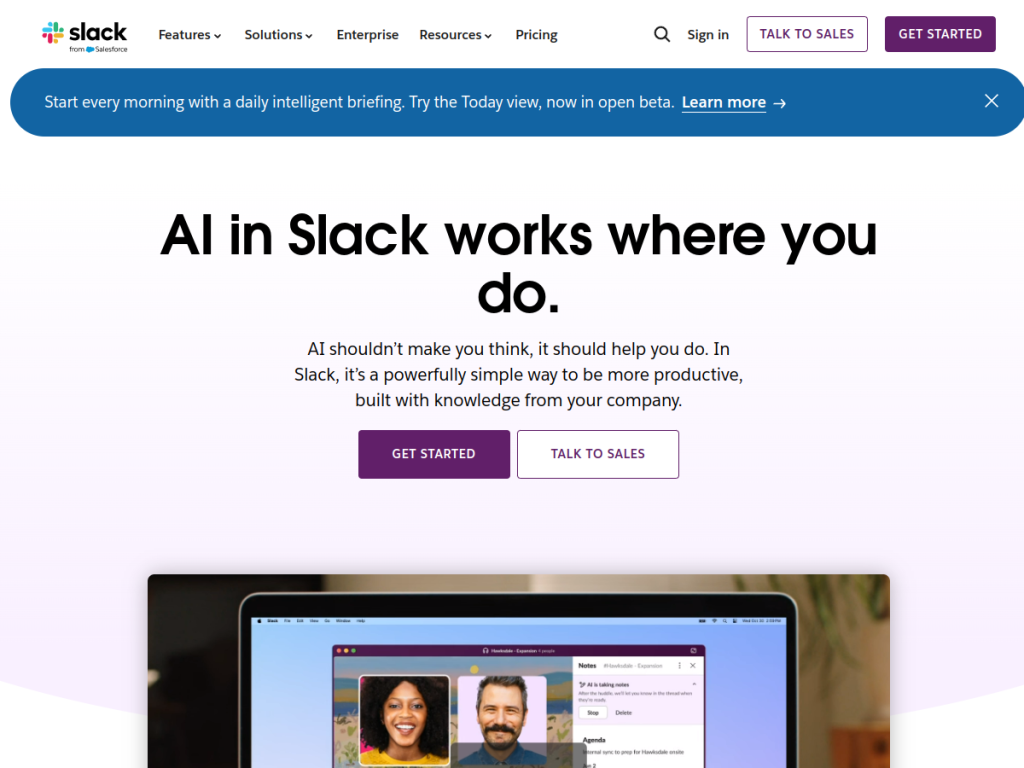
Slack AI is an integrated intelligence system within Slack designed to enhance productivity, with the philosophy that AI should help you do rather than make you think. Its features include channel and thread summaries that condense conversations so you can catch up quickly, daily recaps that highlight what needs your attention, and AI enterprise search across conversations, files, PDFs, and integrated applications like Google Drive and Salesforce. It also offers Slackbot as a personal AI assistant that understands your workspace and helps with meeting prep, report analysis, and project briefs, AI meeting notes that transcribe and document discussions, one-click message translation, and no-code workflow automation. Newer intelligent briefing features (such as Today) are rolling out. Slack reports meaningful weekly time savings for users. Slack AI features are available across paid Slack subscriptions, so teams on paid plans can use them.
What it does well
- Summaries: catch up on channels and threads fast.
- Daily recaps: see what needs your attention.
- AI search: find answers across conversations and apps.
- AI assistant: Slackbot helps with prep and briefs.
Who it is for
Slack AI fits teams and organizations that already use Slack and want to reduce the time spent catching up on messages and searching for information — summarizing channels and threads, getting daily recaps, and finding answers across conversations and connected apps. Its value grows with busy, high-volume workspaces. Teams not on Slack, or on the free plan, will not have it, and AI summaries and search results should be sanity-checked, but for Slack-using teams that want to catch up and find answers faster, Slack AI is a genuinely useful, included-with-paid choice.
Things to keep in mind
- It requires a paid Slack subscription.
- AI summaries and search results should be sanity-checked.
- Its value grows with busy, high-message workspaces.
Our verdict
Slack AI is a genuinely useful addition to Slack, and its features target the real pain of team messaging: channel and thread summaries and daily recaps help you catch up fast, and AI enterprise search finds answers across conversations, files, and connected apps like Google Drive and Salesforce. An AI assistant and meeting notes round it out. Its value depends on using paid Slack and outputs should be sanity-checked, but for Slack-using teams that want to spend less time catching up and searching, Slack AI is a capable, included-with-paid choice.
Frequently asked questions
What is Slack AI?
Slack AI brings AI into Slack, summarizing channels and threads, giving daily recaps, and offering AI enterprise search and an AI assistant to help teams catch up and find answers.
What can Slack AI do?
It summarizes conversations, provides daily recaps, searches across conversations, files, and apps, offers an AI assistant (Slackbot), takes meeting notes, and translates messages.
Is Slack AI free?
Slack AI features are available across paid Slack subscriptions; see Slack pricing for current details.
Who is Slack AI for?
It is for teams that use Slack and want to reduce time spent catching up on messages and searching for information across their workspace.


