Key Takeaways
- Smallpdf is a hugely popular online PDF platform, now with AI tools.
- AI features include a PDF assistant, chat with PDF, summarizer, and translation.
- Core tools cover convert, compress, merge, split, edit, and e-sign.
- Great for everyday PDF work; AI answers should be checked on important docs.
Smallpdf is one of the most widely used online PDF tools, with over a billion users, and it has added AI to a toolkit people already relied on. Alongside the familiar convert, compress, and merge tools, you can now chat with a PDF, get an AI summary, translate a document, or even generate questions from it — bringing modern AI convenience to everyday document tasks.
What is Smallpdf AI?
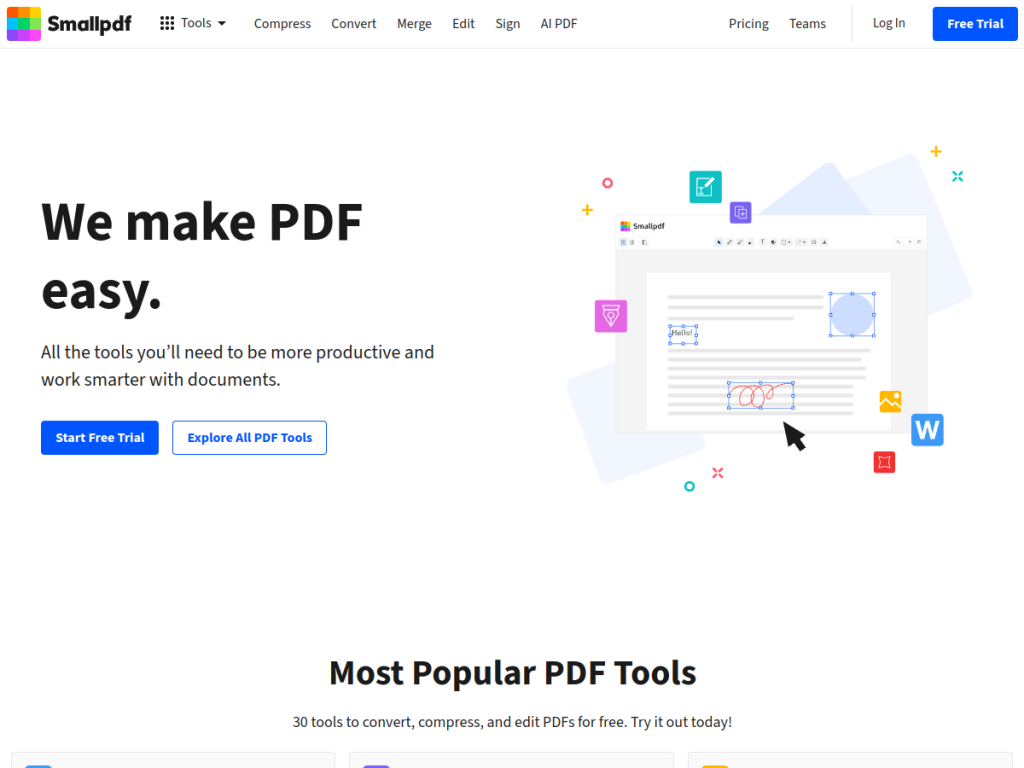
Smallpdf is a comprehensive online PDF platform offering tools to work smarter with documents across web and mobile. Its AI features include an AI PDF Assistant for intelligent document analysis and interaction, Chat with PDF for asking questions of a document, an AI PDF Summarizer for condensing long files, PDF translation, and an AI Question Generator that creates quizzes or questions from content. Beyond AI, it covers the full range of PDF needs: conversion to and from other formats, compression, merging, splitting, editing, annotation, and electronic signatures. Smallpdf emphasizes trust with ISO/IEC 27001 certification, GDPR compliance, and 24/7 support. Many basic tools are usable for free with limits, while a 7-day free trial unlocks everything and Pro and Team plans (billed annually) provide unlimited access.
What it does well
- AI document tools: assistant, chat, summarizer, translation, and questions.
- Full PDF toolkit: convert, compress, merge, split, edit, and e-sign.
- Accessible: works across web and mobile, with a generous free tier.
- Trusted and secure: ISO 27001, GDPR, and 24/7 support.
Who it is for
Smallpdf suits anyone who works with PDFs regularly — students, professionals, and small businesses — who want an easy, browser-based toolkit now enhanced with AI for summarizing, chatting with, and translating documents. It is ideal for quick, everyday tasks. Those needing heavy, integrated enterprise PDF editing may look to dedicated desktop suites, and AI answers on important documents deserve a check, but for accessible, all-in-one PDF work with a helpful AI layer, Smallpdf is a longtime favorite.
Things to keep in mind
- Free use has limits; unlimited access and Pro features require a plan.
- AI summaries and answers should be verified on important documents.
- Online use involves uploading files, so mind sensitive content.
Our verdict
Smallpdf is a trusted, easy-to-use PDF platform, and its AI additions — a document assistant, chat with PDF, summarizer, translation, and question generation — make an already handy toolkit genuinely more useful. For everyday document tasks, from converting and compressing to understanding a long PDF fast, it covers a lot with a friendly interface and solid security credentials. Free use has limits and AI output wants a check on important files, but for accessible, all-in-one PDF work with a modern AI boost, Smallpdf is an excellent choice with a free trial.
Frequently asked questions
What is Smallpdf?
Smallpdf is a popular online PDF platform for converting, compressing, editing, and signing PDFs, now with AI features like a PDF assistant, chat with PDF, summarizer, and translation.
What AI features does Smallpdf have?
It offers an AI PDF Assistant, Chat with PDF, an AI PDF Summarizer, PDF translation, and an AI Question Generator that creates questions from documents.
Is Smallpdf free?
Many basic tools are free with limits. A 7-day free trial unlocks everything, and Pro (per user) and Team plans, billed annually, provide unlimited access.
Is Smallpdf secure?
Yes. Smallpdf holds ISO/IEC 27001 certification, is GDPR compliant, and offers 24/7 support.
Top Smallpdf AI alternatives
Other hand-reviewed OCR tools worth comparing against Smallpdf AI.
ABBYY FineReaderPaid
ABBYY FineReader is a paid AI business and ocr tool for operations teams. Our review covers what it…
Adobe Acrobat AIFreemium
Adobe Acrobat AI is a freemium AI business and ocr tool for document-heavy teams. Our review covers what…
AWS TextractPaid
AWS Textract by Amazon Web Services is a paid AI business and ocr tool for operations teams. Our…
Azure AI VisionPaid
Azure AI Vision by Microsoft Azure is a paid AI business and ocr tool for operations teams. Our…
DocparserPaid
Docparser is a paid AI business and ocr tool for operations teams. Our review covers what it does,…
DocsumoPaid
Docsumo is a paid AI business and ocr tool for operations teams. Our review covers what it does,…
Smallpdf AI vs the competition
Are you the maker of Smallpdf AI?
Show visitors this review with the badge below. Copy the code into your site or press kit; it links straight back to this page.



