Key Takeaways
- SpellBox is an AI coding assistant for developers.
- It generates and explains code from natural-language prompts.
- It is available as desktop apps and a VS Code extension.
- Handy for quick code snippets and explanations on demand.
SpellBox is an AI coding assistant that gives developers on-demand help generating and understanding code: describe what you want in plain language and it produces the code, or paste code in and ask it to explain. Available as native desktop apps and a VS Code extension, it keeps AI help a keystroke away while you work. For developers who want quick snippets, explanations, and coding assistance without leaving their environment, SpellBox is a handy tool.
What is Spellbox?
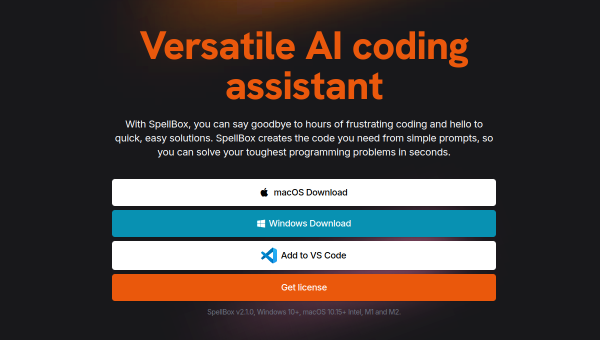
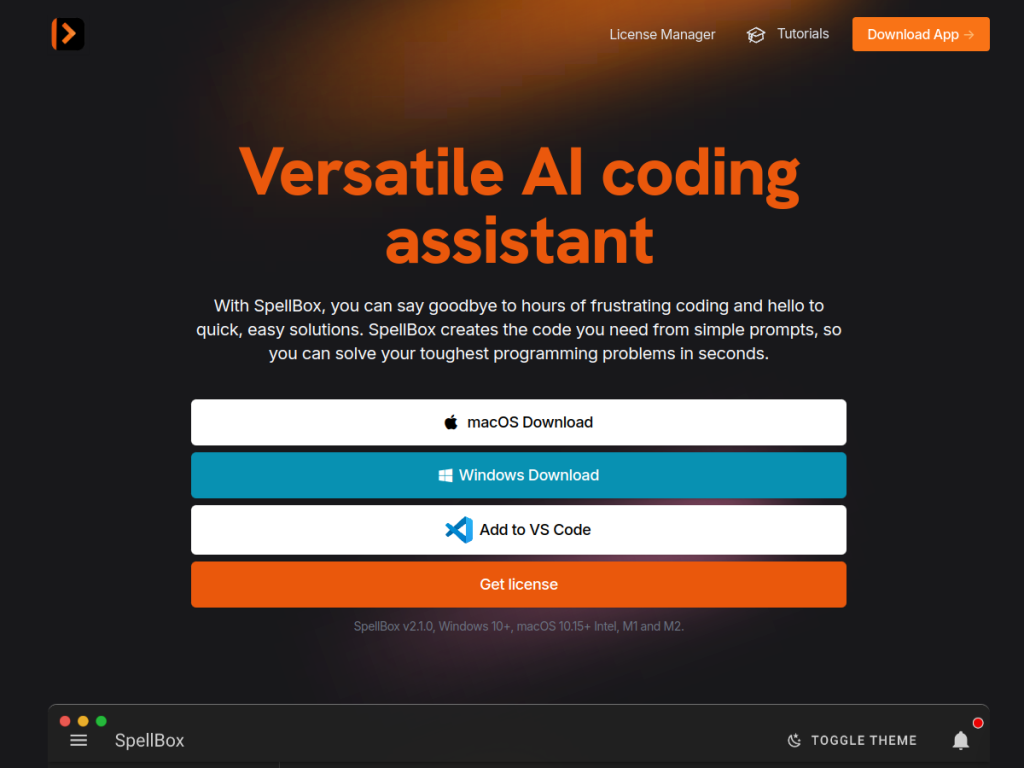
SpellBox is an AI-powered coding assistant that helps developers write, understand, and work with code using natural language. Its core function is generating code from plain-language prompts — you describe what you want to accomplish and it produces code in the relevant language — and explaining or debugging existing code when you paste it in and ask questions. It is delivered as native desktop applications (for macOS and Windows) and as a VS Code extension, so developers can access AI coding help either alongside their editor or directly within it, keeping assistance close to their workflow. It supports many programming languages and common coding tasks (writing functions, generating boilerplate, explaining snippets, converting between languages, and answering how-to questions). Its aim is convenient, on-demand AI coding assistance without switching to a browser-based chatbot. It targets developers, students learning to code, and anyone who writes code and wants AI help. SpellBox offers a free way to try with a paid subscription for full use. As always, AI-generated code should be reviewed and tested before use.
What it does well
- Code from prompts: describe it, get the code.
- Explains code: paste and ask questions.
- Where you work: desktop apps and VS Code extension.
- Many languages and common coding tasks.
Who it is for
SpellBox fits developers and coding students who want quick, on-demand AI help generating snippets, explaining unfamiliar code, or answering how-to questions — without switching to a browser chatbot — via native desktop apps or a VS Code extension. Its convenience and being right where you work are the draw. Developers wanting a deeply-integrated agentic coding experience across a whole codebase may prefer AI-native IDEs or agents, and — as always — AI-generated code needs review and testing before use. Full use requires a subscription. For handy, on-demand coding assistance, SpellBox is a reasonable choice.
Things to keep in mind
- AI-generated code should be reviewed and tested before use.
- For whole-codebase agentic coding, an AI-native IDE may fit better.
- Full use requires a paid subscription.
Our verdict
SpellBox is a handy AI coding assistant that keeps help a keystroke away: describe what you want in plain language and it generates the code, or paste code in and ask it to explain or debug — available as native desktop apps and a VS Code extension so you do not switch to a browser chatbot. Supporting many languages and common tasks, it suits developers and coding students who want quick snippets and explanations on demand. For deep, whole-codebase agentic coding an AI-native IDE may fit better, and AI code always needs review, but for convenient, on-demand coding assistance, SpellBox is a solid choice.
Frequently asked questions
What is SpellBox?
SpellBox is an AI coding assistant that generates code from natural-language prompts and explains existing code, available as desktop apps and a VS Code extension.
Where can I use SpellBox?
It is available as native desktop applications for macOS and Windows and as a VS Code extension, keeping AI coding help close to your workflow.
Is SpellBox free?
SpellBox offers a free way to try, with a paid subscription for full use.
Who is SpellBox for?
It is for developers, coding students, and anyone who writes code and wants quick, on-demand AI help generating and explaining code.
Top Spellbox alternatives
Other hand-reviewed Coding Assistants tools worth comparing against Spellbox.
AiderFree
Aider is a free AI coding assistant and developer tool tool for software developers. Our review covers what…
AlphaCodeFree
AlphaCode by Google DeepMind is a free AI coding assistant and developer tool tool for software developers. Our…
Amazon Q DeveloperFreemium
Amazon Q Developer by Amazon Web Services is a freemium AI business and coding assistant tool for software…
AnacondaFree
Anaconda is a free AI coding assistant and developer tool tool for engineers. Our review covers what it…
ApplitoolsPaid
Applitools is a paid AI coding assistant and developer tool tool for engineers. Our review covers what it…
AskCodiFreemium
AskCodi is a freemium AI coding assistant and developer tool tool for software developers. Our review covers what…
Are you the maker of Spellbox?
Show visitors this review with the badge below. Copy the code into your site or press kit; it links straight back to this page.



