Key Takeaways
- Uizard is an AI-powered UI/UX design tool that turns text prompts, screenshots, and sketches into editable designs.
- It lets non-designers mock up apps and websites quickly, then refine them.
- Great for early ideation, wireframes, and clickable prototypes.
- Not a replacement for a professional designer on polished, production work.
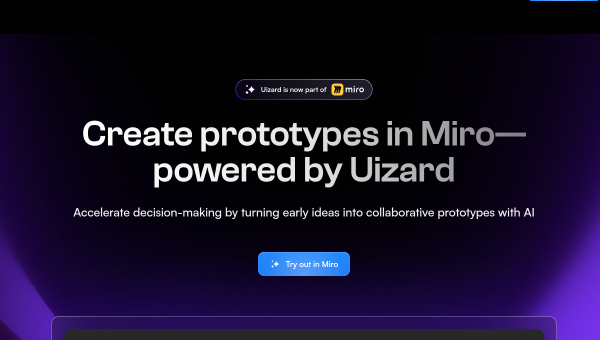
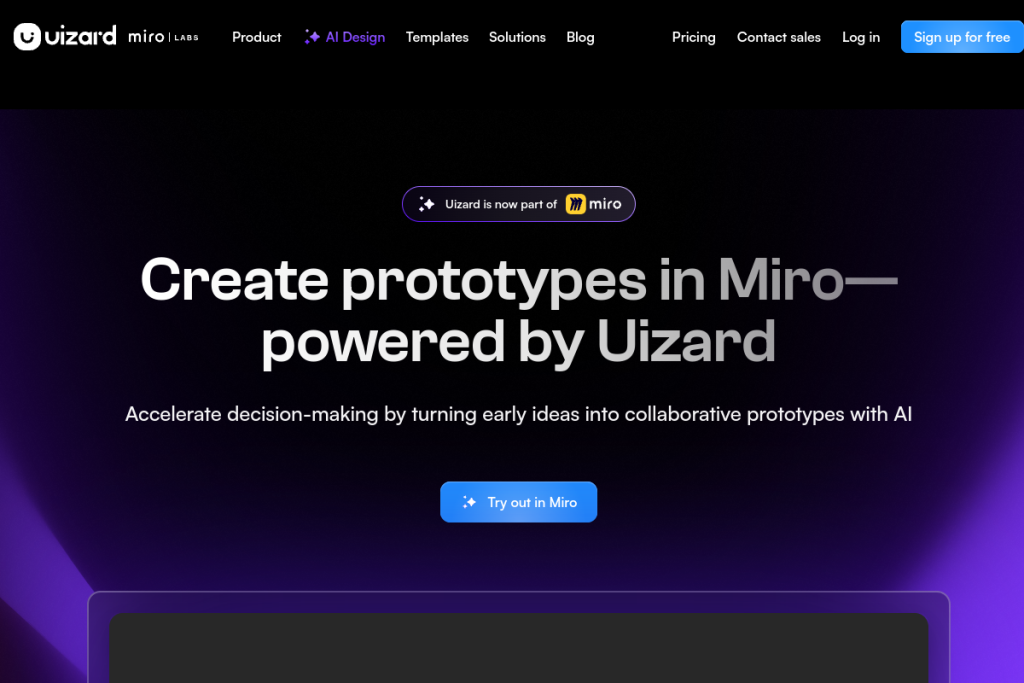
Uizard is built around one promising idea: that you should be able to go from a rough concept to a usable interface design without being a trained designer. It uses AI to turn plain-language prompts, screenshots, and hand-drawn sketches into editable mockups, which makes it a fast way to visualise an app or website before investing in real design work.
What is Uizard?
Uizard is an AI UI/UX design tool aimed at speed and accessibility. Its standout features generate a first-draft interface for you: describe an app in words and it produces screens; upload a screenshot and it converts it into an editable design; or scan a paper sketch and turn it into a digital mockup. From there you edit on a simple drag-and-drop canvas, so the barrier to a presentable design is low.
What it does well
- Text-to-UI — generate app or website screens from a written description in seconds.
- Screenshot import — turn an existing screen into an editable starting point.
- Sketch scanning — convert a hand-drawn wireframe into a digital design.
- Approachable editor — a gentle learning curve that non-designers can pick up quickly.
- Prototyping — link screens into a clickable prototype to demo an idea.
Who it is for
Uizard is ideal for founders, product managers, marketers, and students who need to communicate an interface idea fast without waiting on a designer. It shines in the earliest stages (brainstorming, wireframing, and getting stakeholder buy-in) where speed matters more than pixel-perfection.
Things to keep in mind
AI-generated designs are a strong starting point, not a finished product. For polished, on-brand, production-ready interfaces you will still want a professional designer and a dedicated design tool. Treat Uizard as a way to get to a shared visual quickly, then hand off or refine from there.
Our verdict
Uizard lowers the barrier to interface design in a genuinely useful way. If you regularly need to turn ideas into something people can see and click, without a design background, it is a real time-saver for the ideation and wireframing stages. Just set expectations: it gets you to a great draft, not a shipped design.
Frequently asked questions
Can Uizard replace a designer?
For early ideas, wireframes, and prototypes, it lets non-designers move fast. For polished, production-ready design work, a professional designer still adds value it cannot fully replace.
What can it generate designs from?
From text prompts, existing screenshots, and hand-drawn sketches, each becoming an editable design you refine on its canvas.
Reviewed by the World of AI Hub editorial team based on hands-on use and the tool documentation.