Key Takeaways
- Upscale.media is a web-based AI image upscaler and enhancer.
- It enlarges images 2x, 4x, or 8x while improving quality.
- It offers sharpening, restoration, colorization, and even video upscaling.
- Great for quickly enlarging and enhancing low-resolution images.
Upscale.media is a handy web-based AI tool for making low-resolution images bigger and better in seconds. Beyond simple enlargement (up to 8x), it sharpens, retouches, enhances faces, removes blur and haze, and can even restore and colorize old photos — and it has added video upscaling. Available free in the browser and via mobile apps, with bulk processing and an API for businesses, it is an accessible option for anyone who needs to upscale and clean up images.
What is Upscale.media?
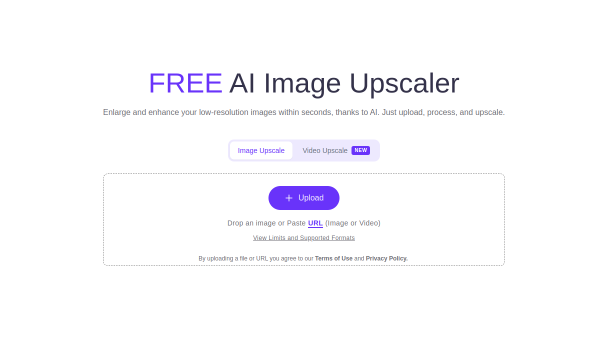
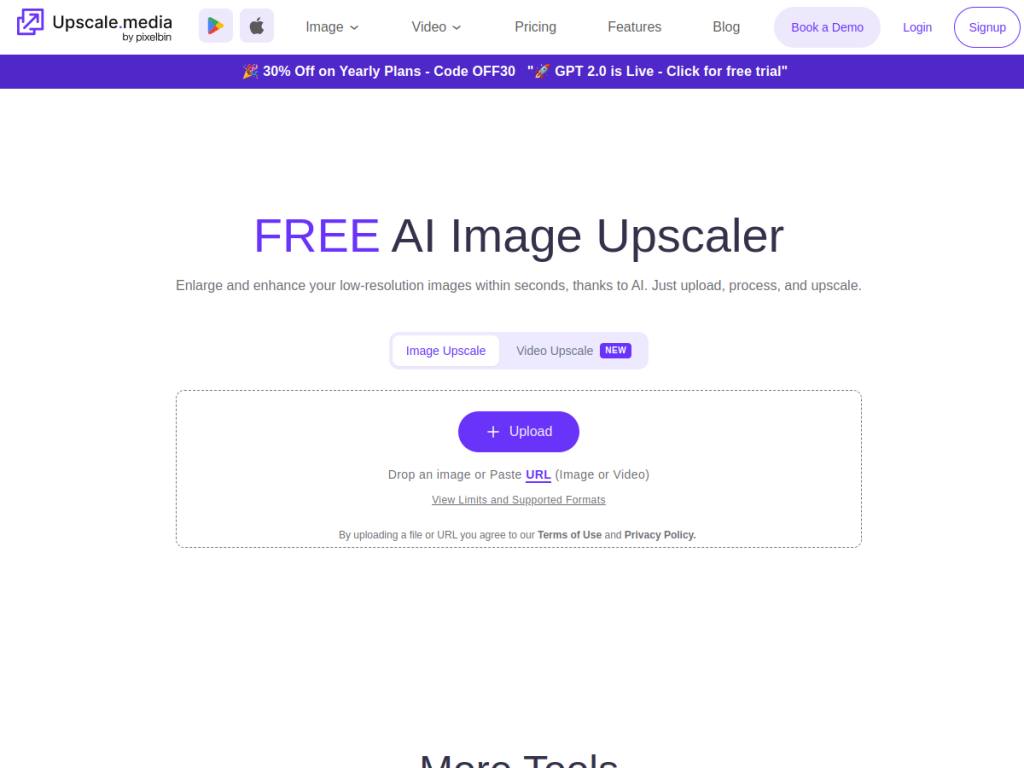
Upscale.media is a web-based AI tool for enlarging and improving photo quality, describing itself as enlarging and enhancing low-resolution images within seconds using AI. Its features include upscaling at 2x, 4x, and 8x; image-enhancement tools such as sharpening, retouching, face enhancement, deblurring, dehazing, motion-blur removal, restoration, colorization, and face restoration; and a newer video upscaling feature (supporting up to about one-minute videos). It supports common image formats (PNG, JPEG, JPG, WebP, HEIC) and video formats (MP4, MOV, WebM), offers bulk processing for multiple images, and provides an API for business automation. It is available as a free browser tool plus mobile apps (iOS and Android), with three paid tiers (Individual, Professional, E-commerce) for more usage, and often runs promotions. It targets everyday users, creators, and ecommerce sellers who need quick upscaling and enhancement.
What it does well
- Easy upscaling: enlarge 2x, 4x, or 8x in seconds.
- Enhancement tools: sharpen, restore, and colorize.
- Video too: newer video upscaling feature.
- Business-ready: bulk processing and an API.
Who it is for
Upscale.media fits everyday users, content creators, designers, and ecommerce sellers who need to quickly enlarge and enhance low-resolution images — product shots, photos, graphics — without professional software, and who may want to restore or colorize old photos too. Its bulk processing and API suit sellers handling many images. Professionals needing pixel-level manual control may prefer dedicated editors, and AI upscaling reconstructs rather than perfectly recovers detail, but for quick, accessible AI image upscaling and enhancement, Upscale.media is a capable, free-to-start choice.
Things to keep in mind
- AI upscaling reconstructs detail, so results are enhancements, not the true original.
- Higher usage, bulk processing, and the API require paid plans.
- Results vary with the quality of the source image.
Our verdict
Upscale.media is a handy, accessible AI image upscaler, and its strengths — enlarging images 2x, 4x, or 8x in seconds while sharpening, restoring, and colorizing, with newer video upscaling too — make improving low-resolution images easy for anyone. Bulk processing and an API extend it to ecommerce and business use, and it is free to try in the browser and on mobile. AI upscaling reconstructs rather than perfectly recovers detail and heavier use is paid, but for quick, accessible image upscaling and enhancement, Upscale.media is a solid, free-to-start choice.
Frequently asked questions
What is Upscale.media?
Upscale.media is a web-based AI image upscaler and enhancer that enlarges images 2x, 4x, or 8x in seconds while improving quality, with restoration and colorization tools.
What can Upscale.media do besides upscaling?
It offers sharpening, retouching, face enhancement, deblurring, dehazing, restoration, and colorization, plus newer video upscaling.
Is Upscale.media free?
It is free to use as a browser tool with limits; paid plans (Individual, Professional, E-commerce) add more usage, plus an API.
Who is Upscale.media for?
It is for everyday users, creators, and ecommerce sellers who want to quickly enlarge and enhance low-resolution images without professional software.


