Key Takeaways
- Vectorizer.AI converts raster images into scalable vector art.
- It traces PNG/JPG images into SVG (and EPS, DXF, PDF) automatically.
- It uses deep learning plus classical algorithms for clean results.
- Great for designers who need to vectorize logos and artwork.
Vectorizer.AI is a specialized tool that does one job exceptionally well: turning raster images — PNGs, JPGs — into clean, scalable vector graphics. Using custom deep-learning models combined with classical algorithms, it automatically traces bitmap images into editable SVGs (and other vector formats), handling curves, shapes, and full color with impressive precision. For designers who need to vectorize logos, artwork, or graphics for scaling and editing, it is a standout, focused tool.
What is Vectorizer AI?
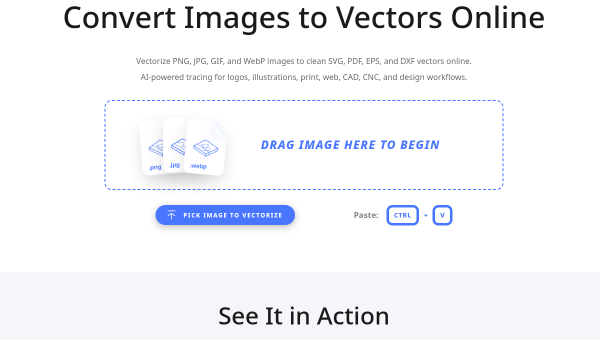
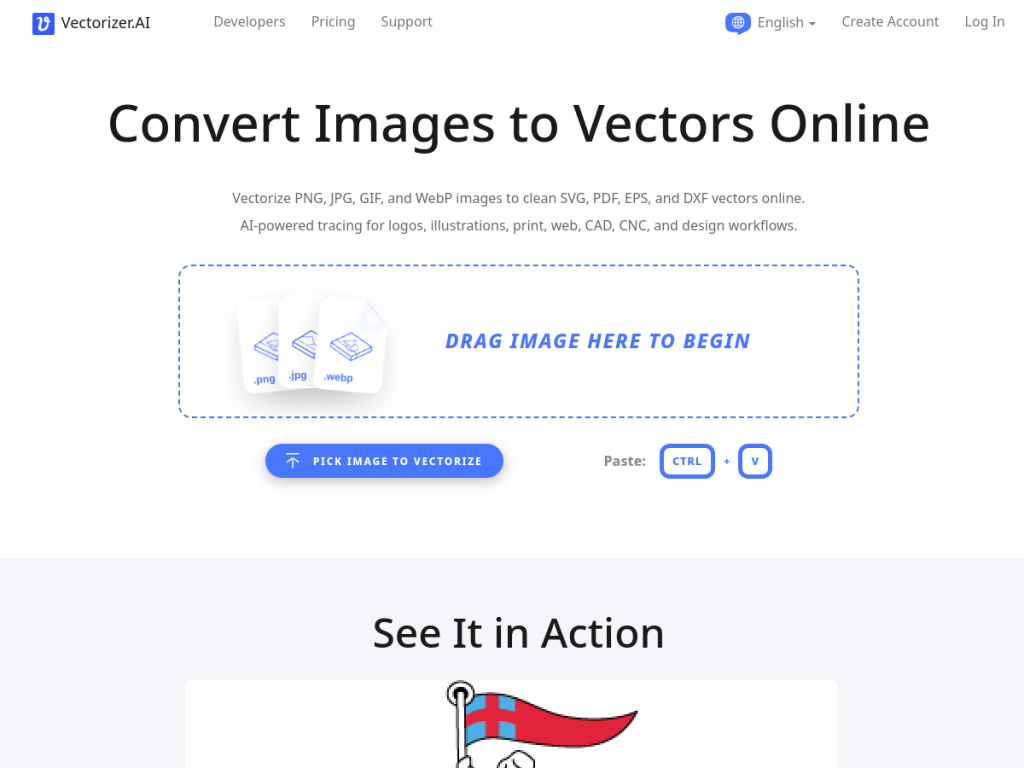
Vectorizer.AI is an online service that converts raster images (PNG, JPG, GIF, BMP, WebP) into scalable vector formats (SVG, EPS, DXF, PDF), using custom-trained deep-learning models combined with classical algorithms to automatically trace bitmap images into editable vector artwork. Its features include shape fitting (circles, ellipses, rounded rectangles, and stars with precise parameterization), multiple curve types (straight lines, arcs, and Bezier curves, not just cubic), and advanced processing such as symmetry detection, corner optimization, sub-pixel precision, and adaptive simplification. It supports full-color 32-bit ARGB with transparency and anti-aliasing, offers multiple export options with compatibility controls and a pre-crop tool, and is fully automatic (no manual input required). It handles images up to about 3 megapixels and 30 MB. Vectorizer.AI lets you preview results for free, with paid credits or subscription for full-resolution downloads and an API.
What it does well
- Clean vectorization: precise tracing into editable SVGs.
- Advanced tech: deep learning plus classical algorithms.
- Full color and formats: SVG, EPS, DXF, and PDF.
- Automatic: no manual input needed, with a free preview.
Who it is for
Vectorizer.AI fits graphic designers, illustrators, print shops, and anyone who needs to convert raster images — logos, artwork, graphics — into clean, scalable vector files for editing, printing, or resizing without quality loss. Its precision and format range suit professional design and print workflows. Those who only rarely need vectorization can use the free preview, and very complex or huge images exceed its limits, but for accurate, automatic image-to-vector conversion, Vectorizer.AI is a standout, focused choice.
Things to keep in mind
- Full-resolution downloads and the API require payment.
- There are size limits (around 3 megapixels / 30 MB).
- Very complex images may need manual cleanup after tracing.
Our verdict
Vectorizer.AI is a standout, focused tool that does image-to-vector conversion exceptionally well: using custom deep-learning models plus classical algorithms, it automatically traces raster images into clean, editable SVGs (and EPS, DXF, PDF) with precise curves, shape fitting, and full-color support. For designers and print shops who need to vectorize logos and artwork for scaling and editing, that accuracy is genuinely valuable, and a free preview lets you check results first. Full downloads and the API are paid and there are size limits, but for accurate, automatic vectorization, Vectorizer.AI is an excellent choice.
Frequently asked questions
What is Vectorizer.AI?
Vectorizer.AI converts raster images (PNG, JPG, and more) into scalable vector formats (SVG, EPS, DXF, PDF) using deep learning plus classical algorithms to trace them cleanly.
What formats does Vectorizer.AI export?
It exports SVG, EPS, DXF, and PDF, with full-color support, transparency, and compatibility controls.
Is Vectorizer.AI free?
You can preview results for free; paid credits or a subscription unlock full-resolution downloads and an API.
Who is Vectorizer.AI for?
It is for designers, illustrators, and print shops who need to convert raster images like logos and artwork into clean, scalable vector files.