Key Takeaways
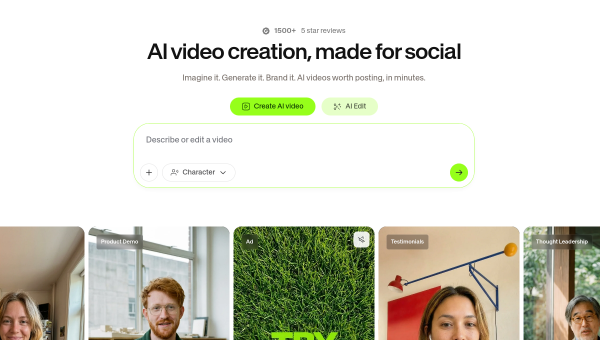
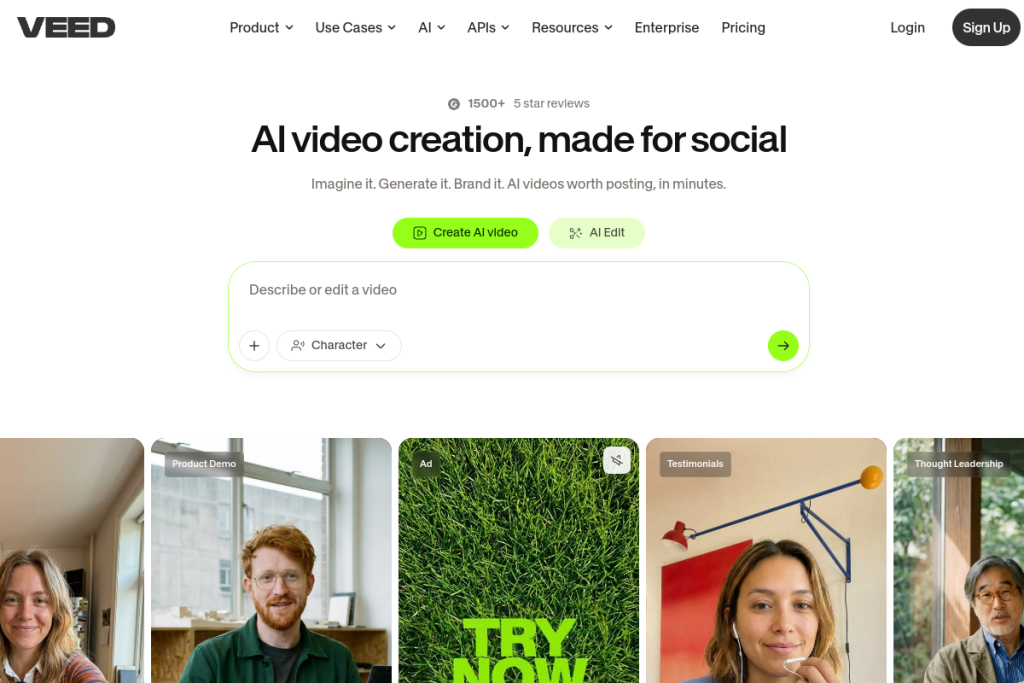
- VEED is an AI-powered video creation and editing platform for the browser.
- It offers text-to-video, automatic subtitles, dubbing, and clean-up tools like noise reduction.
- Aimed at creators, marketers, and teams who want professional video without complex software.
- Powerful and easy, but AI features and generated video still benefit from a review pass.
VEED makes video editing approachable by putting a capable studio in your browser and layering AI throughout. You can generate video from text, auto-caption clips, translate and dub, and clean up footage with tools like noise reduction and eye-contact correction — all without installing heavy editing software. For creators and marketing teams, it hits a strong balance of power and simplicity.
What is VEED?
VEED is an online video creation and editing platform with AI features. Alongside a full browser-based editor, it offers AI video generation (text-to-video and image-to-video), automatic subtitle generation, video translation and dubbing, background removal, and audio clean-up. It supports brand kits for consistency and draws on multiple AI video models, aiming to cover everything from quick social clips to polished marketing videos.
What it does well
- Browser-based editing — a capable editor with nothing to install.
- Automatic subtitles — caption videos quickly with custom styling.
- AI generation — text-to-video and image-to-video options.
- Translation and dubbing — localise videos into other languages.
- Clean-up tools — noise reduction, background removal, and more.
Who it is for
VEED suits content creators, social media managers, marketing teams, and businesses that need to produce video regularly without a dedicated editor or complex software. Its mix of a real editor and AI helpers makes it flexible for everything from subtitled social clips to branded marketing videos, and it scales from individuals to teams.
Things to keep in mind
AI-generated video and auto-subtitles are strong but not flawless — captions can need corrections and generated footage may require tweaking, so plan a quick review before publishing. For very advanced, effects-heavy productions, a professional desktop editor still offers more control. VEED shines on speed, accessibility, and everyday video work.
Our verdict
VEED is one of the more capable and approachable browser-based video tools, and its blend of a genuine editor with AI features covers a lot of real needs. For creators and marketing teams that produce video regularly, it is well worth trying. Review AI output and captions before publishing, and it becomes an efficient, flexible hub for video creation.
Frequently asked questions
Do I need editing experience to use VEED?
No — it is designed to be approachable, with AI features like auto-subtitles and text-to-video, though a little familiarity helps you get the most from the full editor.
Can VEED add subtitles automatically?
Yes — automatic subtitle generation with custom styling is one of its core features. Check the captions for the occasional error before publishing.
Reviewed by the World of AI Hub editorial team based on the tool website and documentation.
Top VEED alternatives
Other hand-reviewed Voice & Text-to-Speech tools worth comparing against VEED.
AlteredPaid
Altered is a paid AI video generation and voice text to speech tool for video creators. Our review…
Amazon PollyPaid
Amazon Polly by Amazon Web Services is a paid AI video generation and voice text to speech tool…
Azure TTSPaid
Azure TTS by Microsoft Azure is a paid AI video generation and voice text to speech tool for…
CoquiFree
Coqui by Coqui (community-maintained) is a free AI video generation and voice text to speech tool for video…
DescriptFreemium
Descript is a freemium AI social media and video generation tool for video creators. Our review covers what…
Designs.aiPaid
Designs.ai is a paid AI branding and design tool for brand creators. Our review covers what it does,…
Are you the maker of VEED?
Show visitors this review with the badge below. Copy the code into your site or press kit; it links straight back to this page.



