
Key Takeaways
- Vidu is a fast AI video generator that creates clips from text, images, or references.
- A standout feature uses multiple reference images for consistent characters and scenes.
- It generates short clips quickly, up to 1080p, with sound effects and templates.
- Great for anime, social, and creative video; short clips still take iteration.
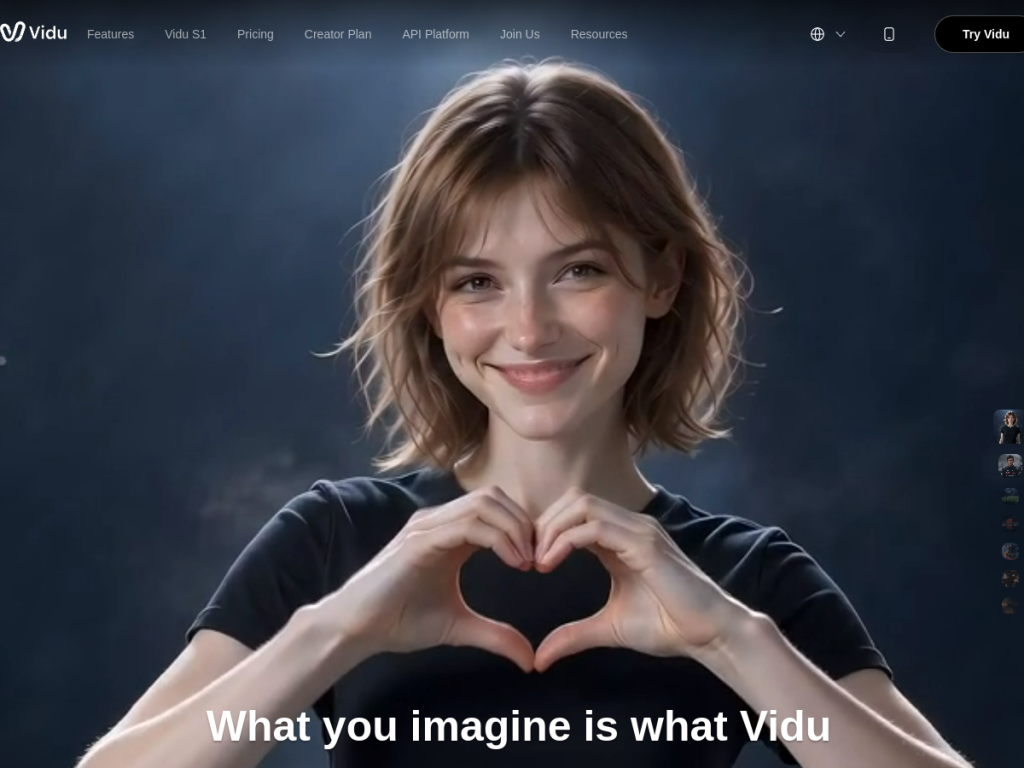
Vidu is an AI video platform built for speed and consistency. It turns text, images, or a set of reference images into short video clips in seconds, and its reference-to-video mode — using several images of a character or object — helps keep them looking consistent across a video. Popular for anime and social content, it makes generating AI video quick and approachable.
What is Vidu?
Vidu is an AI-powered video creation platform that transforms text, images, and reference materials into high-quality videos, emphasizing fast generation (clips in roughly ten seconds) at resolutions up to 1080p. It offers three main modes: text-to-video, generating clips from written descriptions; image-to-video, animating static images with motion; and reference-to-video, where you upload multiple reference images (up to several) of characters, objects, or scenes to create consistent output — a genuinely useful feature for maintaining continuity. It adds an AI sound-effect generator, image generator, and templates for popular content styles. Used for anime, social media, advertising, film, and more by both independent creators and studios, Vidu updates frequently with new models. It gives all users free credits, offers unlimited generation in an off-peak mode at no cost, and has premium plans for faster, higher-quality output.
What it does well
- Fast generation: short clips in seconds, up to 1080p.
- Reference-to-video: multiple references for consistent characters and scenes.
- Multiple modes: text, image, and reference-based creation.
- Generous free access: free credits plus unlimited off-peak generation.
Who it is for
Vidu suits content creators, anime and social-media makers, marketers, and even studios who want fast AI video generation with an emphasis on consistency across clips. Its reference-to-video mode is especially handy for keeping characters and objects coherent. Those needing long, precisely controlled cinematic footage will still hit AI video’s limits, and short clips reward iteration, but for quick, creative, and consistent AI video — with genuinely generous free access — Vidu is an appealing option.
Things to keep in mind
- AI video is best in short clips and often needs several tries to nail.
- Long-form, precisely controlled footage remains hard for any AI video tool.
- Faster, higher-quality generation beyond off-peak requires premium plans.
Our verdict
Vidu is a fast, approachable AI video generator, and its reference-to-video mode — using multiple images to keep characters and scenes consistent — is a genuinely useful edge over tools that struggle with continuity. Quick generation, multiple input modes, and unusually generous free access (including unlimited off-peak) make it easy to experiment. As with all AI video, it shines in short clips and rewards iteration rather than delivering perfect long takes, but for creators making anime, social, and creative video, Vidu is a strong, free-to-start choice.
Frequently asked questions
What is Vidu?
Vidu is an AI video generator that creates short clips from text, images, or reference images, quickly and up to 1080p, with sound effects and templates.
What is reference-to-video in Vidu?
It lets you upload multiple reference images of a character, object, or scene so the generated video stays consistent — useful for continuity across clips.
Is Vidu free?
Yes. All users get free credits, with unlimited generation available in an off-peak mode at no cost, plus premium plans for faster, higher-quality output.
What is Vidu used for?
It is used for anime, social media content, advertising, film production, and creative videos by both independent creators and studios.