Key Takeaways
- Vizcom is an AI tool for product and industrial designers to ideate and render fast.
- It turns rough sketches into realistic renders and helps explore design directions quickly.
- Aimed at product, automotive, and industrial designers, plus creative teams.
- A powerful ideation accelerator; final design craft still needs the designer.
Vizcom is built for a specific, demanding audience: product and industrial designers. Its standout is turning rough sketches into realistic renders in seconds, so designers can explore ideas and directions far faster than traditional rendering allows. For anyone who designs physical products, that speed of ideation is genuinely transformative.
What is Vizcom?
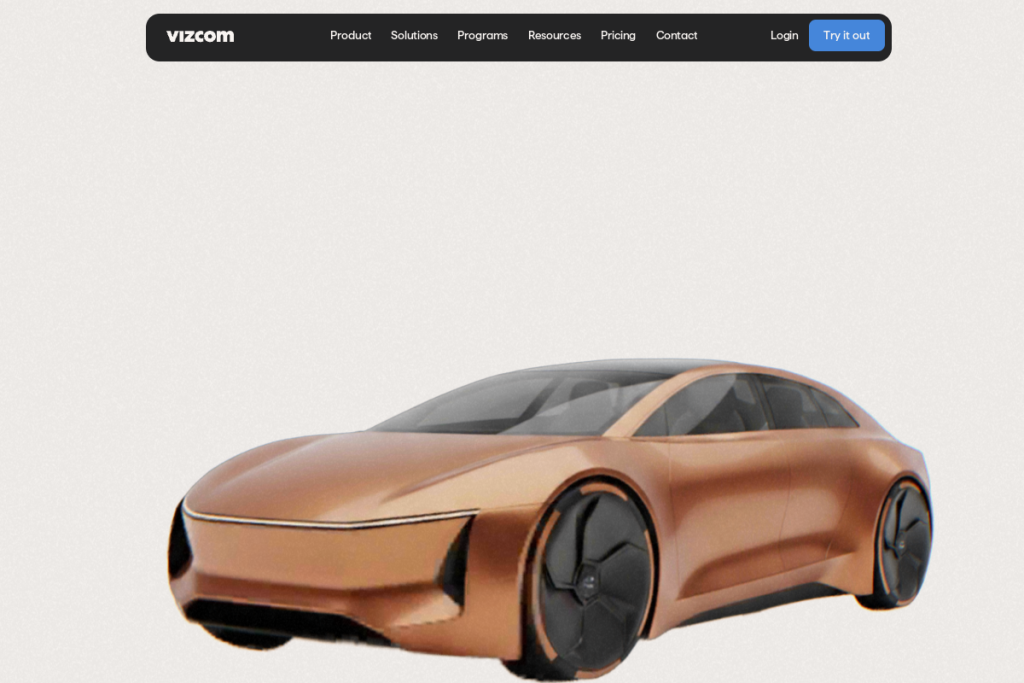
Vizcom is an AI-powered design tool for product, automotive, and industrial designers. It converts sketches into realistic, rendered images, letting designers ideate, explore variations, and communicate concepts quickly. It blends AI generation with design controls so the output stays guided by the designer’s intent, aiming to accelerate the early, exploratory stages of the design process.
What it does well
- Sketch-to-render — turn rough sketches into realistic renders fast.
- Rapid ideation — explore many design directions quickly.
- Design-guided AI — controls keep output aligned to your intent.
- Concept communication — produce visuals to share ideas.
- Industry focus — built for product and industrial design.
Who it is for
Vizcom suits product, automotive, and industrial designers, along with creative teams that develop physical products. It is especially valuable in the early, exploratory phases of design, where being able to quickly visualise and iterate on concepts — from a sketch to a render — dramatically speeds up the creative process.
Things to keep in mind
Vizcom accelerates ideation and visualisation, but it is a tool for designers, not a replacement for design craft — the final product still depends on the designer’s skill, engineering, and judgement. AI renders are for exploration and communication; treat them as concept visuals to refine rather than finished, production-ready specifications.
Our verdict
Vizcom is a genuinely powerful tool for product and industrial designers, and its sketch-to-render speed transforms the early, exploratory stages of design. For creative teams developing physical products, it can dramatically accelerate ideation and concept communication. Use it to explore and visualise, bring your own design craft to the final result, and it becomes a real accelerator for the design process.
Frequently asked questions
Who is Vizcom for?
Product, automotive, and industrial designers and creative teams — anyone developing physical products who wants to ideate and visualise concepts quickly by turning sketches into realistic renders.
Does Vizcom replace a designer?
No — it accelerates ideation and visualisation, but the final design still depends on the designer’s skill and judgement. Its renders are concept visuals to explore and refine, not finished specifications.
Reviewed by the World of AI Hub editorial team based on the tool website and documentation.