Key Takeaways
- WellSaid is an AI text-to-speech platform focused on studio-quality voiceovers.
- It offers a library of realistic AI voices for e-learning, corporate, and marketing audio.
- Aimed at teams that need consistent, professional voiceover without a studio.
- Excellent quality; use voices within licensing terms and disclose AI where appropriate.
WellSaid focuses on one thing and does it very well: professional AI voiceover. Rather than chasing every audio use case, it offers a curated library of realistic, studio-quality AI voices designed for business content — e-learning, training, corporate narration, and marketing — where consistent, polished voiceover matters more than novelty.
What is WellSaid?
WellSaid is an AI text-to-speech platform for generating natural, professional voiceovers. You type or paste your script, choose from a library of realistic AI voices, and generate audio suitable for training modules, explainer videos, marketing, and more. It emphasises voice quality and consistency, with tools to control delivery, making it a fit for teams producing business audio at scale.
What it does well
- Studio-quality voices — realistic AI voiceover suited to professional content.
- Consistency — keep the same voice across many pieces of content.
- Business focus — built for e-learning, corporate, and marketing audio.
- Delivery control — adjust how lines are read for the right tone.
- Scale — produce voiceover far faster than recording sessions.
Who it is for
WellSaid suits learning and development teams, marketers, and content producers who need professional voiceover regularly and want consistency without booking voice actors and studios each time. It is especially valuable for e-learning and corporate content, where clear, reliable narration at volume is the priority.
Things to keep in mind
AI voices are excellent but can still sound slightly synthetic on longer or emotionally nuanced content, so review the output for naturalness. Use voices within the platform’s licensing terms, and consider disclosing AI narration where transparency matters. For premium, character-driven work, a human voice actor can still add something AI does not.
Our verdict
WellSaid is a strong, focused choice for professional AI voiceover, and its emphasis on studio-quality voices and consistency fits business content especially well. For teams producing e-learning, training, and marketing audio at scale, it saves real time and money. Review output for naturalness, respect licensing, and it delivers reliable, polished voiceover without a studio.
Frequently asked questions
What is WellSaid best for?
Professional voiceover for business content — e-learning, training, corporate narration, and marketing — where consistent, studio-quality AI voices matter more than novelty effects.
Do WellSaid voices sound natural?
They are high quality and realistic, though they can still sound slightly synthetic on longer or emotionally nuanced scripts, so a review pass before publishing helps.
Reviewed by the World of AI Hub editorial team based on the tool website and documentation.
Top WellSaid alternatives
Other hand-reviewed AI Voice & Audio tools worth comparing against WellSaid.
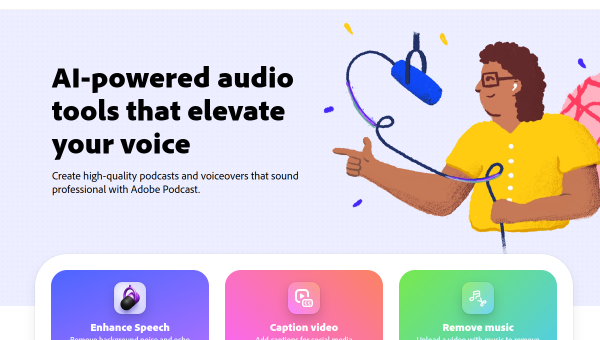
Adobe PodcastFree Trial
Adobe Podcast is a free trial AI voice tool. Our hands-on review covers features, pricing, pros and cons,…
Camb AIFreemium
Camb AI is a freemium AI voice tool. Our hands-on review covers features, pricing, pros and cons, and…
CleanvoiceFreemium
Cleanvoice is a freemium AI voice tool. Our hands-on review covers features, pricing, pros and cons, and who…
FakeyouFree Trial
Fakeyou is a free trial AI voice tool. Our hands-on review covers features, pricing, pros and cons, and…
FinesharePaid
Fineshare is a paid AI voice tool. Our hands-on review covers features, pricing, pros and cons, and who…
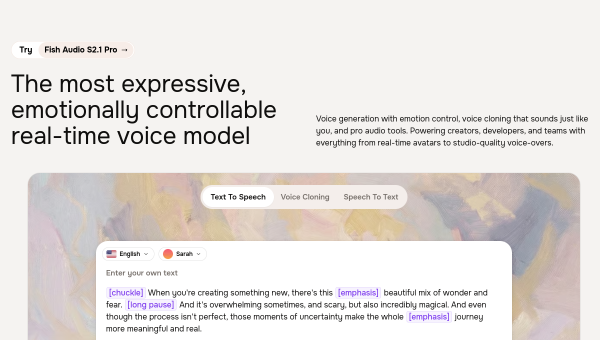
Fish AudioPaid
Fish Audio is a paid AI voice tool. Our hands-on review covers features, pricing, pros and cons, and…
Are you the maker of WellSaid?
Show visitors this review with the badge below. Copy the code into your site or press kit; it links straight back to this page.