Key Takeaways
- Woodpecker is a cold email and LinkedIn outreach automation platform.
- It automates campaigns, follow-ups, and multi-channel outreach.
- It includes strong deliverability tools like warm-up and verification.
- Great for sales teams and agencies running outbound outreach.
Woodpecker is an outbound outreach platform that brings cold email and LinkedIn outreach together in one place, with a strong focus on deliverability — getting your messages into the inbox rather than spam. It automates campaigns and follow-ups, finds leads, and includes free warm-up and email verification to protect your sending reputation. For sales teams, agencies, and founders running outbound, Woodpecker is a capable, deliverability-minded toolkit.
What is Woodpecker?
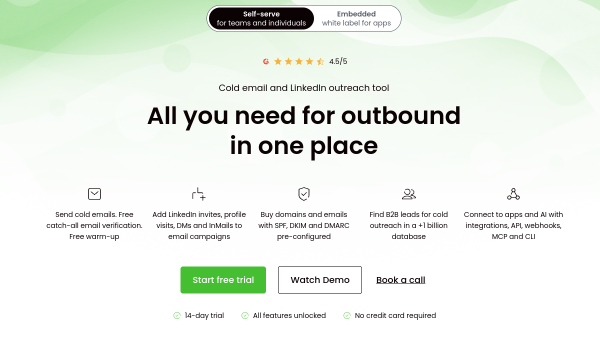
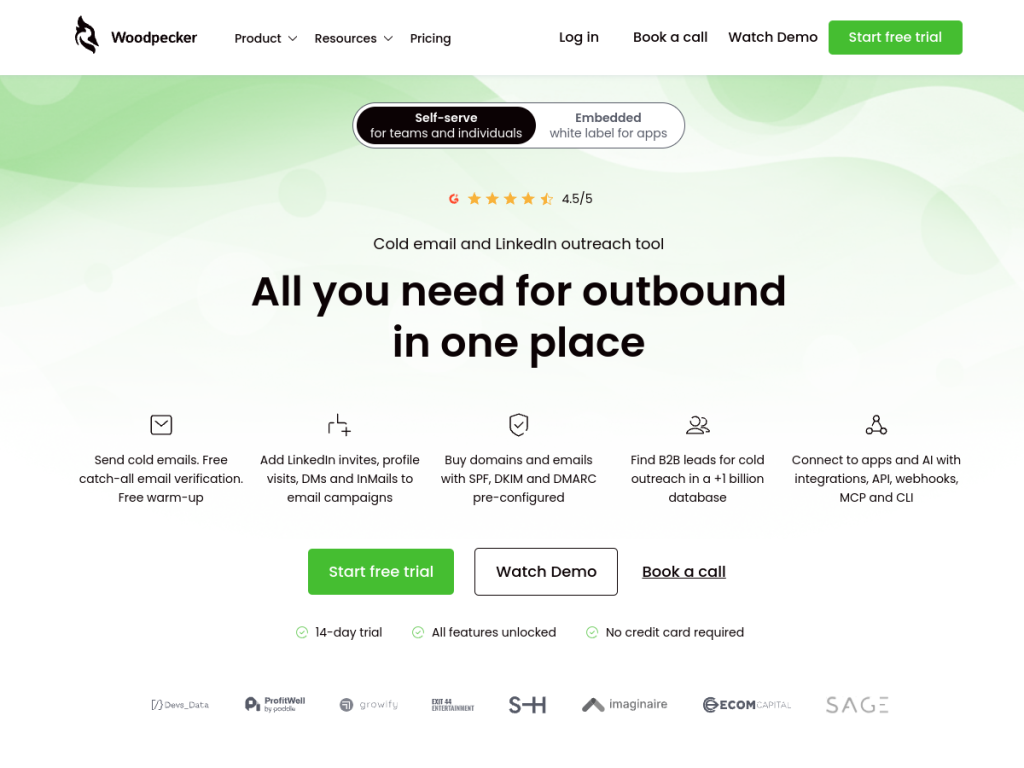
Woodpecker is a cold email and LinkedIn outreach automation platform, positioned as all you need for outbound in one place, combining prospecting, email campaigns, LinkedIn engagement, follow-ups, and deliverability tools. Its email and outreach features include cold email campaign automation, LinkedIn outreach (profile visits, connection requests, DMs, and InMails), and lead finding from a large B2B database. Its deliverability tools include free email verification, a free warm-up service, adaptive sending that respects limits, deliverability monitoring, and domain audits with SPF, DKIM, and DMARC support. Platform capabilities include inbox rotation across multiple email accounts, condition-based campaigns, and centralized inbox management, with GDPR compliance. It integrates with 10-plus tools including HubSpot, Pipedrive, Calendly, Zapier, and Google Sheets, plus API, webhooks, and MCP access. Woodpecker offers a 14-day free trial (no credit card) with paid plans that scale by usage and features.
What it does well
- Multi-channel: cold email plus LinkedIn outreach.
- Deliverability-focused: free warm-up, verification, and monitoring.
- Inbox rotation: send across multiple accounts safely.
- Well integrated: HubSpot, Pipedrive, Zapier, and more.
Who it is for
Woodpecker fits sales teams, SDRs, founders, and agencies running outbound outreach who want to automate cold email and LinkedIn campaigns with a strong emphasis on deliverability — warm-up, verification, and inbox rotation — to protect their sending reputation. Its integrations and B2B lead database suit real outbound workflows. Those doing only occasional outreach, or wary of cold email, may not need it, and outreach must follow anti-spam laws and good practices, but for sales teams and agencies focused on deliverable outbound, Woodpecker is a capable, trial-friendly choice.
Things to keep in mind
- Cold outreach must follow anti-spam laws and good sending practices.
- Outreach copy (including any AI-assisted) should be personalized and reviewed.
- It is a paid platform aimed at active outbound teams.
Our verdict
Woodpecker is a capable outbound outreach platform, and its standout emphasis is deliverability: alongside automating cold email and LinkedIn campaigns and follow-ups, it bundles free warm-up, email verification, deliverability monitoring, domain audits, and inbox rotation to keep messages landing in the inbox — the make-or-break of outbound. A B2B lead database and integrations with HubSpot, Pipedrive, and Zapier fit real workflows. Cold outreach must follow the rules and copy needs personalizing, but for sales teams and agencies focused on deliverable outbound, Woodpecker is a solid, trial-friendly choice.
Frequently asked questions
What is Woodpecker?
Woodpecker is a cold email and LinkedIn outreach automation platform that combines prospecting, campaigns, follow-ups, and strong deliverability tools in one place.
What deliverability tools does Woodpecker have?
It includes free email verification, a free warm-up service, adaptive sending, deliverability monitoring, domain audits (SPF, DKIM, DMARC), and inbox rotation.
Is Woodpecker free?
Woodpecker offers a 14-day free trial (no credit card), with paid plans that scale by usage and features.
Who is Woodpecker for?
It is for sales teams, SDRs, founders, and agencies running outbound cold email and LinkedIn outreach who prioritize deliverability.
Top Woodpecker alternatives
Other hand-reviewed Email Assistants tools worth comparing against Woodpecker.
ActiveCampaign AIPaid
ActiveCampaign AI is a paid AI automation and business tool for marketers. Our review covers what it does,…
Apollo.ioPaid
Apollo.io is a paid AI email assistant and marketing tool for professionals who email. Our review covers what…
AWeberPaid
AWeber is a paid AI email assistant and marketing tool for professionals who email. Our review covers what…
Beehiiv AIFreemium
Beehiiv AI is a freemium AI email assistant and marketing tool for professionals who email. Our review covers…
Constant ContactPaid
Constant Contact is a paid AI email assistant and marketing tool for professionals who email. Our review covers…
GetResponsePaid
GetResponse is a paid AI email assistant and marketing tool for professionals who email. Our review covers what…
Are you the maker of Woodpecker?
Show visitors this review with the badge below. Copy the code into your site or press kit; it links straight back to this page.



