Key Takeaways
- Yepic AI generates videos with customizable AI avatars in 120+ languages.
- It offers both pre-recorded avatar videos and real-time conversational avatars.
- Its VidVoice handles lip-sync and multilingual dubbing.
- Great for scalable avatar video and interactive agents; a developer-friendly API.
Yepic AI is a video platform built around AI avatars — digital presenters that can speak your script in many languages. It spans both asynchronous avatar videos, for turning text into a presenter-led clip, and real-time conversational avatars powered by language models, for interactive experiences. With patented lip-sync and dubbing and support for 120-plus languages, it targets businesses that want scalable, multilingual video without filming.
What is Yepic?
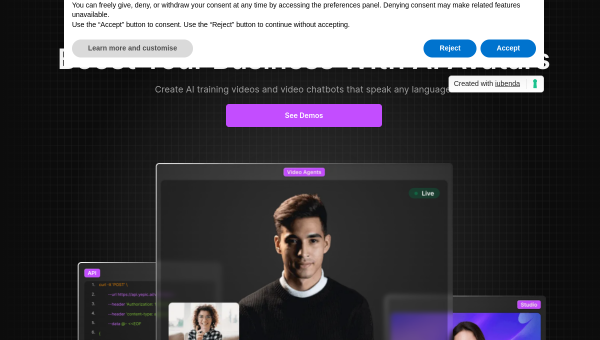
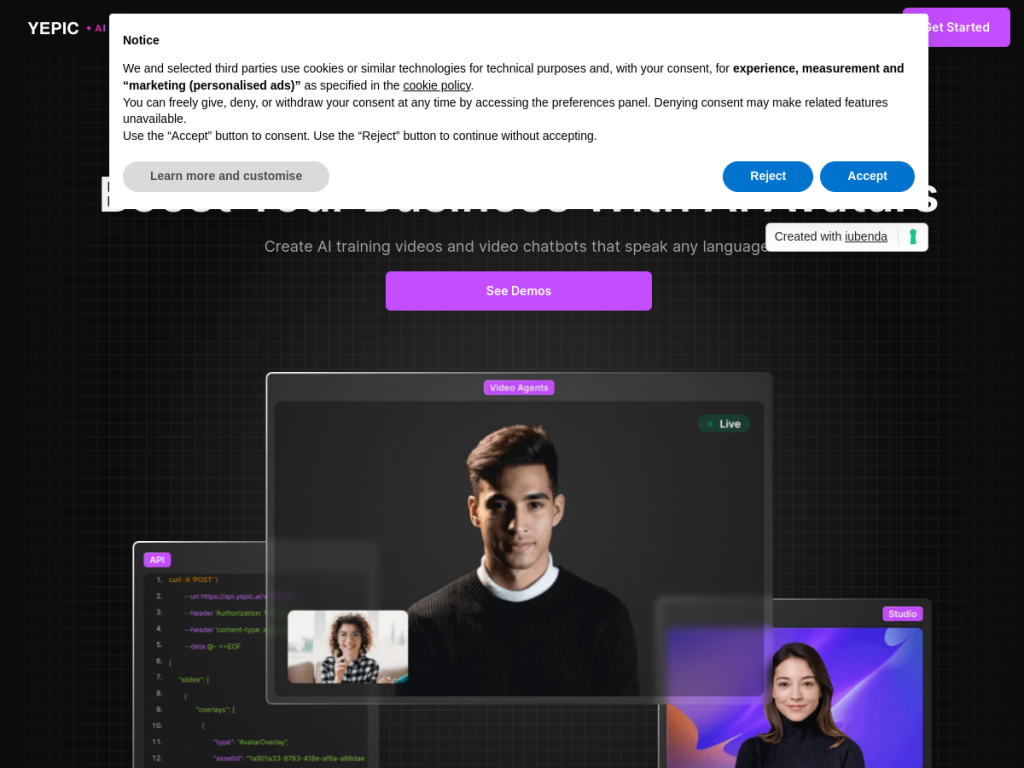
Yepic AI is an AI video generation platform, based in the UK, specializing in customizable avatars that communicate in many languages. Its products include Studio (Express and Pro) for creating custom avatar videos asynchronously — type a script and an avatar delivers it; Video Agents, which are real-time, conversational AI avatars powered by large language models, with facial recognition and emotion-responsive interaction; an API for developers to create and personalize avatar content at scale; and VidVoice, its patented lip-sync and dubbing software for multilingual video customization. It supports more than 120 languages and dialects, photo animation, avatar customization, and document upload for knowledge bases. Yepic reports use by thousands of companies, including enterprise clients, and offers plans with a trial, paid tiers, and API access.
What it does well
- AI avatars: turn scripts into presenter-led videos, no filming.
- Real-time agents: conversational avatars powered by LLMs.
- Multilingual: 120+ languages with lip-sync and dubbing (VidVoice).
- Developer-friendly: an API for generating avatar content at scale.
Who it is for
Yepic AI fits businesses, L&D and marketing teams, and developers who want to produce avatar-led video — training, explainers, personalized messages — at scale and in many languages, or to build interactive, real-time avatar agents into their products. It suits those who need multilingual video without recording talent. Those wanting fully human, bespoke production may still film, and AI avatars have a distinct look, but for scalable, multilingual avatar video and conversational agents, Yepic is a capable option with a trial to try.
Things to keep in mind
- AI avatars have a recognizable look and may not fit every brand or context.
- Real-time conversational agents need thoughtful design and disclosure.
- More usage, API access, and advanced features require paid plans.
Our verdict
Yepic AI is a capable avatar-video platform, and its range is a real strength: asynchronous avatar videos for turning scripts into multilingual presenter-led clips, plus real-time conversational avatars for interactive experiences, all backed by patented lip-sync and dubbing across 120-plus languages and a developer API. For businesses and teams that need scalable, multilingual video without filming — or want to build avatar agents into their products — it delivers. AI avatars have a distinct look and interactive agents warrant careful design, but for avatar-driven video at scale, Yepic is a solid choice with a trial to test.
Frequently asked questions
What is Yepic AI?
Yepic AI is a video platform that generates videos with customizable AI avatars in 120+ languages, offering both pre-recorded avatar videos and real-time conversational avatar agents.
What is the difference between Yepic Studio and Video Agents?
Studio creates avatar videos asynchronously from a script, while Video Agents are real-time, conversational AI avatars powered by language models for interactive experiences.
How many languages does Yepic support?
Yepic supports more than 120 languages and dialects, with patented lip-sync and dubbing through its VidVoice technology.
Is Yepic free?
Yepic offers plans with a trial to start, plus paid tiers and API access that scale by usage and features, with enterprise options.
Top Yepic alternatives
Other hand-reviewed Avatar Generators tools worth comparing against Yepic.
Captions AIFreemium
Captions AI is a freemium AI avatars and social media tool for video creators. Our review covers what…
Character.AIFreemium
Character.AI is a freemium AI avatars and chatbot tool for game developers. Our review covers what it does,…
ColossyanPaid
Colossyan is a paid AI avatars and video generation tool for video creators. Our review covers what it…
D-IDPaid
D-ID is a paid AI avatars and video generation tool for video creators. Our review covers what it…
ElevenLabsFreemium
ElevenLabs is a freemium AI avatars and video generation tool for video creators. Our review covers what it…
HeyGenPaid
HeyGen is a paid AI avatars and marketing tool for video creators. Our review covers what it does,…
Are you the maker of Yepic?
Show visitors this review with the badge below. Copy the code into your site or press kit; it links straight back to this page.



