Key Takeaways
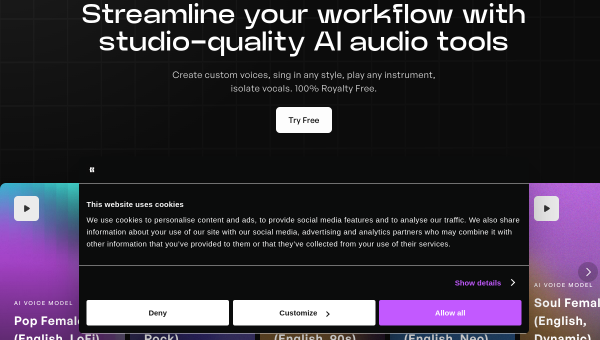
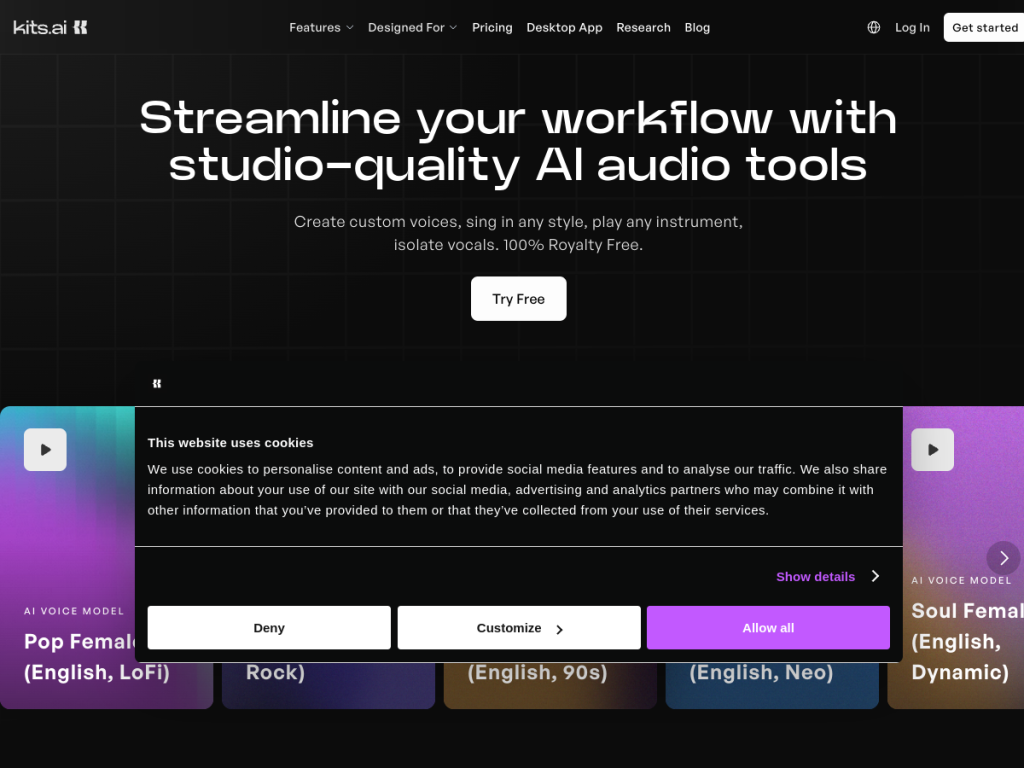
- Kits AI offers studio-quality AI audio tools for musicians and producers.
- It provides AI voice cloning, singing generators, and ethically licensed artist voices.
- Production tools include stem separation, AI mastering, and key/BPM detection.
- Great for music creators; it emphasizes ethically sourced, licensed voices.
Kits AI is an AI audio platform built for musicians and producers, centered on vocals. It lets creators clone their own voice, sing through royalty-free AI artist voices, and clean up and produce tracks — all while emphasizing an ethical approach where the voices in its models are licensed and sourced directly from artists.
What is Kits AI?
Kits AI provides studio-quality AI audio tools aimed at music producers and creators, with a strong focus on vocals. Its features include custom voice creation via AI voice cloning, AI singing generators with 100-plus royalty-free artist voices, and vocal processing such as isolation, removal, and enhancement. On the production side it offers stem separation, AI mastering, and key and BPM detection, plus creative tools like vocal harmonies, voice blending, and instrumental sketching. A defining principle is ethics: Kits states that every voice used in its models is ethically licensed and securely sourced via the artists themselves, and it lets creators earn passive income by licensing their own voice models through its Kits Earn program. It offers a free plan, with paid plans starting around $10/month.
What it does well
- Vocal AI: voice cloning, AI singing, and royalty-free artist voices.
- Production tools: stem separation, AI mastering, and key/BPM detection.
- Ethical sourcing: voices are licensed directly from artists.
- Creator earnings: license your own voice model via Kits Earn.
Who it is for
Kits AI suits music producers, singers, songwriters, and content creators who want AI vocal and production tools — whether to experiment with voices, generate harmonies, separate stems, or master tracks. Its ethical, licensed approach appeals to creators who care about how voices are sourced. Those wanting a full digital audio workstation will still use their DAW, but as a specialized AI audio toolkit for vocals and production, Kits AI is a strong, affordable option with a free plan.
Things to keep in mind
- AI voices and singing still benefit from a producer’s ear and editing.
- It complements a DAW rather than replacing your full production setup.
- More usage and advanced features require paid plans.
Our verdict
Kits AI is a compelling AI audio toolkit for musicians, combining voice cloning, AI singing with royalty-free artist voices, and practical production tools like stem separation and mastering. Its emphasis on ethically licensed voices — and the ability for artists to earn from their own models — sets a responsible tone that many creators will appreciate. It complements rather than replaces a DAW, and results still want a producer’s ear, but for AI-assisted vocals and production, Kits AI is an excellent, affordable choice with a free plan to start.
Frequently asked questions
What is Kits AI?
Kits AI is a platform of studio-quality AI audio tools for musicians, offering voice cloning, AI singing generators, royalty-free artist voices, and production tools like stem separation and mastering.
Are Kits AI voices ethically sourced?
Yes. Kits states that every voice in its models is ethically licensed and securely sourced via the artists themselves.
Is Kits AI free?
There is a free plan with no credit card, with paid plans starting around $10/month for more usage and features.
Can I earn money with Kits AI?
Yes. Through the Kits Earn program, creators can license their own AI voice models and earn passive income.
Top Kits AI alternatives
Other hand-reviewed Voice & Text-to-Speech tools worth comparing against Kits AI.
AlteredPaid
Altered is a paid AI video generation and voice text to speech tool for video creators. Our review…
Amazon PollyPaid
Amazon Polly by Amazon Web Services is a paid AI video generation and voice text to speech tool…
Azure TTSPaid
Azure TTS by Microsoft Azure is a paid AI video generation and voice text to speech tool for…
CoquiFree
Coqui by Coqui (community-maintained) is a free AI video generation and voice text to speech tool for video…
DescriptFreemium
Descript is a freemium AI social media and video generation tool for video creators. Our review covers what…
Designs.aiPaid
Designs.ai is a paid AI branding and design tool for brand creators. Our review covers what it does,…
Are you the maker of Kits AI?
Show visitors this review with the badge below. Copy the code into your site or press kit; it links straight back to this page.



