Key Takeaways
- Tortoise TTS is an open-source text-to-speech system.
- It produces highly realistic, expressive speech and voice cloning.
- It prioritizes quality over speed (hence “Tortoise”).
- Great for developers wanting free, high-quality local TTS.
Tortoise TTS is a well-regarded open-source text-to-speech system known for a specific trade-off, right there in its name: it is slow, but the quality is excellent. It produces remarkably realistic, expressive speech and supports voice cloning from samples, all free and open-source. For developers, researchers, and hobbyists who want high-quality speech synthesis they can run and control themselves — and do not mind the compute time — Tortoise TTS is a genuinely capable choice.
What is Tortoise TTS?
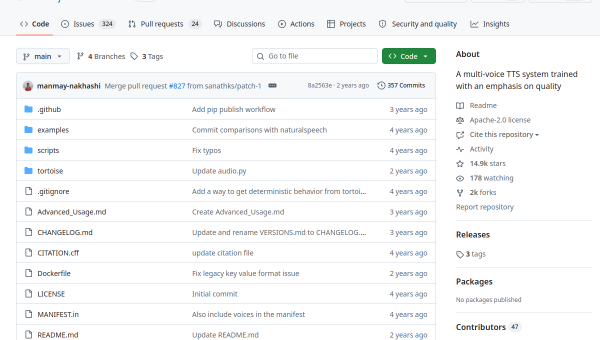
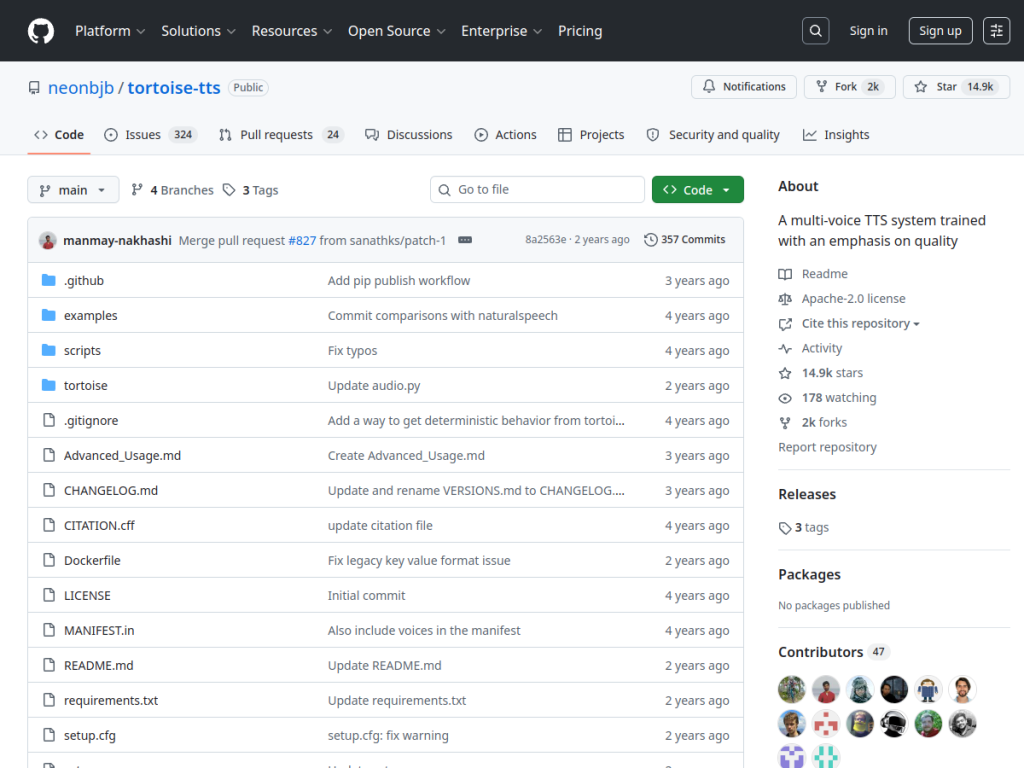
Tortoise TTS (github.com/neonbjb/tortoise-tts) is a free, open-source text-to-speech (TTS) system created by James Betker (GitHub handle neonbjb), notable for producing highly realistic and expressive synthesized speech. Its defining characteristic — reflected in the name “Tortoise” — is that it deliberately trades speed for quality: it uses a combination of autoregressive and diffusion-based models to generate speech that is unusually natural and expressive, at the cost of being computationally slow compared to faster TTS systems. It supports multi-voice synthesis and voice cloning (generating speech in a target voice from audio samples), and offers control over the character and expressiveness of the output. Being open-source, it can be run locally (on a capable GPU) or in cloud environments, giving developers full control and the ability to integrate it into their own projects and research. It has been influential in the open-source TTS community. It targets developers, researchers, and technically-inclined users who want high-quality, controllable speech synthesis. Tortoise TTS is free and open-source. An honest note: voice cloning of real people should be done only with consent, and synthesized voices must not be used to deceive or impersonate.
What it does well
- High quality: remarkably realistic, expressive speech.
- Voice cloning: generate a target voice from samples.
- Open-source and local: full control, run it yourself.
- Free: no per-use cost beyond your compute.
Who it is for
Tortoise TTS fits developers, researchers, and technically-inclined users who want high-quality, controllable text-to-speech they can run and integrate themselves — valuing realistic, expressive output and voice cloning over speed, and full local control from an open-source project. Its quality is the draw for those who do not mind the compute time and setup. Those needing fast, real-time TTS or a simple hosted tool will prefer other options, it requires a capable GPU and technical setup, and — importantly — voice cloning of real people should only be done with consent, and synthesized voices must never be used to deceive or impersonate. For free, high-quality local TTS, Tortoise TTS is a capable choice.
Things to keep in mind
- It deliberately trades speed for quality — it is slow.
- It requires a capable GPU and technical setup.
- Clone real voices only with consent; never use audio to deceive or impersonate.
Our verdict
Tortoise TTS is a well-regarded open-source text-to-speech system with a clear, honest trade-off in its very name: it is slow, but the quality is excellent. Combining autoregressive and diffusion models, it produces remarkably realistic, expressive speech and supports voice cloning from samples — all free, open-source, and runnable locally with full control. For developers, researchers, and hobbyists who want high-quality speech synthesis they can integrate and control themselves, and do not mind the compute time and setup, it is genuinely capable. Fast real-time needs and non-technical users are better served elsewhere, and voice cloning demands consent, but for free, high-quality local TTS, Tortoise TTS is a solid choice.
Frequently asked questions
What is Tortoise TTS?
Tortoise TTS is a free, open-source text-to-speech system by James Betker (neonbjb) known for highly realistic, expressive speech and voice cloning, trading speed for quality.
Why is it called Tortoise?
The name reflects its deliberate trade-off: it is computationally slow compared to faster TTS systems, but produces unusually natural, high-quality speech.
Is Tortoise TTS free?
Yes — it is free and open-source; you run it on your own hardware (a capable GPU helps) or in a cloud environment.
Is voice cloning ethical?
Only with consent — cloning real people’s voices should be done only with their permission, and synthesized voices must never be used to deceive or impersonate.
Top Tortoise TTS alternatives
Other hand-reviewed Voice & Text-to-Speech tools worth comparing against Tortoise TTS.
AlteredPaid
Altered is a paid AI video generation and voice text to speech tool for video creators. Our review…
Amazon PollyPaid
Amazon Polly by Amazon Web Services is a paid AI video generation and voice text to speech tool…
Azure TTSPaid
Azure TTS by Microsoft Azure is a paid AI video generation and voice text to speech tool for…
CoquiFree
Coqui by Coqui (community-maintained) is a free AI video generation and voice text to speech tool for video…
DescriptFreemium
Descript is a freemium AI social media and video generation tool for video creators. Our review covers what…
Designs.aiPaid
Designs.ai is a paid AI branding and design tool for brand creators. Our review covers what it does,…
Are you the maker of Tortoise TTS?
Show visitors this review with the badge below. Copy the code into your site or press kit; it links straight back to this page.



