Key Takeaways
- SlidesAI turns text into presentation slides for Google Slides and PowerPoint.
- You paste text or a prompt and it generates formatted slides with images and templates.
- Aimed at educators, students, and professionals who want quick decks from text.
- Handy for fast drafts; review and tailor the slides before presenting.
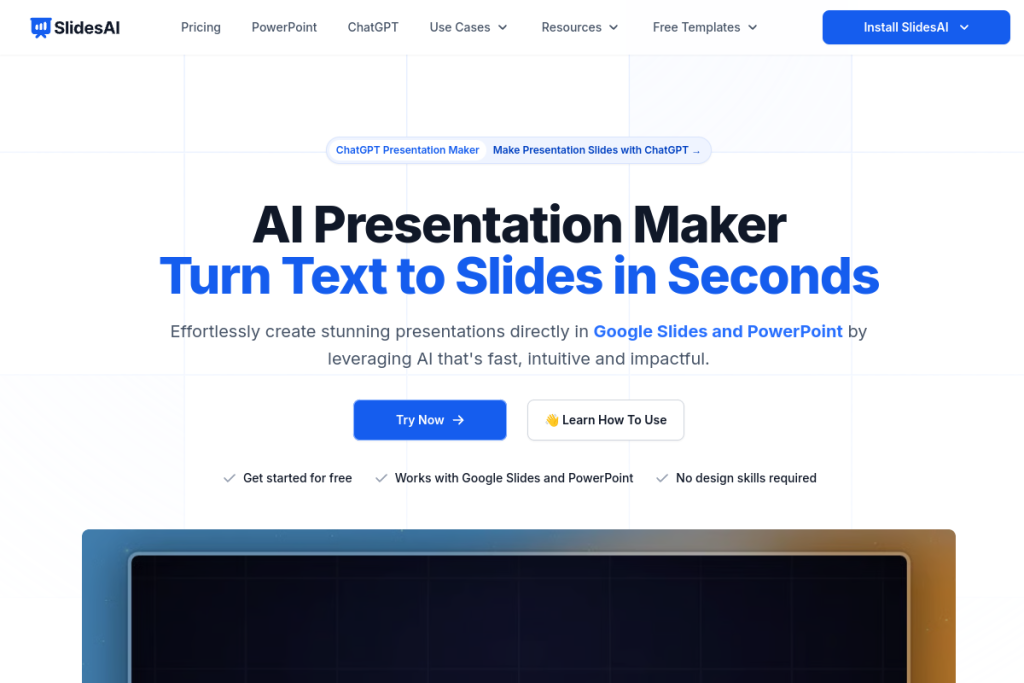
SlidesAI does one job simply: it converts text into presentation slides. Paste an article, notes, or a prompt, and it generates a formatted deck — complete with a choice of templates and images — directly for Google Slides and PowerPoint. For anyone who has a lot of text and needs slides fast, without design effort, it is a straightforward time-saver.
What is SlidesAI?
SlidesAI is an AI presentation generator that creates slides from text. It integrates with Google Slides and Microsoft PowerPoint, so there is no new platform to learn, and it generates slides from prompts or documents with AI. It offers 150+ templates, AI image generation and stock photos, content customisation (refine, rephrase, shorten, translate), and supports 100+ languages.
What it does well
- Text-to-slides — turn text or prompts into formatted presentations.
- Native integration — works with Google Slides and PowerPoint.
- Templates and images — 150+ templates plus AI images and stock photos.
- Content tools — refine, rephrase, shorten, and translate.
- Multi-language — support for 100+ languages.
Who it is for
SlidesAI suits educators preparing lecture materials, students building academic presentations, and professionals who need business decks quickly. It is especially useful for people who start with a body of text — notes, an article, a report — and want it turned into slides without manual formatting or design work.
Things to keep in mind
Auto-generated slides are a fast starting point, not a finished presentation — review them to ensure the structure, emphasis, and visuals fit your message, and tailor them to your audience. As with any AI, check that the content accurately reflects your source, and refine the slides before presenting for the best impression.
Our verdict
SlidesAI is a handy, focused tool for quickly turning text into slides, and its integration with Google Slides and PowerPoint keeps it convenient. For educators, students, and professionals who start with text and want a fast draft deck, it saves real time. Review and tailor the generated slides before presenting, and it becomes an efficient way to get from words to a presentation.
Frequently asked questions
Which apps does SlidesAI work with?
It integrates with Google Slides and Microsoft PowerPoint, generating slides from text directly within the presentation software, so there is no separate platform to learn.
Is SlidesAI good for education?
Yes — it is popular with educators and students for quickly turning notes, articles, or prompts into formatted presentations, saving prep time on lecture and academic materials.
Reviewed by the World of AI Hub editorial team based on the tool website and documentation.
Top SlidesAI alternatives
Other hand-reviewed Presentation tools worth comparing against SlidesAI.
Beautiful.aiPaid
Beautiful.ai is a paid AI business and design tool for presenters. Our review covers what it does, pricing,…
Canva AIFreemium
Canva AI is a freemium AI design and image generation tool for designers. Our review covers what it…
GammaFreemium
Gamma is a freemium AI business and design tool for presenters. Our review covers what it does, pricing,…
MagicSlidesFreemium
MagicSlides is a freemium AI business and presentation tool for presenters. Our review covers what it does, pricing,…
Murf AIFreemium
Murf AI is a freemium AI presentation and video generation tool for video creators. Our review covers what…
PitchFreemium
Pitch is a freemium AI business and presentation tool for presenters. Our review covers what it does, pricing,…
SlidesAI vs the competition
Are you the maker of SlidesAI?
Show visitors this review with the badge below. Copy the code into your site or press kit; it links straight back to this page.



