Key Takeaways
- Looker is Google Cloud’s business intelligence and analytics platform.
- It turns data into dashboards, reports, and embedded analytics.
- Its AI, powered by Gemini, enables conversational data exploration.
- Great for enterprises and data teams wanting governed, AI-assisted BI.
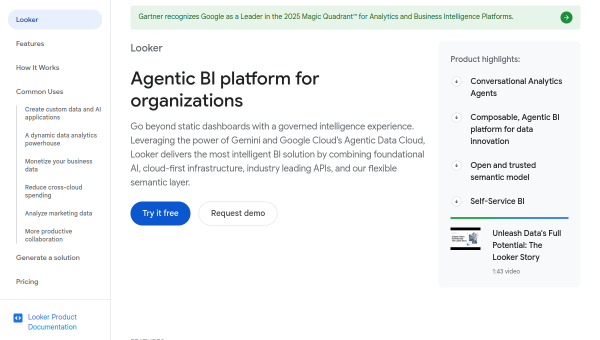
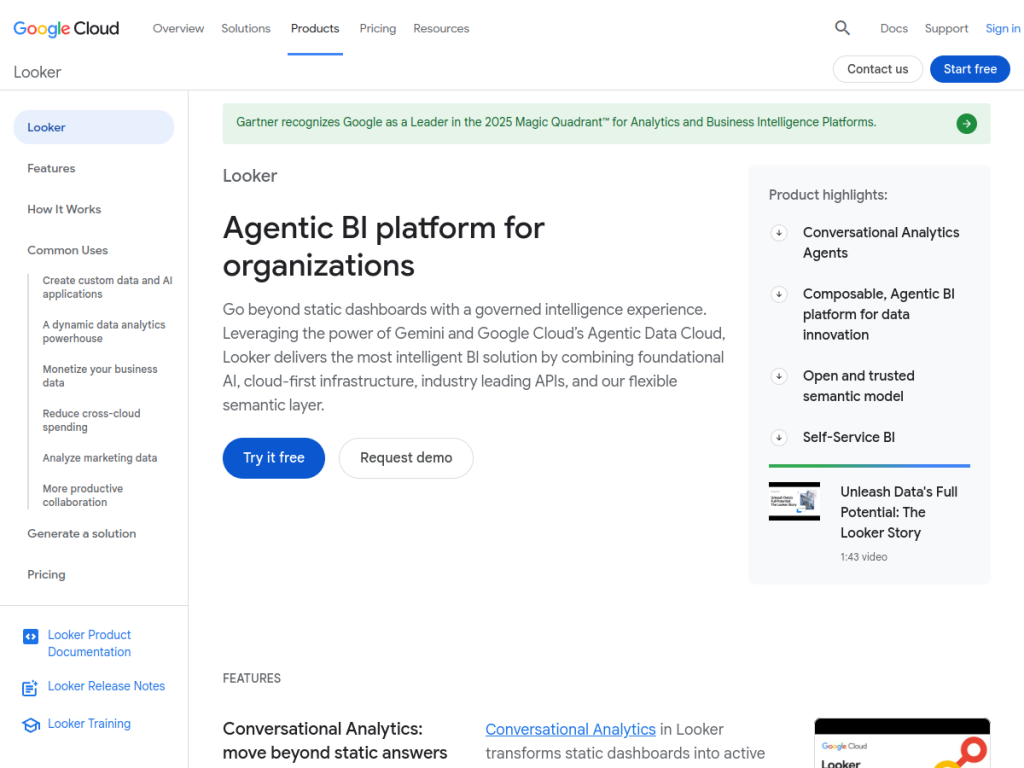
Looker is Google Cloud’s business intelligence platform, built to turn raw data into governed, trustworthy insights. Its distinguishing feature is a semantic modeling layer (LookML) that defines metrics consistently, so everyone works from the same definitions. With AI powered by Gemini, Looker now lets users explore data conversationally in natural language. For enterprises and data teams that want reliable, governed analytics — and can embed it into apps — Looker is a leading choice.
What is Looker?
Looker is a modern business intelligence and analytics platform by Google Cloud that transforms raw data into actionable insights. Its capabilities include AI-powered analytics powered by Gemini for conversational, natural-language exploration of data, embedded analytics to integrate BI directly into applications, self-service analytics for non-technical users, and enterprise-grade data governance and security. A cornerstone is LookML, a powerful, version-controlled data modeling language that defines metrics consistently, giving teams a single source of truth. Additional features include advanced, interactive visualizations and dashboards, real-time alerts on data thresholds, role-based access control and data lineage, and multi-cloud support across providers and on-premises data. Looker serves enterprise organizations, SaaS companies embedding analytics, data analysts and scientists, and business users seeking self-service exploration. As a Google Cloud product, pricing is arranged through Google Cloud with platform and per-user options.
What it does well
- Governed metrics: LookML defines a single source of truth.
- Conversational AI: explore data in natural language via Gemini.
- Embedded analytics: build BI into your own applications.
- Enterprise-grade: governance, security, and multi-cloud support.
Who it is for
Looker fits enterprise organizations, data teams, and SaaS companies that want governed, trustworthy business intelligence — with consistent metric definitions via LookML — plus self-service exploration for business users and the ability to embed analytics into products, now with Gemini-powered conversational analytics. Its governance suits regulated, data-mature organizations. Small teams wanting a simple, cheap dashboard tool may find it heavier than needed, and LookML modeling takes expertise to set up, but for governed, AI-assisted enterprise BI, Looker is a capable, well-regarded choice.
Things to keep in mind
- Setting up LookML modeling takes data expertise.
- It is enterprise-oriented, which can be more than small teams need.
- Pricing is arranged through Google Cloud rather than a simple flat rate.
Our verdict
Looker is a leading enterprise BI platform, and its governance-first design is its strength: LookML defines metrics consistently so everyone works from a single source of truth, avoiding the conflicting-numbers problem that plagues many BI setups. Gemini-powered conversational analytics, embedded analytics, and strong security and multi-cloud support round it out for data-mature organizations. LookML modeling takes expertise and it is enterprise-oriented, but for governed, AI-assisted business intelligence, Looker is an excellent choice.
Frequently asked questions
What is Looker?
Looker is Google Cloud’s business intelligence and analytics platform that turns data into governed dashboards, reports, and embedded analytics, with a LookML modeling layer.
What AI features does Looker have?
Looker includes AI powered by Gemini for conversational, natural-language data exploration, alongside its dashboards and embedded analytics.
What is LookML?
LookML is Looker’s version-controlled data modeling language that defines metrics consistently, giving teams a governed single source of truth.
Who is Looker for?
It is for enterprises, data teams, and SaaS companies that want governed, AI-assisted BI with self-service exploration and embeddable analytics.
Top Looker alternatives
Other hand-reviewed Data Analysis tools worth comparing against Looker.
AlteryxPaid
Alteryx is a paid AI business and data analysis tool for business teams. Our review covers what it…
Bloomberg Terminal AIEnterprise
Bloomberg Terminal AI is an enterprise AI business and data analysis tool for finance professionals. Our review covers…
DatabricksPaid
Databricks is a paid AI business and data analysis tool for business teams. Our review covers what it…
DataikuPaid
Dataiku is a paid AI business and data analysis tool for business teams. Our review covers what it…
DatarailsPaid
Datarails is a paid AI business and data analysis tool for finance professionals. Our review covers what it…
DataRobotPaid
DataRobot is a paid AI business and data analysis tool for business teams. Our review covers what it…
Are you the maker of Looker?
Show visitors this review with the badge below. Copy the code into your site or press kit; it links straight back to this page.



