Key Takeaways
- Crisp is an all-in-one customer messaging platform with built-in AI.
- It combines a multi-channel inbox, CRM, knowledge base, and AI agents.
- AI features include no-code agents, smart replies, and auto-summaries.
- Great value for small and midsize teams; flat pricing rather than per-seat.
Crisp is an all-in-one customer messaging platform that brings support, sales, and marketing conversations into one shared workspace — now with AI woven throughout. From a no-code agent builder to smart replies and conversation summaries, it aims to help small and midsize teams automate routine inquiries and respond faster, all at flat, approachable pricing.
What is Crisp?
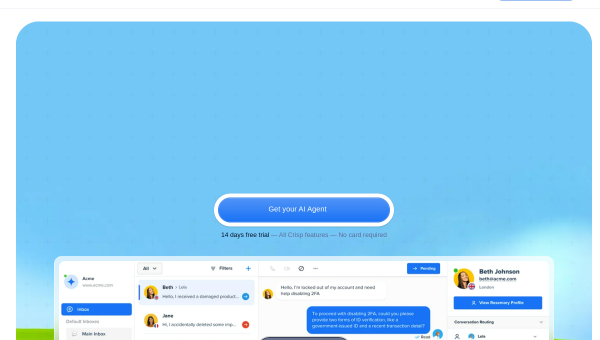
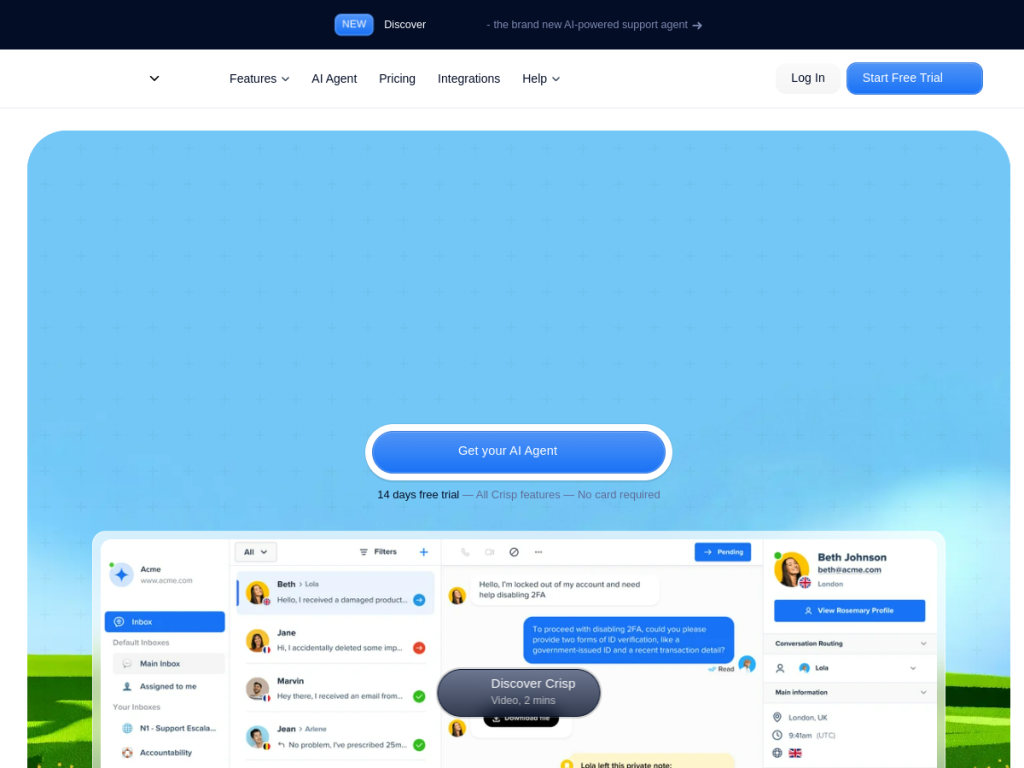
Crisp is a unified customer messaging and support platform used by thousands of companies. It centralizes conversations from a chat widget, email, WhatsApp, Messenger, and Instagram into one shared inbox, and adds a built-in CRM, a knowledge base for self-service, and analytics. Its AI capabilities include AI agents built through a no-code workflow builder that can automate customer inquiries, smart replies that suggest AI-assisted responses, automatic conversation summaries, and a Support Copilot trained on your content to help agents respond faster — with the platform claiming it can automate around half of inquiries. A distinctive feature is its pricing model: flat-rate plans rather than per-seat, which keeps costs predictable as teams grow, plus a free plan and a 14-day trial.
What it does well
- All-in-one: inbox, CRM, knowledge base, and AI in a single platform.
- Multi-channel: chat, email, WhatsApp, Messenger, and Instagram together.
- Practical AI: no-code agents, smart replies, and auto-summaries.
- Flat pricing: predictable, non-per-seat plans plus a free tier.
Who it is for
Crisp fits startups, small businesses, and midsize teams that want an affordable, all-in-one messaging and support platform with AI built in — without the complexity or per-seat costs of enterprise tools. Its flat pricing is especially attractive to growing teams. Large enterprises with very advanced or highly customized support needs may prefer heavier platforms, but for accessible, well-rounded customer messaging with useful AI, Crisp offers strong value.
Things to keep in mind
- AI answer quality depends on the content and knowledge base you provide.
- Very large enterprises may need deeper customization than Crisp targets.
- The most advanced AI features sit on higher paid tiers.
Our verdict
Crisp is a well-rounded, affordable customer messaging platform, and its AI features — no-code agents, smart replies, summaries, and a support copilot — add real automation without enterprise complexity. The flat, non-per-seat pricing is a genuine advantage for growing teams watching costs. It is not built for the most demanding enterprise customizations, and its AI depends on good content, but for small and midsize businesses that want to unify and automate customer conversations, Crisp is an excellent-value choice with a free plan to start.
Frequently asked questions
What is Crisp?
Crisp is an all-in-one customer messaging platform that combines a multi-channel inbox, CRM, knowledge base, and AI agents for support, sales, and marketing.
What AI features does Crisp have?
Crisp offers no-code AI agents, smart AI-assisted replies, automatic conversation summaries, and a Support Copilot trained on your content.
How is Crisp priced?
Crisp uses flat-rate plans rather than per-seat pricing, with a free plan and a 14-day trial requiring no credit card.
Which channels does Crisp support?
It unifies chat widget, email, WhatsApp, Messenger, and Instagram conversations into one shared inbox.
Top Crisp alternatives
Other hand-reviewed Customer Support tools worth comparing against Crisp.
ChaportFreemium
Chaport is a freemium AI business and customer support tool for support teams. Our review covers what it…
Freshdesk Freddy AIFreemium
Freshdesk Freddy AI by Freshworks is a freemium AI automation and business tool for support teams. Our review…
GladlyPaid
Gladly is a paid AI business and customer support tool for support teams. Our review covers what it…
Help ScoutPaid
Help Scout is a paid AI business and customer support tool for support teams. Our review covers what…
IntercomPaid
AI-powered customer support platform that automates conversations and helps teams resolve tickets faster.
Intercom FinPaid
Intercom Fin is a paid AI automation and business tool for support teams. Our review covers what it…
Are you the maker of Crisp?
Show visitors this review with the badge below. Copy the code into your site or press kit; it links straight back to this page.



