Key Takeaways
- Glide turns spreadsheets and data sources into custom, AI-powered business apps — no code.
- It offers real-time data sync, customisable UI, workflow automation, and access controls.
- Aimed at businesses that need internal tools and apps without a development team.
- Great for internal and data-driven apps; very complex custom software may outgrow it.
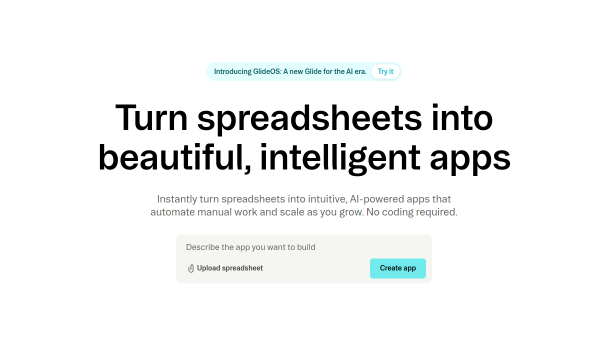
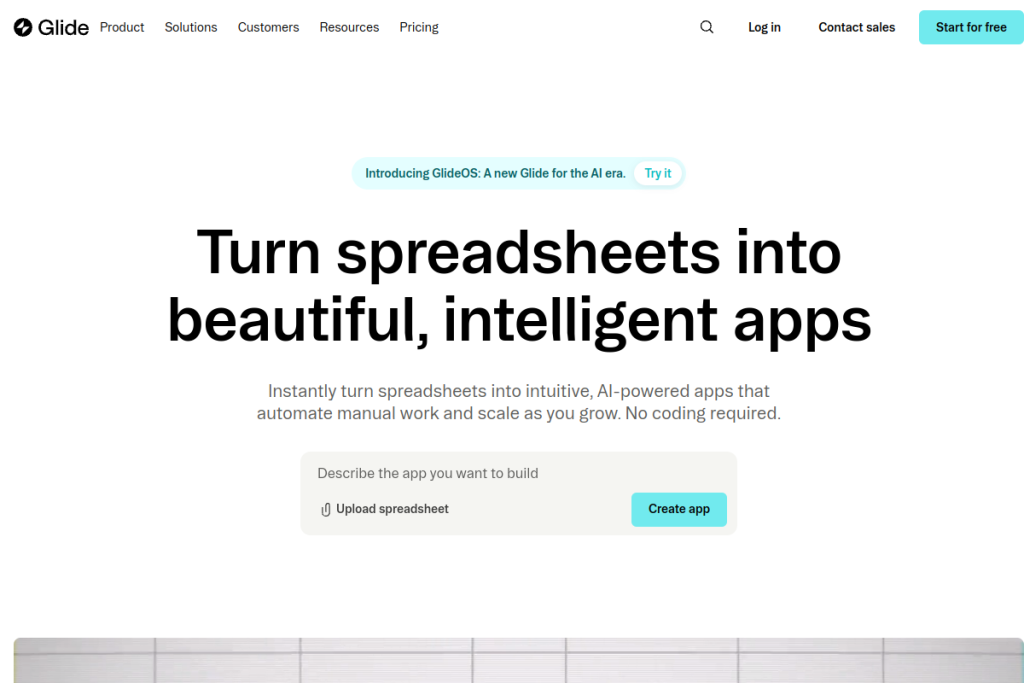
Glide lets you build a real business app from data you already have — a Google Sheet, a database — without writing code. It turns that data into a polished, responsive app with forms, dashboards, and automation, which makes it a fast, practical way for companies to create the internal tools they need without waiting on developers.
What is Glide?
Glide is a no-code app-building platform. It connects to data sources like Google Sheets and SQL databases and turns them into custom, AI-powered business applications, with real-time data sync, customisable UI components (forms, calendars, charts), workflow automation with conditional logic, data visualisation, and fine-grained access controls. The apps are responsive and work across devices.
What it does well
- Spreadsheet-to-app — turn existing data into a working app fast.
- Real-time sync — keep the app connected to your live data sources.
- No-code UI — build forms, dashboards, and views without coding.
- Automation and AI — add workflows, conditional logic, and AI features.
- Access controls — fine-grained permissions for business use.
Who it is for
Glide suits businesses — from mid-sized to enterprise — that need internal tools and data-driven apps without a development team. It fits use cases across operations, retail, real estate, manufacturing, and more, and appeals to operators who want to solve real business problems quickly with the data they already have.
Things to keep in mind
No-code platforms are excellent for internal tools and data-centric apps, but very complex, highly custom, or large-scale consumer software can eventually outgrow them. It is also worth designing your underlying data well, since the app is only as clean as the data behind it. For its target use cases, though, it is a genuine time-saver.
Our verdict
Glide is a strong no-code choice for turning data into practical business apps without engineering resources. For internal tools, dashboards, and data-driven workflows, it delivers real, professional results quickly. Keep your data well-structured, be realistic about the limits of no-code for very complex software, and Glide can help teams build tools they would otherwise wait months for.
Frequently asked questions
Do I need to code to use Glide?
No — Glide is a no-code platform that turns spreadsheets and databases into apps with a visual builder, automation, and AI features, no programming required.
What can I build with Glide?
Custom business apps and internal tools — dashboards, trackers, portals, and data-driven workflows — connected to live data with forms, charts, and access controls.
Reviewed by the World of AI Hub editorial team based on the tool website and documentation.
Top Glide alternatives
Other hand-reviewed No-Code tools worth comparing against Glide.
10WebPaid
10Web is a paid AI no code and website builder tool for founders and small businesses. Our review…
AdaloPaid
Adalo is a paid AI no code and website builder tool for non-technical builders. Our review covers what…
Bravo StudioFreemium
Bravo Studio is a freemium AI no code and website builder tool for non-technical builders. Our review covers…
BubbleFreemium
Bubble is a freemium AI business and no code tool for non-technical builders. Our review covers what it…
FlutterFlowPaid
FlutterFlow is a paid AI no code and website builder tool for founders and small businesses. Our review…
Framer AIFreemium
Framer AI is a freemium AI business and design tool for founders and small businesses. Our review covers…
Are you the maker of Glide?
Show visitors this review with the badge below. Copy the code into your site or press kit; it links straight back to this page.



