Key Takeaways
- LinkSquares is an AI-powered contract lifecycle management (CLM) platform.
- It helps legal teams draft, analyze, and manage contracts end to end.
- Its proprietary AI (LinkAI) extracts key terms and flags risks automatically.
- Great for in-house legal and sales teams managing many contracts.
LinkSquares is an AI-driven contract lifecycle management platform that helps legal teams handle agreements from drafting through renewal. Its proprietary AI, LinkAI, reads contracts and automatically extracts key terms and surfaces risks — turning a pile of documents into searchable, actionable data. With drafting, redlining, automation, and analytics, it helps in-house legal and sales teams move faster while staying on top of their contracts.
What is LinkSquares?
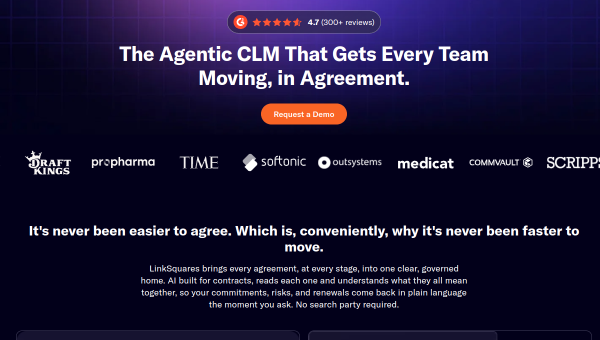
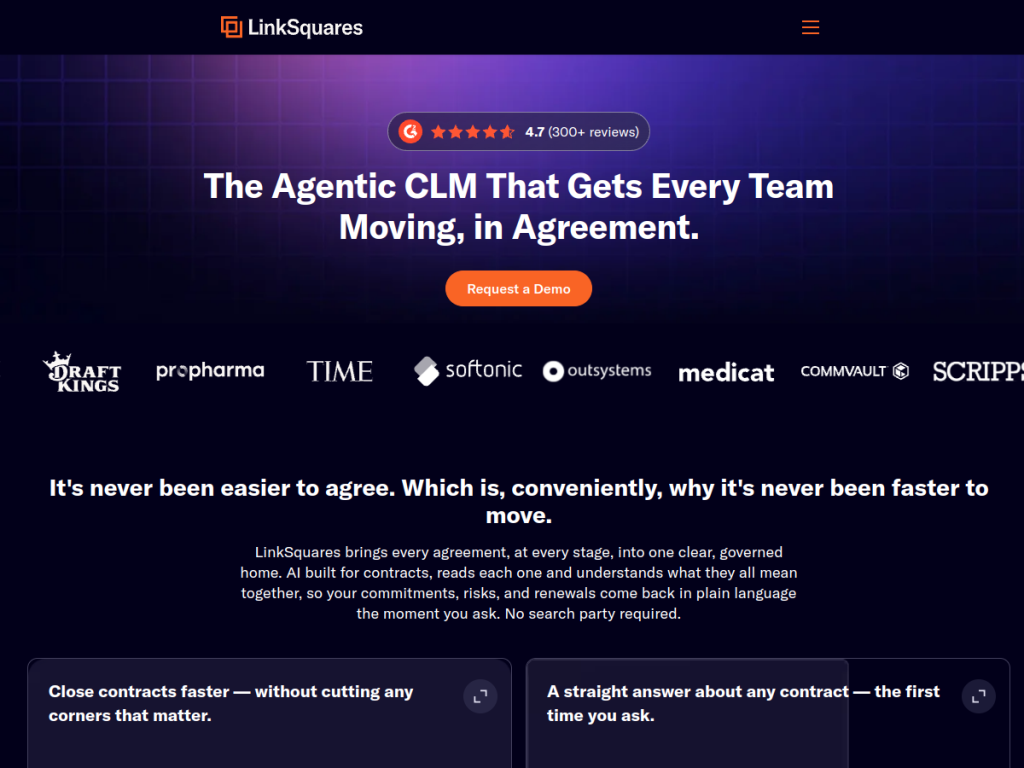
LinkSquares is an AI-driven contract lifecycle management (CLM) platform designed to streamline how legal teams manage agreements from drafting through renewal, using proprietary AI (LinkAI) to analyze contracts and extract key information automatically. Its features include LinkAI as purpose-built AI at the core of every capability, contract intelligence for identifying key terms and risks, an AI legal assistant for drafting and redlining, automation and workflow capabilities, contract playbooks and templates, analytics and reporting dashboards, and API and third-party integrations. It serves in-house legal teams managing contract workflows, sales teams accelerating deal cycles, and enterprise organizations, and lists customers including DraftKings, Commvault, and OutSystems, with recognition in G2 awards. As a business platform, pricing is arranged with sales based on your needs.
What it does well
- AI contract intelligence: extract key terms and flag risks automatically.
- Drafting and redlining: an AI legal assistant to speed the work.
- Automation: workflows, playbooks, and templates.
- Analytics: dashboards and reporting across your contracts.
Who it is for
LinkSquares fits in-house legal teams and the sales teams they support — at mid-sized and enterprise organizations — that manage many contracts and want AI to extract terms, flag risks, speed drafting and redlining, and provide analytics across their agreements. Its automation and playbooks suit teams standardizing contract workflows. Small businesses with only a handful of contracts may find lighter tools sufficient, and AI-assisted contract work still needs legal oversight, but for legal and sales teams managing contracts at scale with AI, LinkSquares is a capable, well-regarded choice.
Things to keep in mind
- AI-assisted contract work still requires professional legal oversight.
- It is a business platform, so pricing is arranged with sales.
- Implementation and adoption take setup and process alignment.
Our verdict
LinkSquares is a capable AI-powered CLM platform, and its proprietary LinkAI is the heart of it: automatically extracting key terms and flagging risks, plus an AI assistant for drafting and redlining, workflow automation, playbooks, and analytics across the contract lifecycle. For in-house legal teams and the sales teams they enable, that turns contracts into searchable, actionable data and speeds deal cycles. It is a business platform sold via sales and still needs legal oversight, but for managing contracts at scale with AI, LinkSquares is a solid, well-regarded choice.
Frequently asked questions
What is LinkSquares?
LinkSquares is an AI-powered contract lifecycle management (CLM) platform that helps legal teams draft, analyze, and manage contracts, using its LinkAI to extract terms and flag risks.
What is LinkAI?
LinkAI is LinkSquares’ proprietary AI at the core of the platform, automatically analyzing contracts to identify key terms and risks and assist with drafting and redlining.
Who is LinkSquares for?
It is for in-house legal teams and sales teams at mid-sized and enterprise organizations that manage many contracts and want AI-driven contract intelligence and automation.
How is LinkSquares priced?
As a business platform, LinkSquares pricing is arranged with sales based on your needs.
Top LinkSquares alternatives
Other hand-reviewed Legal tools worth comparing against LinkSquares.
CoCounselPaid
CoCounsel by Thomson Reuters is a paid AI business and legal tool for legal professionals. Our review covers…
ContractPodAiPaid
ContractPodAi is a paid AI business and legal tool for legal professionals. Our review covers what it does,…
DoNotPayFreemium
DoNotPay is a freemium AI business and legal tool for legal professionals. Our review covers what it does,…
IcertisPaid
Icertis is a paid AI business and legal tool for legal professionals. Our review covers what it does,…
IroncladPaid
Ironclad is a paid AI business and legal tool for legal professionals. Our review covers what it does,…
LexisNexis+Enterprise
LexisNexis+ is an enterprise AI business and legal tool for legal professionals. Our review covers what it does,…
Are you the maker of LinkSquares?
Show visitors this review with the badge below. Copy the code into your site or press kit; it links straight back to this page.



