Key Takeaways
- CodeRabbit is an AI code-review tool that automates pull-request reviews.
- It flags bugs, suggests fixes, and generates architectural diagrams right in your PRs.
- It integrates with GitHub, GitLab, Azure DevOps, and Bitbucket, plus IDE and CLI.
- A strong first-pass reviewer that speeds teams up; human review still matters for big calls.
CodeRabbit brings AI to one of software’s biggest bottlenecks: code review. It automatically reviews pull requests — catching bugs, suggesting fixes, and even drawing architectural diagrams — so human reviewers spend less time on routine issues and more on the decisions that matter. It plugs into the Git platforms and workflows teams already use.
What is CodeRabbit?
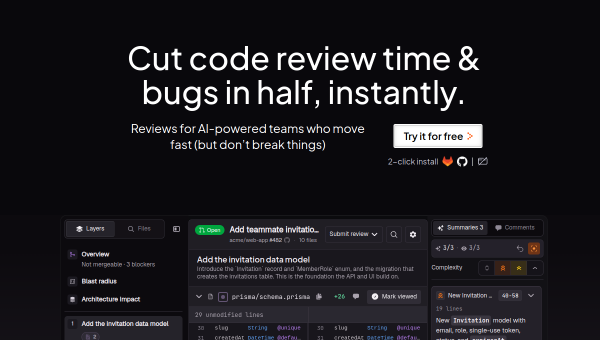
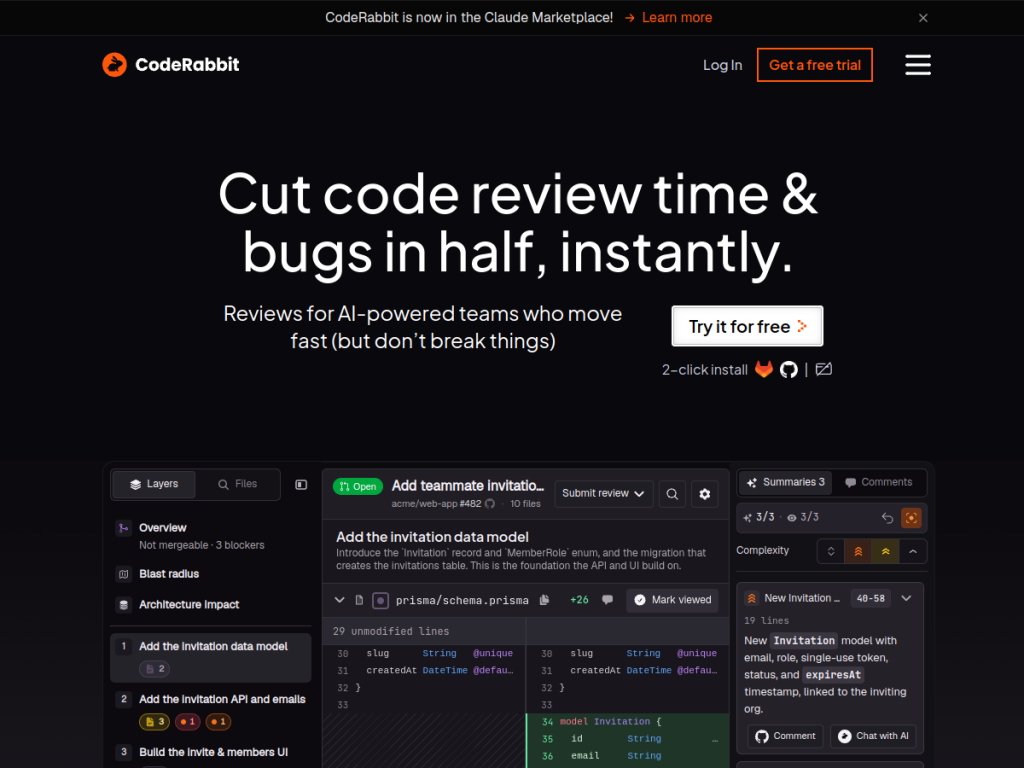
CodeRabbit is an AI-powered code-review platform that automates and augments the review process. On each pull request it provides detailed, context-aware reviews: identifying bugs and issues, offering a “fix with AI” option for quick resolution, and generating architectural diagrams to explain changes. It bundles 40-plus linters and security scanners, can generate unit tests and docstrings, and supports custom, pre-merge quality checks defined via configuration. It integrates with GitHub, GitLab, Azure DevOps, and Bitbucket, works in IDEs and the CLI, and pulls context from tools like Jira and Linear. Importantly, it learns from a team’s feedback over time, adapting to your coding standards. CodeRabbit reports large-scale adoption — millions of repositories monitored and tens of millions of defects found — across thousands of customers.
What it does well
- Automated PR reviews: catches bugs and issues on every pull request.
- Fix suggestions: a “fix with AI” option and generated tests and docstrings.
- Broad integration: GitHub, GitLab, Azure, Bitbucket, plus IDE and CLI.
- Learns your standards: adapts to team feedback and coding preferences over time.
Who it is for
CodeRabbit fits software teams of all sizes that want faster, more consistent code reviews — catching routine issues automatically so human reviewers focus on architecture and intent. It is especially useful for busy teams where PRs pile up or review quality varies. Solo developers benefit too, gaining a tireless second set of eyes. It complements rather than replaces human judgment, so critical design decisions still need people.
Things to keep in mind
- AI review is a strong first pass, but humans should still weigh major design choices.
- Review quality improves as it learns your standards, so give it feedback early.
- Advanced features and higher usage require paid, per-developer plans.
Our verdict
CodeRabbit is one of the most capable AI code-review tools, and it targets a genuinely painful part of shipping software. Automatic bug detection, fix suggestions, generated tests, and architectural diagrams — delivered right in the PR and tuned to your standards over time — can meaningfully speed up teams and improve consistency. It is a first-pass reviewer, not a replacement for human judgment on big decisions, but for teams that want to review faster without lowering the bar, CodeRabbit is an excellent addition, with a free option to try.
Frequently asked questions
What is CodeRabbit?
CodeRabbit is an AI code-review tool that automatically reviews pull requests — flagging bugs, suggesting fixes, and generating architectural diagrams — across GitHub, GitLab, Azure DevOps, and Bitbucket.
Does CodeRabbit replace human code review?
No. It acts as a strong automated first pass that catches routine issues, freeing human reviewers to focus on architecture and intent; big design decisions still need people.
Does CodeRabbit learn our coding standards?
Yes. It learns from your team’s feedback over time, adapting its reviews to your coding standards and preferences.
Is CodeRabbit free?
There is a free option, including for open-source and trials, with paid plans priced per developer that add advanced features.
Top CodeRabbit alternatives
Other hand-reviewed Coding Assistants tools worth comparing against CodeRabbit.
AiderFree
Aider is a free AI coding assistant and developer tool tool for software developers. Our review covers what…
AlphaCodeFree
AlphaCode by Google DeepMind is a free AI coding assistant and developer tool tool for software developers. Our…
Amazon Q DeveloperFreemium
Amazon Q Developer by Amazon Web Services is a freemium AI business and coding assistant tool for software…
AnacondaFree
Anaconda is a free AI coding assistant and developer tool tool for engineers. Our review covers what it…
ApplitoolsPaid
Applitools is a paid AI coding assistant and developer tool tool for engineers. Our review covers what it…
AskCodiFreemium
AskCodi is a freemium AI coding assistant and developer tool tool for software developers. Our review covers what…
Are you the maker of CodeRabbit?
Show visitors this review with the badge below. Copy the code into your site or press kit; it links straight back to this page.



