Key Takeaways
- Replicate lets developers run, fine-tune, and deploy AI models via a simple API.
- It offers thousands of community models and auto-scaling, pay-for-what-you-use infrastructure.
- Aimed at developers and businesses adding AI features without managing ML infrastructure.
- You still need development skills; it removes the infra burden, not the engineering.
Replicate makes running AI models as easy as calling an API. Instead of provisioning GPUs and wrestling with ML infrastructure, developers can run thousands of community and commercial models with a line or two of code, fine-tune them, or deploy their own. For teams building AI features, it removes a huge amount of operational pain.
What is Replicate?
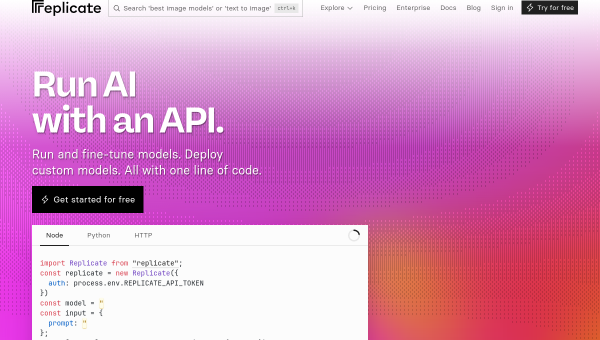
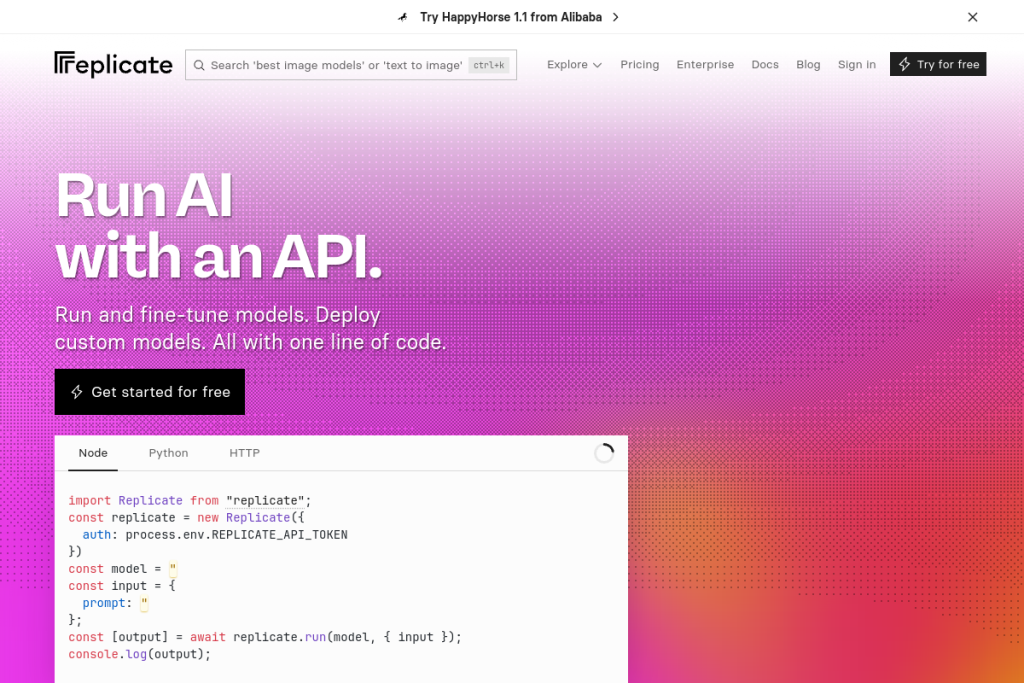
Replicate is a cloud platform for running machine-learning models via API. It provides one-line access to a large library of models — for image and video generation, text-to-speech, music, and language — from major providers and the community. You can fine-tune models on your own data, and package and deploy custom models using Cog, its open-source containerisation tool, all on auto-scaling infrastructure that bills only for what you use.
What it does well
- Run models easily — call thousands of models via a simple API.
- Fine-tuning — train models on your own data for custom results.
- Custom deployment — package and deploy your own models with Cog.
- Auto-scaling — infrastructure scales with demand, pay per use.
- Broad model range — images, video, audio, and language models.
Who it is for
Replicate suits developers, startups, and businesses that want to build AI features without operating their own ML infrastructure. It is ideal for teams that need production-ready model hosting and fine-tuning but would rather not manage GPUs and scaling themselves, and for anyone experimenting with the latest open models.
Things to keep in mind
Replicate removes the infrastructure burden, but you still need development skills to integrate models and build a product around them. Usage-based pricing rewards efficient use, so it is worth understanding how model runs map to cost before scaling heavy workloads, and results depend on the specific models you choose.
Our verdict
Replicate is a genuinely valuable platform for developers who want to use powerful AI models without the operational headache of running them. The combination of a huge model library, easy fine-tuning, and custom deployment on auto-scaling infrastructure is compelling. If you are building AI features and want to focus on the product rather than the plumbing, it is well worth trying.
Frequently asked questions
Do I need ML expertise to use Replicate?
Not deep ML expertise — it lets you run models with minimal code — but you do need development skills to integrate them and build a product. It removes the infrastructure burden, not the engineering.
Can I deploy my own models on Replicate?
Yes — you can package and deploy custom models using Cog, its open-source containerisation tool, alongside running community and commercial models via API.
Reviewed by the World of AI Hub editorial team based on the tool website and documentation.
Top Replicate alternatives
Other hand-reviewed Coding Assistants tools worth comparing against Replicate.
AiderFree
Aider is a free AI coding assistant and developer tool tool for software developers. Our review covers what…
AlphaCodeFree
AlphaCode by Google DeepMind is a free AI coding assistant and developer tool tool for software developers. Our…
Amazon Q DeveloperFreemium
Amazon Q Developer by Amazon Web Services is a freemium AI business and coding assistant tool for software…
AnacondaFree
Anaconda is a free AI coding assistant and developer tool tool for engineers. Our review covers what it…
ApplitoolsPaid
Applitools is a paid AI coding assistant and developer tool tool for engineers. Our review covers what it…
AskCodiFreemium
AskCodi is a freemium AI coding assistant and developer tool tool for software developers. Our review covers what…
Are you the maker of Replicate?
Show visitors this review with the badge below. Copy the code into your site or press kit; it links straight back to this page.



