Key Takeaways
- BigQuery ML lets you build ML models using SQL inside BigQuery.
- You train and run models where your data already lives.
- It supports many model types and connects to Vertex AI and Gemini.
- Great for data analysts who want ML without moving data or learning Python.
BigQuery ML is a clever idea executed well: it lets you create and run machine-learning models using plain SQL, right inside Google’s BigQuery data warehouse — no moving data, no separate ML stack, no Python required. Analysts who already know SQL can train forecasting, classification, and clustering models on data where it lives, and it connects to Vertex AI and Gemini for more advanced needs. For data teams who want ML without the usual friction, it is a genuinely smart tool.
What is BigQuery ML?
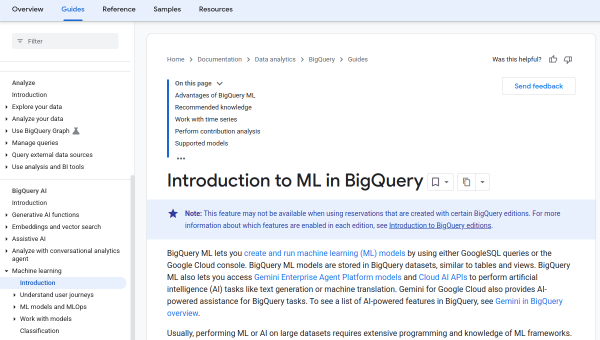
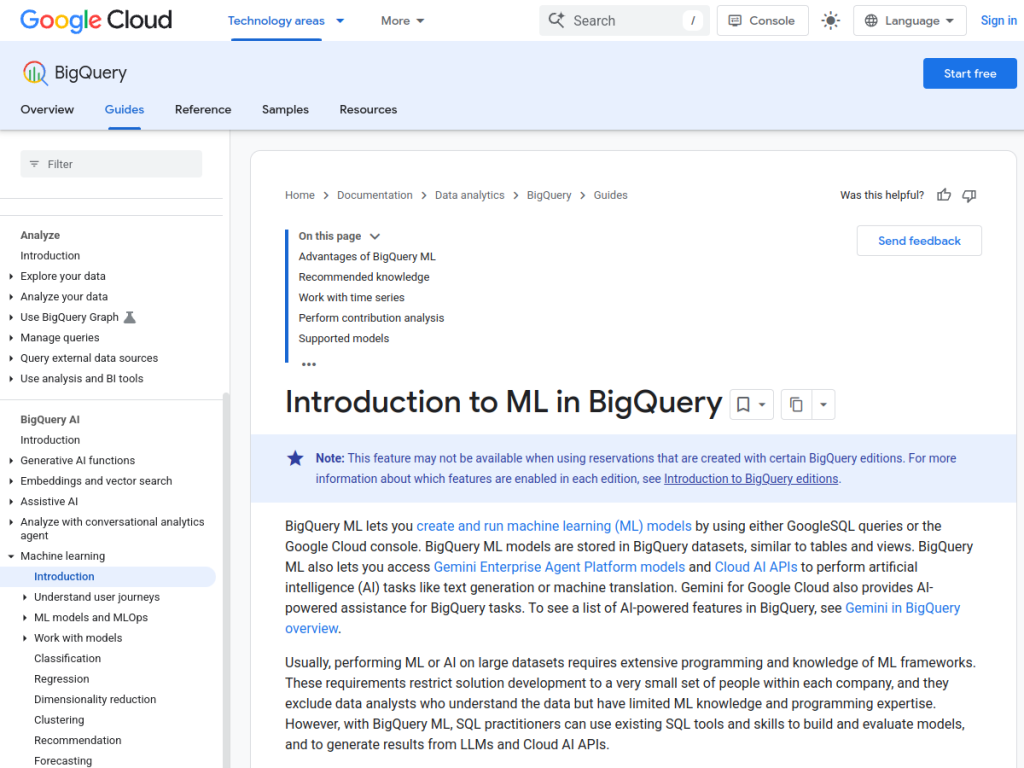
BigQuery ML (BQML) lets users create, train, and run machine-learning models directly inside Google Cloud’s BigQuery data warehouse using standard SQL. Its central benefit is bringing ML to the data rather than exporting data to a separate ML environment, so analysts can build models with SQL statements without needing Python or a dedicated ML pipeline. It supports a wide range of model types — including linear and logistic regression, boosted trees, clustering (k-means), time-series forecasting (ARIMA-based), matrix factorization for recommendations, and deep neural networks — and can import external models or connect to Vertex AI for advanced training and deployment. It also integrates generative AI, letting you call Gemini and other foundation models from SQL for tasks like text generation and embeddings on your data. BigQuery ML uses BigQuery usage-based pricing (compute and storage), with a free tier.
What it does well
- ML in SQL: train models with familiar SQL syntax.
- No data movement: models run where your data lives.
- Many model types: forecasting, classification, clustering, and more.
- Connected: works with Vertex AI and Gemini for generative AI.
Who it is for
BigQuery ML fits data analysts, analytics engineers, and data teams already using BigQuery who want to build machine-learning models — forecasting, classification, clustering, recommendations — using SQL, without moving data or standing up a separate ML stack or learning Python. Its generative-AI integration extends it to text tasks on your data. Teams needing deep custom model development may use Vertex AI or frameworks directly, and BigQuery usage costs apply, but for accessible ML inside your data warehouse, BigQuery ML is an excellent, smart choice.
Things to keep in mind
- It uses BigQuery usage-based pricing (compute and storage).
- Deep custom model development may need Vertex AI or frameworks.
- It assumes your data is in (or can land in) BigQuery.
Our verdict
BigQuery ML is a genuinely smart tool, and its core idea — creating and running machine-learning models with plain SQL, right inside BigQuery where your data already lives — removes the friction that stops many analysts from using ML at all. Support for forecasting, classification, clustering, and recommendations, plus connections to Vertex AI and generative AI via Gemini from SQL, make it surprisingly capable. BigQuery usage costs apply and deep custom work may need Vertex AI, but for accessible machine learning inside your data warehouse, BigQuery ML is an excellent choice.
Frequently asked questions
What is BigQuery ML?
BigQuery ML lets you create, train, and run machine-learning models using standard SQL directly inside Google Cloud’s BigQuery data warehouse, without moving data or using Python.
What models does BigQuery ML support?
It supports linear and logistic regression, boosted trees, k-means clustering, time-series forecasting, matrix factorization for recommendations, deep neural networks, and imported models.
Does BigQuery ML support generative AI?
Yes, it integrates generative AI, letting you call Gemini and other foundation models from SQL for tasks like text generation and embeddings on your data.
How is BigQuery ML priced?
It uses BigQuery usage-based pricing for compute and storage, with a free tier; see Google Cloud for current details.
Top BigQuery ML alternatives
Other hand-reviewed Coding Assistants tools worth comparing against BigQuery ML.
AiderFree
Aider is a free AI coding assistant and developer tool tool for software developers. Our review covers what…
AlphaCodeFree
AlphaCode by Google DeepMind is a free AI coding assistant and developer tool tool for software developers. Our…
Amazon Q DeveloperFreemium
Amazon Q Developer by Amazon Web Services is a freemium AI business and coding assistant tool for software…
AnacondaFree
Anaconda is a free AI coding assistant and developer tool tool for engineers. Our review covers what it…
ApplitoolsPaid
Applitools is a paid AI coding assistant and developer tool tool for engineers. Our review covers what it…
AskCodiFreemium
AskCodi is a freemium AI coding assistant and developer tool tool for software developers. Our review covers what…
Are you the maker of BigQuery ML?
Show visitors this review with the badge below. Copy the code into your site or press kit; it links straight back to this page.



