Key Takeaways
- Gemini is Google’s AI assistant and family of multimodal AI models.
- It handles text, images, code, and more in a conversational assistant.
- It integrates across Google apps and offers more capable paid tiers.
- Great as a versatile, everyday AI assistant from Google.
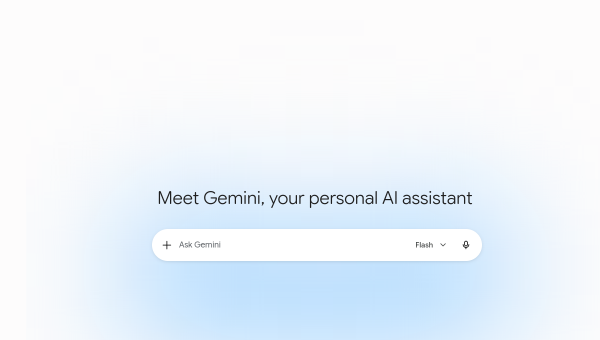
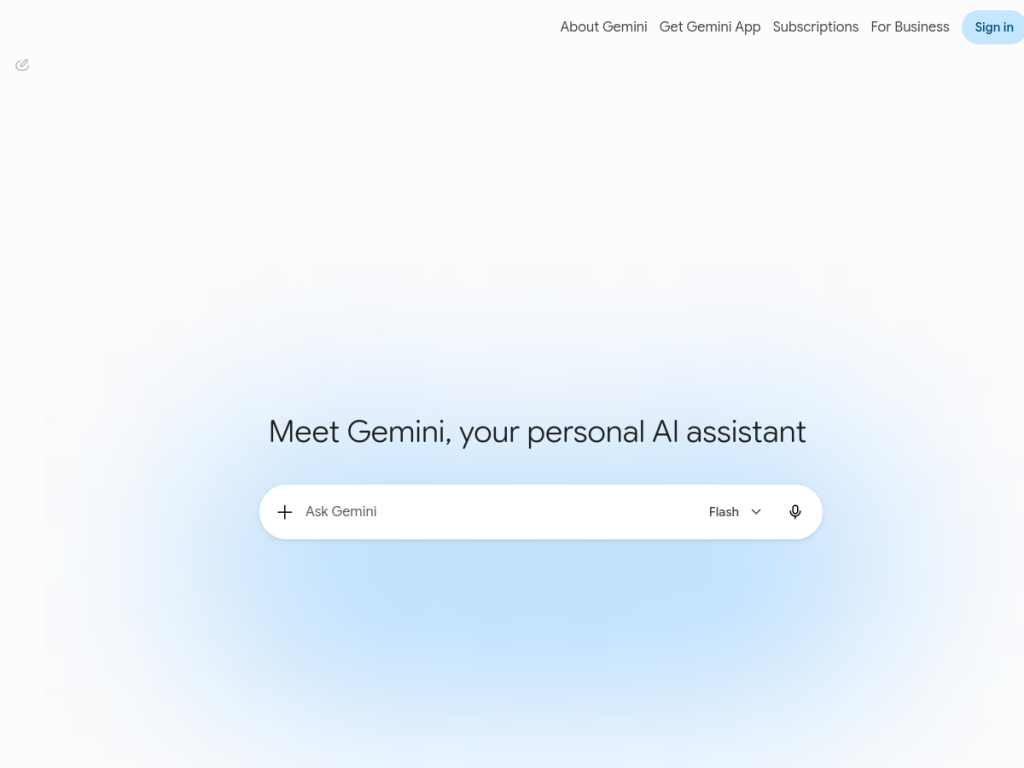
Gemini is Google’s AI assistant, powered by its Gemini family of multimodal models. It answers questions, writes and edits text, helps with code, works with images, and assists across everyday tasks — all in a conversational interface available on the web and mobile. As one of the leading general-purpose AI assistants, backed by Google’s research and integrated across its products, Gemini is a versatile, capable option for a huge range of needs.
What is Gemini?
Gemini is Google’s AI assistant and the name of its family of multimodal AI models. As an assistant, it lets you chat to get answers, brainstorm, write and refine content, summarize information, help with coding, and work with images and other inputs, all in a conversational experience on the web and in mobile apps. Because the underlying models are multimodal, Gemini can reason across text, images, and more, and it integrates across Google’s ecosystem, bringing AI help into products people already use. Google offers Gemini in tiers: a capable free experience, and paid access (through Google One AI plans) that unlocks the most advanced models, higher usage limits, and additional features. Gemini is continuously updated as Google advances its models, making it one of the most prominent and rapidly evolving general-purpose AI assistants available.
What it does well
- Multimodal: works across text, images, code, and more.
- Versatile: answers, writing, summarizing, and coding help.
- Well integrated: brings AI across Google’s apps and services.
- Backed by Google: strong models and continuous updates.
Who it is for
Gemini fits almost anyone who wants a capable, general-purpose AI assistant — students, professionals, developers, and everyday users — for writing, research, brainstorming, coding help, and working with images, especially those already in Google’s ecosystem. Its free tier makes it easy to start, while paid plans suit power users who want the most advanced models. People who prefer a different assistant or need specialized, domain-specific tools may look elsewhere, and as with any AI its outputs should be verified, but as a versatile everyday AI assistant, Gemini is an excellent, widely accessible choice.
Things to keep in mind
- As with any AI assistant, verify important facts and outputs.
- The most capable models and higher limits require a paid plan.
- Capabilities evolve quickly as Google updates its models.
Our verdict
Gemini is one of the leading general-purpose AI assistants, and its multimodal Gemini models — handling text, images, code, and more — make it genuinely versatile for writing, research, brainstorming, and coding help. Deep integration across Google’s products and a capable free tier make it easy to adopt, while paid plans unlock the most advanced models for power users. Outputs should be verified and top capabilities are paid, but as a capable, continually improving everyday AI assistant backed by Google, Gemini is an excellent choice.
Frequently asked questions
What is Gemini?
Gemini is Google’s AI assistant and its family of multimodal AI models, able to help with writing, research, coding, images, and everyday tasks in a conversational interface.
Is Gemini free?
Gemini offers a capable free tier, with paid access (via Google One AI plans) unlocking the most advanced models, higher limits, and extra features.
What can Gemini do?
It can answer questions, write and edit content, summarize, brainstorm, help with code, and work with images and other inputs, integrated across Google’s apps.
Is Gemini multimodal?
Yes, the Gemini models are multimodal, so Gemini can reason across text, images, and more rather than just plain text.
Top Gemini alternatives
Other hand-reviewed Research tools worth comparing against Gemini.
Ada HealthFree
Ada Health is a free AI education and healthcare tool for healthcare providers. Our review covers what it…
AidocPaid
Aidoc is a paid AI healthcare and research tool for healthcare providers. Our review covers what it does,…
Andi SearchFree
Andi Search by Andi (LazyWeb) is a free AI chatbot and research tool for researchers. Our review covers…
Brave Search AIFreemium
Brave Search AI by Brave Software is a freemium AI research and search engine tool for researchers. Our…
ChatPDFFreemium
ChatPDF is a freemium AI education and pdf-tool tool for document-heavy teams. Our review covers what it does,…
ClaudeFreemium
Claude by Anthropic is a freemium AI assistant and chatbot tool for writers and marketers. Our review covers…
Gemini vs the competition
Are you the maker of Gemini?
Show visitors this review with the badge below. Copy the code into your site or press kit; it links straight back to this page.