Key Takeaways
- Beautiful.ai is presentation software that uses AI to build polished, on-brand slides.
- Its “smart slides” auto-adjust layout, spacing, and alignment as you add content.
- It can generate decks from a prompt or document and enforce brand consistency for teams.
- A big time-saver on design; your content and narrative are still what matter most.
Beautiful.ai tackles a problem anyone who makes slides knows: presentations look messy and take forever to align. It uses AI and smart templates that automatically adjust layout as you add content, so slides stay clean without manual fiddling. It can also generate a deck from a prompt or document, making it a fast route to a professional-looking presentation.
What is Beautiful.ai?
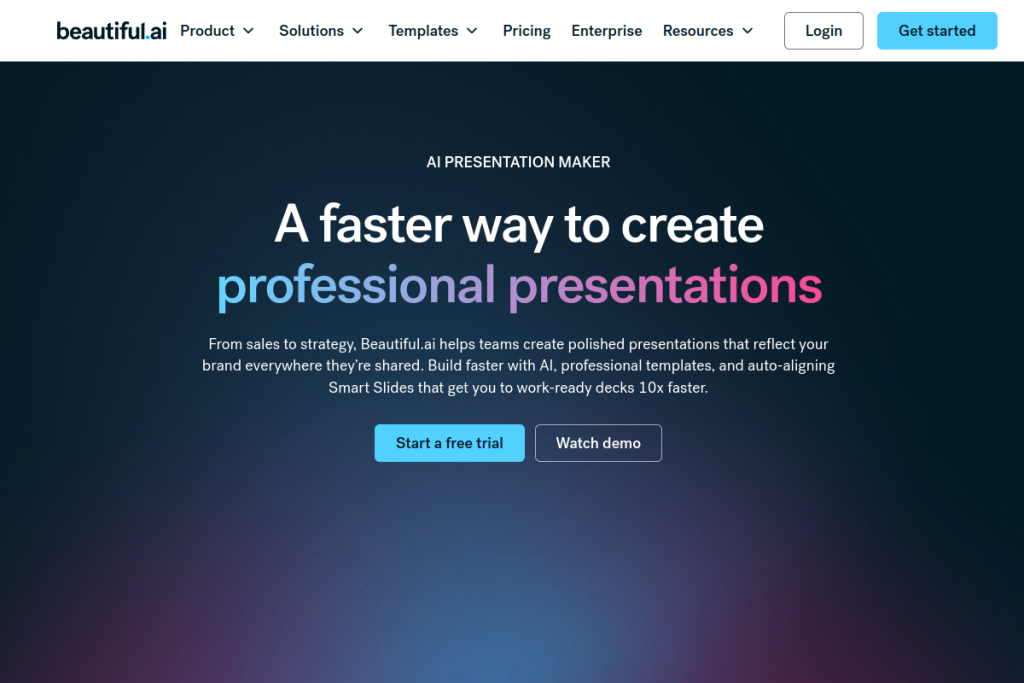
Beautiful.ai is AI-powered presentation software. Its signature “smart slides” — hundreds of auto-aligning layouts — adjust spacing, alignment, and hierarchy automatically as your content changes, so decks stay tidy. It can create presentations from prompts, outlines, or documents, offers brand controls and locked templates for consistency, and includes data visualisation, collaboration, and viewer analytics.
What it does well
- Smart slides — layouts that auto-align as you add or change content.
- AI deck generation — turn a prompt or document into slides.
- Brand controls — themes and locked templates for consistent, on-brand decks.
- Data visualisation — charts, timelines, and data-linked visuals.
- Collaboration — shared libraries, real-time editing, and viewer analytics.
Who it is for
Beautiful.ai suits marketing and sales teams, agencies, consultants, and individuals who make presentations regularly and want them to look professional without spending hours on design. Its brand controls make it especially useful for teams and enterprises that need consistent, on-brand decks across many people.
Things to keep in mind
Beautiful.ai makes slides look great, but design is only half of a good presentation — a clear message and strong narrative still come from you. AI-generated decks are a fast starting point that need your content and judgement to become genuinely persuasive. For highly bespoke, pixel-perfect creative decks, a full design tool may offer more freedom.
Our verdict
Beautiful.ai is a genuine time-saver for anyone who makes presentations, and its auto-aligning smart slides remove the tedious formatting work that eats hours. For teams that value consistent, polished, on-brand decks, it is well worth trying. Bring a clear message and good content, let it handle the design, and you get professional presentations in a fraction of the usual time.
Frequently asked questions
What makes Beautiful.ai different from other slide tools?
Its “smart slides” automatically adjust layout, spacing, and alignment as you add content, so decks stay polished without manual formatting — and it can generate decks from a prompt or document.
Is Beautiful.ai good for teams?
Yes — brand controls, locked templates, shared libraries, and collaboration features make it well suited to teams that need consistent, on-brand presentations.
Reviewed by the World of AI Hub editorial team based on the tool website and documentation.
Top Beautiful.ai alternatives
Other hand-reviewed Presentation tools worth comparing against Beautiful.ai.
Canva AIFreemium
Canva AI is a freemium AI design and image generation tool for designers. Our review covers what it…
GammaFreemium
Gamma is a freemium AI business and design tool for presenters. Our review covers what it does, pricing,…
MagicSlidesFreemium
MagicSlides is a freemium AI business and presentation tool for presenters. Our review covers what it does, pricing,…
Murf AIFreemium
Murf AI is a freemium AI presentation and video generation tool for video creators. Our review covers what…
PitchFreemium
Pitch is a freemium AI business and presentation tool for presenters. Our review covers what it does, pricing,…
Plus AIPaid
Plus AI is a paid AI business and presentation tool for presenters. Our review covers what it does,…
Are you the maker of Beautiful.ai?
Show visitors this review with the badge below. Copy the code into your site or press kit; it links straight back to this page.



