Key Takeaways
- ChatGPT is a versatile AI assistant that helps with coding through conversation — explaining, debugging, and generating code.
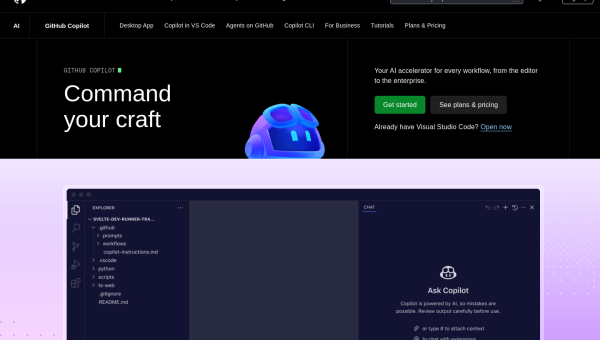
- GitHub Copilot is an AI pair programmer built into your editor for inline code completion and in-context help.
- Choose ChatGPT for conversational coding help and problem-solving; choose Copilot for in-editor autocomplete as you type.
- A conversational assistant vs an in-editor coding companion — many developers use both.
ChatGPT and GitHub Copilot both help developers write code, but in different ways. ChatGPT is a conversational assistant you ask for explanations, debugging, and code; Copilot is an AI pair programmer that suggests code inline as you type in your editor. Here is how they compare for coding.
The quick verdict
Choose ChatGPT if you want a conversational partner to explain concepts, debug problems, generate code from descriptions, and think through approaches. Choose GitHub Copilot if you want fast, in-editor autocomplete and in-context suggestions as you write, without leaving your workflow.
Conversation vs in-editor
ChatGPT shines for conversation: paste code and ask what is wrong, describe a problem and get an approach, or generate a function from a description — great for learning and problem-solving. Copilot shines in the editor: it completes lines and functions as you type and answers in context. For discussion and problem-solving, ChatGPT; for flow-state autocomplete, Copilot.
Workflow
Copilot lives inside your editor (VS Code, JetBrains, and more), so suggestions appear where you work with zero context-switching. ChatGPT is a separate chat interface (though also integrated into some tools), which is ideal for deeper back-and-forth but means switching windows. Your preferred workflow is a key factor.
Using them together
Many developers use both: Copilot for fast in-editor completion and ChatGPT for explanations, debugging, and design discussions. As always, review and test AI-generated code before using it — both are assistants, not replacements for judgment.
At a glance
| ChatGPT | GitHub Copilot | |
|---|---|---|
| Type | Conversational AI assistant | In-editor AI pair programmer |
| Best at | Explaining, debugging, generating | Inline autocomplete in context |
| Workflow | Separate chat interface | Inside your editor |
| Pricing | Free tier + paid | Paid (free for students/OSS) |
Pros and cons
ChatGPT pros: great for explanations, debugging, and problem-solving, versatile. Cons: separate interface, not inline autocomplete. Copilot pros: fast in-editor completion, zero context-switching, in-context help. Cons: less suited to open-ended discussion than ChatGPT.
Final verdict
They complement each other more than compete. If you want a conversational partner to explain, debug, and design, ChatGPT is excellent. If you want fast autocomplete and in-context help right in your editor, Copilot is purpose-built. Many developers use both — Copilot for flow and ChatGPT for deeper help — and always review and test AI-generated code before shipping.
Frequently asked questions
ChatGPT or GitHub Copilot for coding?
ChatGPT is better for conversational help — explaining, debugging, and generating code from descriptions; Copilot is better for inline autocomplete in your editor. Many developers use both.
Should I review AI-generated code?
Always — whether from ChatGPT or Copilot, AI-generated code should be reviewed and tested before use, as it can contain bugs or security issues.
Sources: hands-on knowledge of both tools, checked against their official documentation and pricing at the time of writing.