Key Takeaways
- AILab Tools is an AI image editing platform with 50+ APIs.
- It covers portrait editing, background removal, and enhancement.
- It is API-first, aimed at developers integrating image AI.
- Great for adding image AI to apps without building models.
AILab Tools is an API-first platform offering a broad catalog of AI image capabilities — more than fifty of them — covering portrait editing, background removal, enhancement, cartoonization, and much more. Rather than a consumer editor, it is built for developers who want to call an endpoint and get a result. For teams adding image AI to an application without training their own models, that breadth in one place is genuinely convenient.
What is AILab Tools?
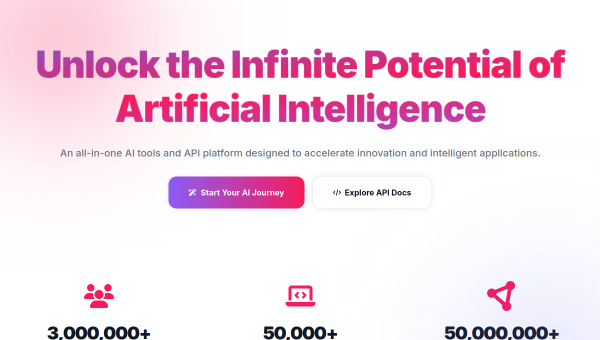
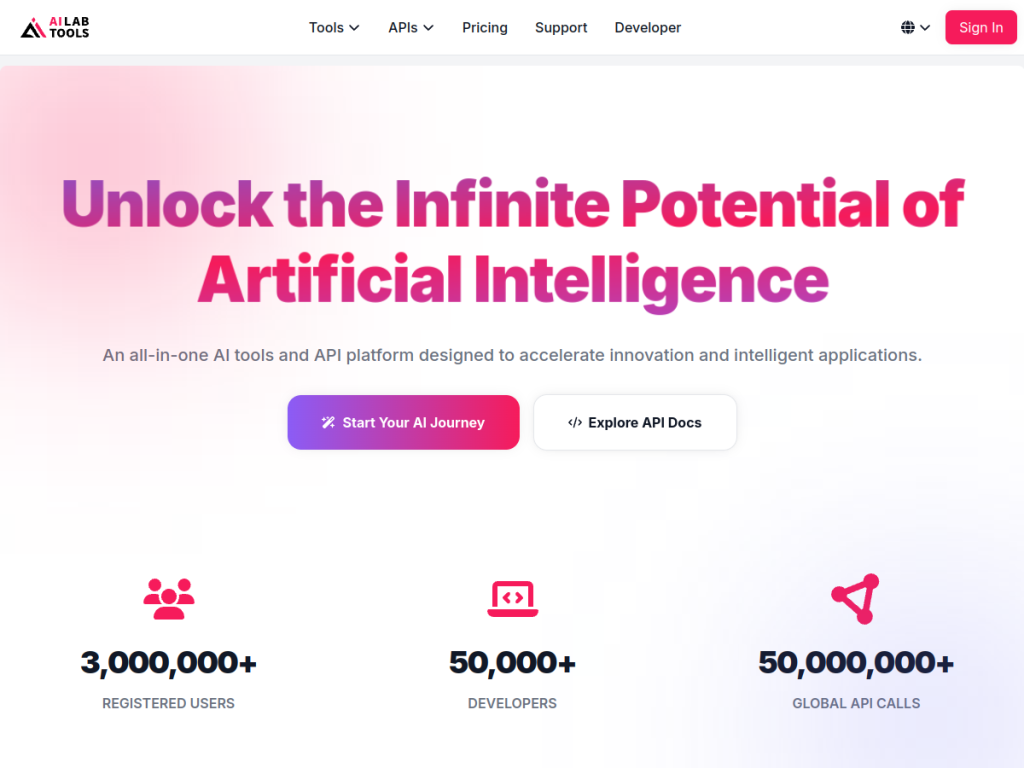
AILab Tools is an AI image processing and editing platform offering a large catalog of capabilities — over 50 APIs — primarily aimed at developers integrating image AI into their own applications. Its catalog spans portrait and face editing (retouching, beautification, age and expression changes, face swap and related operations), background removal and replacement, image enhancement and upscaling, colorization of black-and-white photos, cartoonization and style transfer, object and watermark removal, image segmentation and detection, and various other transformations. It provides these as REST APIs with documentation, alongside web-based demos letting users try capabilities before integrating. Its pitch is breadth and convenience: rather than sourcing, training, or self-hosting many separate models, developers call one platform for a wide range of image operations. It offers free trial credits with pay-as-you-go and package pricing for API use. As with any face and portrait AI, some capabilities — particularly face swap and likeness editing — carry consent and misuse considerations that developers should handle responsibly.
What it does well
- Breadth: 50+ image AI capabilities in one platform.
- API-first: clean REST endpoints with documentation.
- Try before you build: web demos of each capability.
- Flexible pricing: free trial credits then pay-as-you-go.
Who it is for
AILab Tools fits developers and product teams who want to add image AI — background removal, enhancement, portrait editing, colorization, style transfer — to an application without sourcing or self-hosting many separate models. Its breadth in a single API platform is the main draw. Non-developers wanting to edit a few photos should use a consumer editor instead, per-call costs scale with volume, and its face and likeness capabilities (notably face swap) carry real consent and misuse considerations that you are responsible for handling properly in your product. For image AI as infrastructure, it is a capable choice.
Things to keep in mind
- Face swap and likeness editing carry consent and misuse considerations.
- It is a developer API, not a consumer photo editor.
- Pay-as-you-go costs scale with your call volume.
Our verdict
AILab Tools is a convenient, well-scoped image AI platform for developers, and breadth is its argument: over 50 REST APIs covering portrait and face editing, background removal, enhancement and upscaling, colorization, cartoonization, object and watermark removal, and segmentation — all in one place, with web demos to try before integrating and free trial credits to start. For teams that would otherwise source and self-host a dozen separate models, that consolidation saves real work. It is developer infrastructure rather than a consumer editor, and its face-editing capabilities carry consent responsibilities you must handle, but it is a solid choice.
Frequently asked questions
What is AILab Tools?
AILab Tools is an API-first AI image platform offering 50+ capabilities including portrait editing, background removal, enhancement, colorization, and style transfer.
Who is AILab Tools for?
It is for developers and product teams integrating image AI into applications without sourcing, training, or self-hosting many separate models.
Is AILab Tools free?
It offers free trial credits, with pay-as-you-go and package pricing for API use that scales with call volume.
Are there ethical considerations?
Yes — face swap and likeness-editing capabilities carry consent and misuse considerations that developers are responsible for handling properly in their products.
Top AILab Tools alternatives
Other hand-reviewed AI Image Generators tools worth comparing against AILab Tools.
AstriaFreemium
Astria is a freemium AI image tool. Our hands-on review covers features, pricing, pros and cons, and who…
BriaPaid
Bria by Bria AI is a paid AI image tool. Our hands-on review covers features, pricing, pros and…
Cleanup.picturesFreemium
Cleanup.pictures is a freemium AI image tool. Our hands-on review covers features, pricing, pros and cons, and who…
CraiyonFreemium
Craiyon is a freemium AI image tool. Our hands-on review covers features, pricing, pros and cons, and who…
Deep Dream GeneratorFree Trial
Deep Dream Generator is a free trial AI image tool. Our hands-on review covers features, pricing, pros and…
DezgoFree Trial
Dezgo is a free trial AI image tool. Our hands-on review covers features, pricing, pros and cons, and…
Are you the maker of AILab Tools?
Show visitors this review with the badge below. Copy the code into your site or press kit; it links straight back to this page.