Key Takeaways
- Almanac is a fast documentation and wiki tool for distributed teams, with AI-assisted writing.
- It centralizes docs with search, approval workflows, and version control.
- Positioned as an alternative to Confluence, Notion, and similar knowledge tools.
- Good for doc-heavy remote teams; a focused wiki rather than a broad all-in-one workspace.
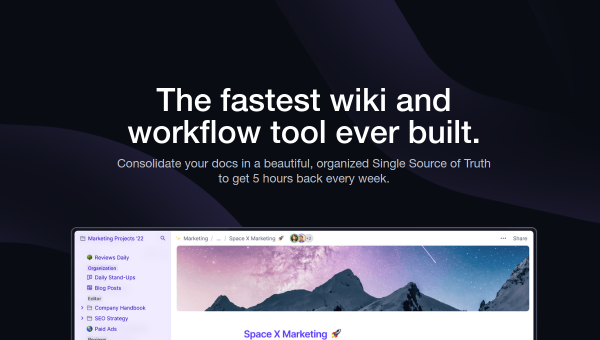
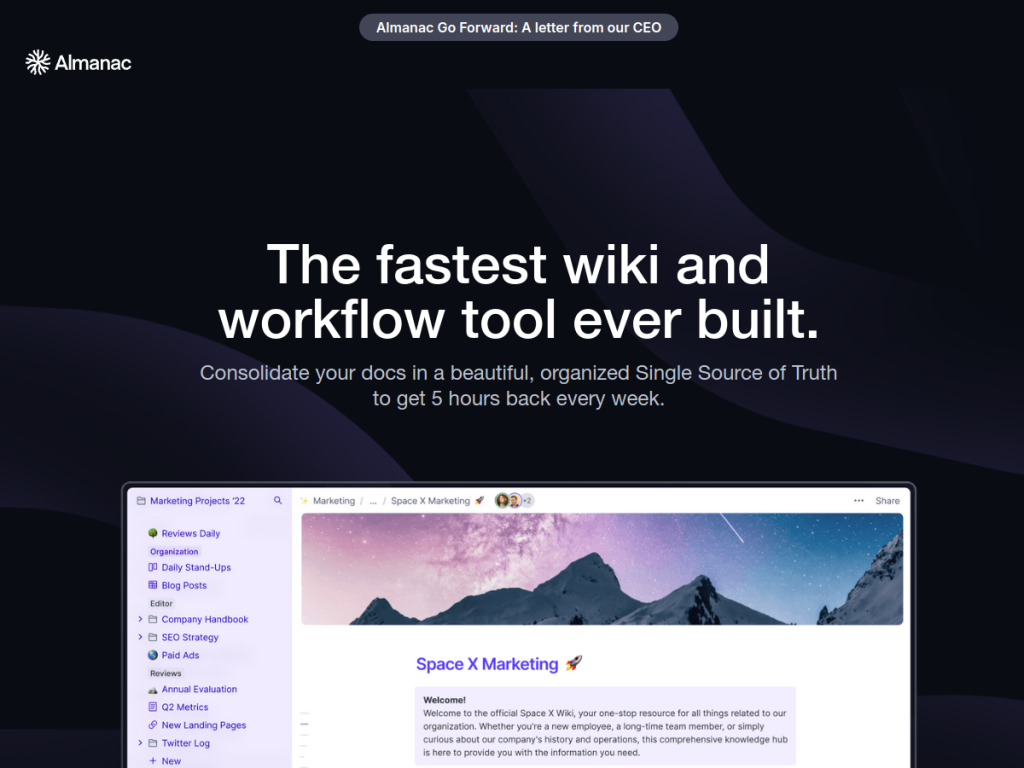
Almanac is a documentation and workflow tool aimed at distributed teams who are tired of losing knowledge in scattered docs and endless meetings. It bills itself as a very fast wiki, pairing centralized documentation with structured approval workflows, version control, and AI-assisted writing to keep information organized and current.
What is Almanac?
Almanac is a docs-and-wiki platform built for how remote and hybrid teams actually work. It consolidates documentation into a searchable, centralized workspace and adds the structure that ad-hoc note tools lack: approval workflows, version control, collaborative editing with read receipts, and AI assistance for drafting and editing. It integrates with the tools teams already use — Jira, GitHub, Slack, Figma, and others — and offers enterprise security features such as SOC 2, SSO/SAML, and, for relevant customers, HIPAA. The company positions Almanac as a faster, more structured alternative to Confluence and Notion, focused on reducing meeting time and documentation confusion for distributed teams.
What it does well
- Speed and search: a fast wiki that makes finding and updating docs quick.
- Structure: approval workflows and version control keep documentation trustworthy.
- AI assistance: help drafting and editing content directly in the workspace.
- Integrations and security: connects to common tools with enterprise-grade controls.
Who it is for
Almanac is a good fit for distributed and remote-first teams that live in documentation — engineering, operations, and knowledge-heavy functions that need a single, structured source of truth. Teams frustrated by messy wikis or wanting stronger approval and version control than a freeform notes tool provides will appreciate its structure. It is less suited to those wanting a sprawling all-in-one workspace with databases and project boards; Almanac is deliberately focused on docs and workflows.
Things to keep in mind
- It is focused on documentation and workflows, not a do-everything workspace.
- The AI features assist with writing but the knowledge and structure are still yours to maintain.
- Teams deeply invested in Notion or Confluence face a migration effort to switch.
Our verdict
Almanac is a capable, focused documentation tool that does the unglamorous work of keeping distributed teams’ knowledge organized, current, and easy to find. Its emphasis on speed, structure, and approval workflows — plus AI-assisted writing — sets it apart from freeform note apps. It will not replace a full project-management suite, and switching from an entrenched wiki takes effort, but for remote teams serious about documentation as a first-class practice, Almanac is a strong, purpose-built choice with a free tier to start.
Frequently asked questions
What is Almanac used for?
Almanac is a documentation and wiki tool for distributed teams, centralizing docs with search, approval workflows, version control, and AI-assisted writing.
How is Almanac different from Notion or Confluence?
Almanac emphasizes speed and structure — approval workflows and version control — and positions itself as a faster, more focused documentation alternative rather than a broad all-in-one workspace.
Is Almanac free?
Yes, there is a free tier for small teams, with paid plans adding advanced workflows, security, and admin controls.
Does Almanac have AI features?
Yes. Almanac includes AI assistance for drafting and editing documents within its collaborative workspace.
Top Almanac alternatives
Other hand-reviewed Productivity tools worth comparing against Almanac.
Abnormal SecurityPaid
Abnormal Security by Abnormal AI is a paid AI business and productivity tool for business teams. Our review…
Adobe Acrobat AIFreemium
Adobe Acrobat AI is a freemium AI business and ocr tool for document-heavy teams. Our review covers what…
AirtableFreemium
Airtable is a freemium AI business and productivity tool for knowledge workers. Our review covers what it does,…
AsanaFreemium
Asana is a freemium AI business and productivity tool for knowledge workers. Our review covers what it does,…
Automation AnywherePaid
Automation Anywhere is a paid AI business and productivity tool for business teams. Our review covers what it…
AvomaPaid
Avoma is a paid AI meeting assistant and productivity tool for meeting-heavy teams. Our review covers what it…
Are you the maker of Almanac?
Show visitors this review with the badge below. Copy the code into your site or press kit; it links straight back to this page.



