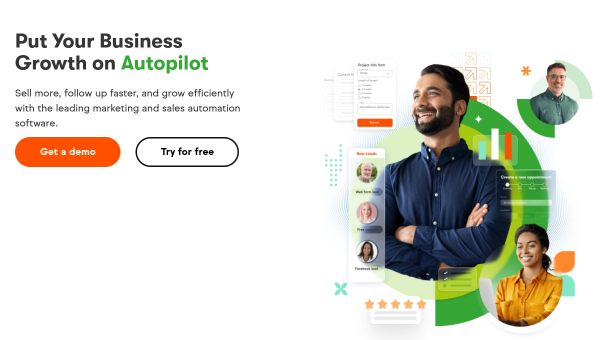
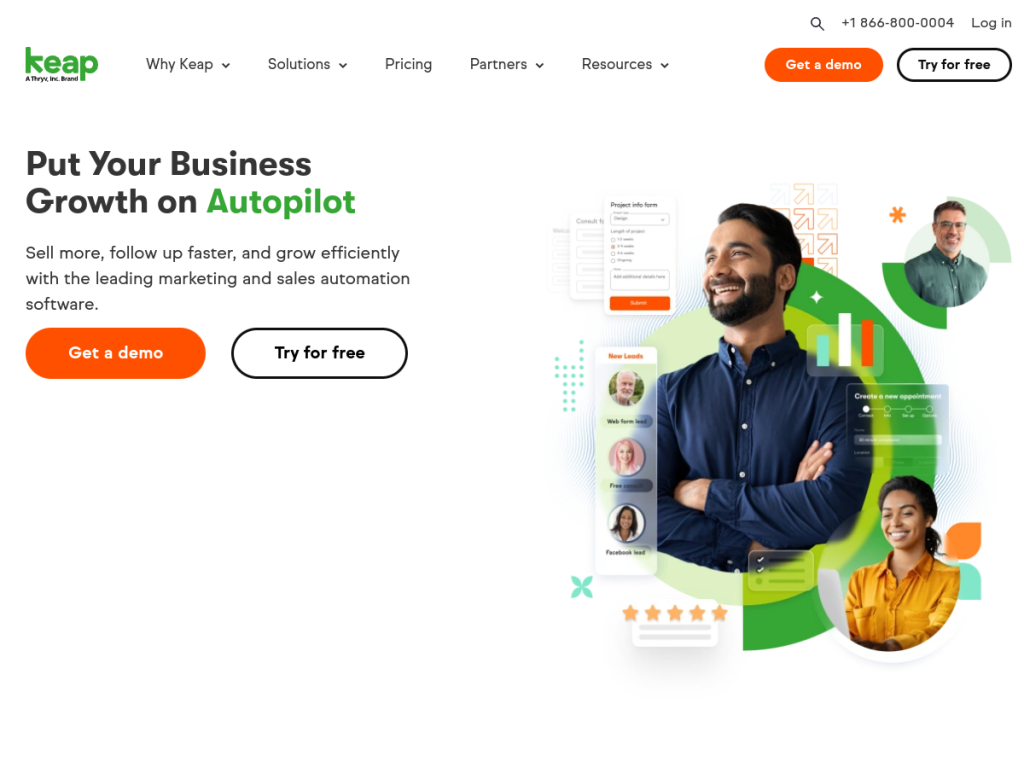
Key Takeaways
- Keap is a CRM and automation platform built for small businesses.
- It combines contact management, marketing and sales automation, and invoicing.
- Keap AI helps generate content, and proven templates speed up campaigns.
- Great for small-business automation; it is now a Thryv brand.
Keap is a CRM and automation platform aimed squarely at small businesses and entrepreneurs who want to automate their sales and marketing without a technical team. It combines customer management, drag-and-drop automation, email and text marketing, and invoicing — with AI-assisted content and ready-made automation templates to help owners scale their operations.
What is Keap?
Keap is a small-business CRM and automation platform that helps entrepreneurs organize customers, automate workflows, and grow. It covers contact management, marketing and sales automation, lead capture and nurturing, email and text marketing, appointment scheduling, and invoicing, with over 5,000 integrations to connect the rest of a business’s tools. Its AI, Keap AI, assists with content generation, and pre-built “Proven Automation” templates make it faster to launch campaigns without building everything from scratch. Keap positions itself as an alternative to larger platforms while staying approachable for non-technical owners, and it is now part of Thryv, Inc. Pricing is subscription-based, scaling by contacts and features, with a free trial available.
What it does well
- Small-business focus: CRM plus automation designed for entrepreneurs.
- All-in-one: marketing, sales, scheduling, and invoicing together.
- AI and templates: content help and proven automation templates.
- Many integrations: 5,000+ connections to other tools.
Who it is for
Keap fits small businesses, solopreneurs, and service providers who want to automate marketing and sales and manage customers in one place, without needing a developer. It is especially useful for those who find enterprise platforms too complex. Larger organizations with sophisticated needs may prefer heavier CRMs, and the price can feel steep for the very smallest operations, but for small businesses ready to automate, Keap is a capable, approachable option.
Things to keep in mind
- Pricing can feel high for the smallest businesses just getting started.
- The AI features are helpful assistants rather than the core of the product.
- As a Thryv brand now, packaging and roadmap may continue to evolve.
Our verdict
Keap is a solid CRM-and-automation platform for small businesses that want to put their marketing and sales on autopilot without technical overhead. Its all-in-one mix of contact management, automation, scheduling, and invoicing — plus AI content help and proven templates — makes it genuinely useful for busy owners. Pricing can be a stretch for the smallest operations, and its AI is a helper rather than a headline, but for small businesses ready to automate and grow, Keap is a capable choice with a free trial to test.
Frequently asked questions
What is Keap?
Keap is a CRM and automation platform for small businesses, combining contact management, marketing and sales automation, scheduling, and invoicing, with AI content help.
What does Keap AI do?
Keap AI assists with content generation, and the platform offers pre-built proven automation templates to speed up campaign creation.
Is Keap part of Thryv?
Yes. Keap now operates as a Thryv, Inc. brand, while keeping the Keap name and small-business focus.
Who is Keap best for?
It is best for small businesses, solopreneurs, and service providers who want to automate marketing and sales and manage customers without a developer.
Top Keap alternatives
Other hand-reviewed Social Media tools worth comparing against Keap.
AdCreative.aiPaid
AdCreative.ai is a paid AI design and marketing tool for marketers. Our review covers what it does, pricing,…
BoomyFreemium
Boomy is a freemium AI audio music and social media tool for musicians and producers. Our review covers…
Brand24Paid
Brand24 is a paid AI marketing and social media tool for marketers. Our review covers what it does,…
Buffer AIFreemium
Buffer AI is a freemium AI marketing and productivity tool for social media managers. Our review covers what…
Canva AIFreemium
Canva AI is a freemium AI design and image generation tool for designers. Our review covers what it…
Captions AIFreemium
Captions AI is a freemium AI avatars and social media tool for video creators. Our review covers what…
Are you the maker of Keap?
Show visitors this review with the badge below. Copy the code into your site or press kit; it links straight back to this page.



