Key Takeaways
- MATLAB is a computing platform for engineers and scientists.
- It supports algorithm development, data analysis, and visualization.
- It offers deep learning and machine learning toolboxes, plus MATLAB Copilot.
- Great for engineering and scientific work, including AI and ML.
MATLAB, from MathWorks, is a computing platform used by engineers and scientists worldwide for algorithm development, data analysis, modeling, and visualization. Beyond its numeric-computing roots, it has strong AI and machine-learning capabilities — deep learning, ML toolboxes, and now MATLAB Copilot and AI agents to accelerate work. For technical fields from signal processing and control systems to robotics and beyond, MATLAB is a powerful, established environment, now with modern AI woven in.
What is MATLAB?
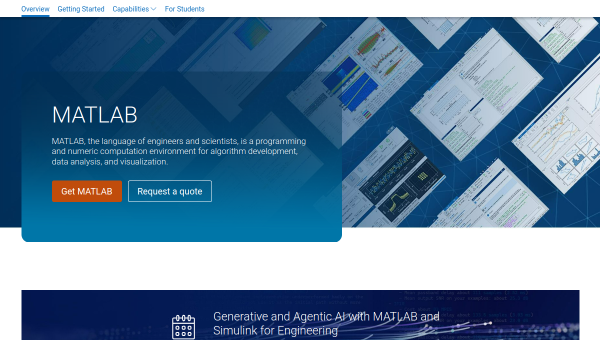
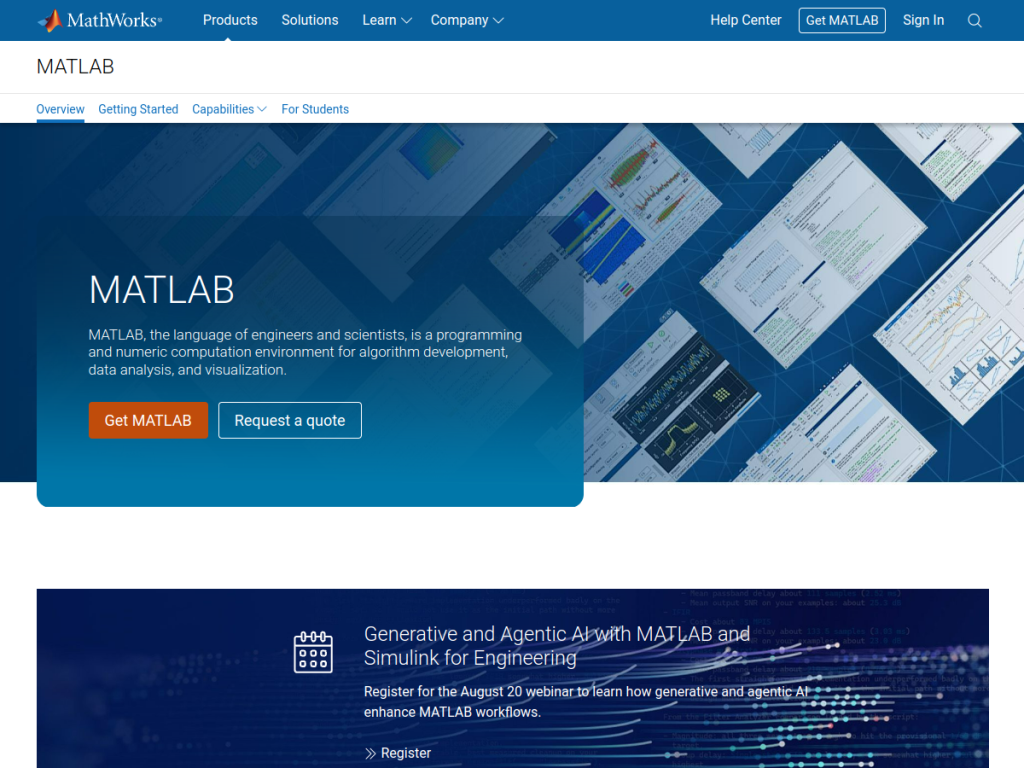
MATLAB is a programming and numeric computation environment from MathWorks for algorithm development, data analysis, and visualization, serving applications like signal processing, control systems, robotics, and wireless communications. Its AI and machine-learning capabilities are substantial: professionally developed toolboxes support deep learning and machine learning, and MATLAB now includes MATLAB Copilot and AI agents to accelerate learning, automate tasks, and boost productivity, with a dedicated focus on agentic AI. Its broader features include interactive apps for data analysis, a high-level programming language designed for engineers, Simulink for model-based design, integration with Python, GitHub, and Visual Studio, and automatic embedded code generation, backed by extensive documentation and training. It targets engineers, scientists, researchers, students, and organizations developing complex systems. MATLAB is a paid product with a free trial, plus lower-cost licenses for students and home use, and regular releases (such as R2025a).
What it does well
- Powerful for engineering: algorithms, analysis, and visualization.
- AI and ML toolboxes: deep learning and machine learning built in.
- MATLAB Copilot: AI assistance and agentic AI features.
- Ecosystem: Simulink, apps, and integration with Python and Git.
Who it is for
MATLAB fits engineers, scientists, researchers, and students in technical fields — signal processing, control systems, robotics, communications, and more — who need a powerful environment for algorithms, data analysis, modeling, and increasingly AI and machine learning, now with Copilot assistance. Its toolboxes and Simulink suit complex system development. Those wanting free, open tooling or general-purpose data science may use Python-based stacks, and MATLAB is a paid, specialized platform, but for engineering and scientific computing including AI, MATLAB is a capable, industry-standard choice.
Things to keep in mind
- MATLAB is a paid product, though student and home licenses cost less.
- For general-purpose data science, open Python stacks are an alternative.
- Its depth suits technical users more than casual ones.
Our verdict
MATLAB is a powerful, industry-standard computing platform for engineers and scientists, and its AI and machine-learning capabilities — deep learning and ML toolboxes, plus the newer MATLAB Copilot and agentic-AI features — extend its longstanding strengths in algorithms, analysis, and visualization into modern AI workflows. Simulink, interactive apps, and integration with Python and Git make it a complete environment for complex technical work. It is a paid, specialized platform and Python stacks are an open alternative for general data science, but for engineering and scientific computing with AI, MATLAB is an excellent choice.
Frequently asked questions
What is MATLAB?
MATLAB is a computing platform from MathWorks for algorithm development, data analysis, modeling, and visualization, with strong AI and machine-learning capabilities.
Does MATLAB have AI features?
Yes, MATLAB offers deep learning and machine learning toolboxes, and includes MATLAB Copilot and AI agents to accelerate work, with a focus on agentic AI.
Is MATLAB free?
MATLAB is a paid product with a free trial, plus lower-cost licenses for students and home use.
Who is MATLAB for?
It is for engineers, scientists, researchers, and students in technical fields who need a powerful environment for algorithms, analysis, modeling, and AI/ML.
Top MATLAB alternatives
Other hand-reviewed Data Analysis tools worth comparing against MATLAB.
AlteryxPaid
Alteryx is a paid AI business and data analysis tool for business teams. Our review covers what it…
Bloomberg Terminal AIEnterprise
Bloomberg Terminal AI is an enterprise AI business and data analysis tool for finance professionals. Our review covers…
DatabricksPaid
Databricks is a paid AI business and data analysis tool for business teams. Our review covers what it…
DataikuPaid
Dataiku is a paid AI business and data analysis tool for business teams. Our review covers what it…
DatarailsPaid
Datarails is a paid AI business and data analysis tool for finance professionals. Our review covers what it…
DataRobotPaid
DataRobot is a paid AI business and data analysis tool for business teams. Our review covers what it…
Are you the maker of MATLAB?
Show visitors this review with the badge below. Copy the code into your site or press kit; it links straight back to this page.



