
Key Takeaways
- Motion is an AI productivity platform that automatically plans and schedules your work.
- It turns tasks, projects, and meetings into an optimised daily calendar that adapts as things change.
- It has expanded into AI project management, meeting notes, and workflow automation.
- Powerful automation; you still set priorities, and it works best once configured to your workflow.
Motion tackles the gap between a to-do list and a calendar. Instead of you manually deciding when to do each task, its AI schedules your work automatically — slotting tasks around meetings based on deadlines and priorities, and re-planning your day when things change. It has grown into a broader productivity suite with AI project management and meeting notes on top.
What is Motion?
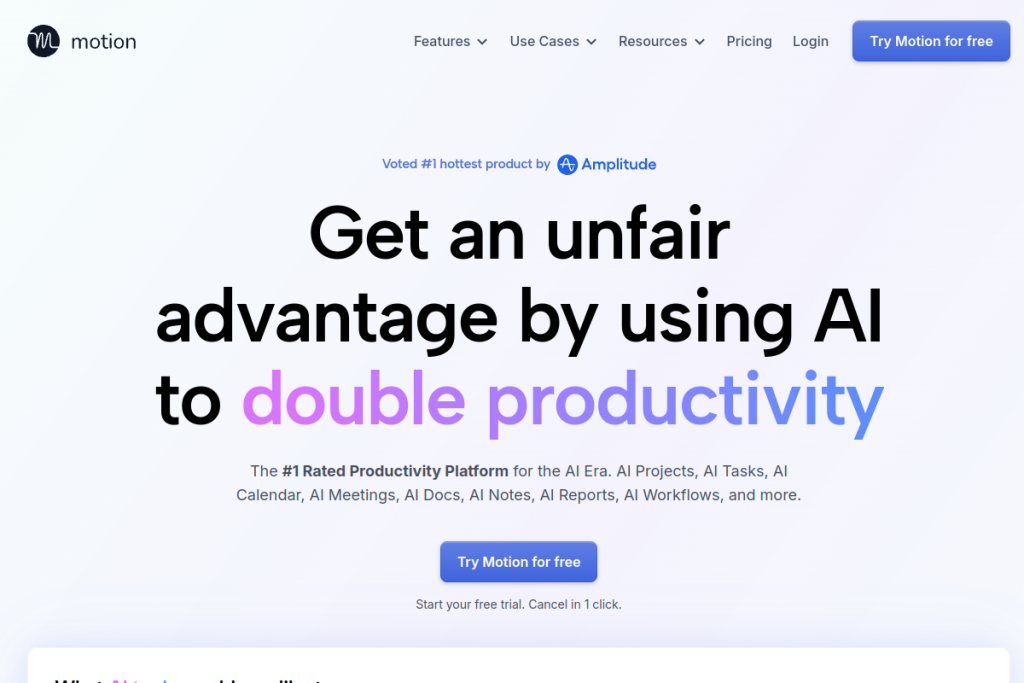
Motion is an all-in-one AI productivity and project-management platform. Its AI task planner prioritises and schedules your work automatically, an AI calendar assistant builds and adjusts your day, and an AI project manager can generate and track projects from a description. It also records and summarises meetings, turns notes into tasks, and builds automated workflows, positioning itself as a modern replacement for separate task, calendar, and PM tools.
What it does well
- Automatic scheduling — turns your tasks into an optimised, self-adjusting calendar.
- AI project management — generate and manage projects, with ETAs and capacity views.
- Meeting notes — record, summarise, and extract action items.
- Workflow automation — turn standard procedures into automated flows.
- All-in-one — tasks, calendar, projects, and docs in one platform.
Who it is for
Motion suits busy professionals, managers, and teams — from individuals to larger organisations — who juggle many tasks and meetings and want AI to handle the planning. It fits people frustrated by constantly re-prioritising their day, and teams wanting scheduling, projects, and notes in one place rather than several tools.
Things to keep in mind
Automatic scheduling works best once you have set clear priorities, deadlines, and durations, so there is upfront configuration and a period of learning to trust it. Handing your calendar to an AI also takes some adjustment; it is worth reviewing how it plans at first. It is a capable but feature-rich tool, so give it time to fit your workflow.
Our verdict
Motion is a genuinely ambitious productivity tool, and for people overwhelmed by planning their own days it can be a real relief to let AI schedule the work. The expansion into projects, notes, and automation makes it a serious all-in-one. Invest time in setup and priorities, and it can meaningfully reduce planning overhead; expect a learning curve in return for the automation.
Frequently asked questions
What makes Motion different from a normal to-do app?
It automatically schedules your tasks into your calendar around meetings and re-plans as priorities change, rather than leaving you to decide manually when to do each task.
Is Motion just for individuals?
No — it works for individuals and teams of many sizes, with AI project management, capacity views, and workflow automation for collaborative work.
Reviewed by the World of AI Hub editorial team based on the tool website and documentation.
Top Motion alternatives
Other hand-reviewed Meeting Assistants tools worth comparing against Motion.
AvomaPaid
Avoma is a paid AI meeting assistant and productivity tool for meeting-heavy teams. Our review covers what it…
ChorusPaid
Chorus by ZoomInfo is a paid AI meeting assistant and productivity tool for meeting-heavy teams. Our review covers…
FathomFreemium
Fathom is a freemium AI meeting assistant and productivity tool for meeting-heavy teams. Our review covers what it…
Fireflies.aiFreemium
Fireflies.ai is a freemium AI business and meeting assistant tool for meeting-heavy teams. Our review covers what it…
GongEnterprise
Gong is an enterprise AI business and meeting assistant tool for business teams. Our review covers what it…
MeetGeekFreemium
MeetGeek is a freemium AI meeting assistant and productivity tool for meeting-heavy teams. Our review covers what it…
Motion vs the competition
Are you the maker of Motion?
Show visitors this review with the badge below. Copy the code into your site or press kit; it links straight back to this page.



