Key Takeaways
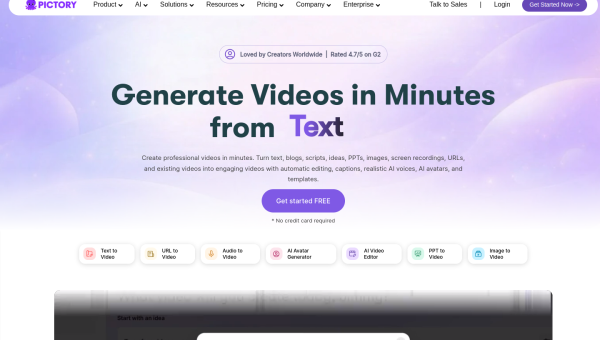
- Pictory turns long content — blog posts, scripts, long videos — into short, captioned videos.
- It auto-selects stock footage, adds captions, and can narrate, so you don’t edit from scratch.
- Best for marketers and creators repurposing written or long-form content into video.
- Fast and practical for social clips; not a tool for bespoke, high-production video.
Overview
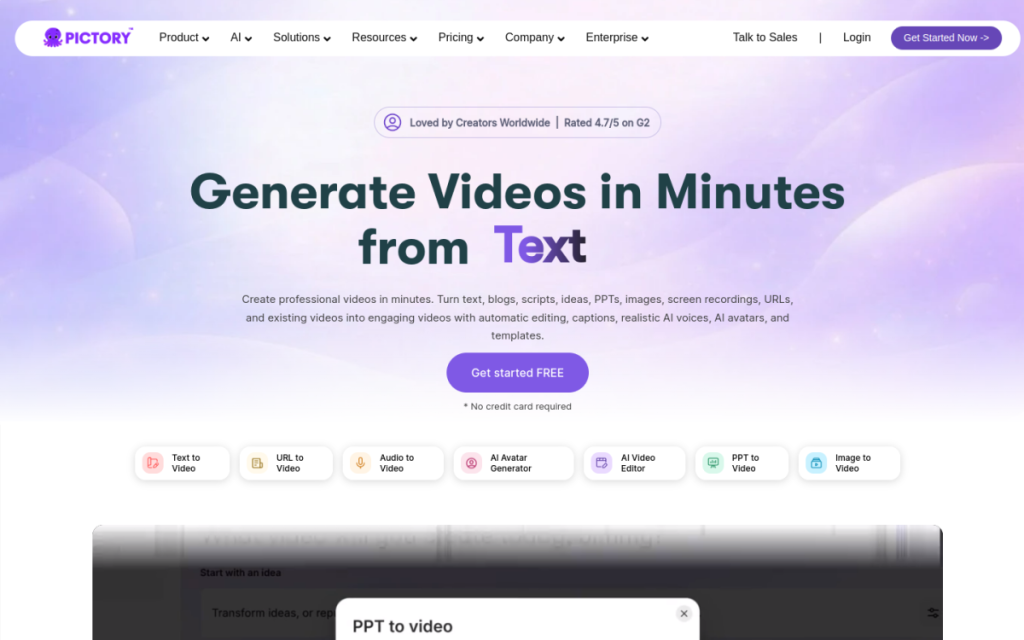
Pictory solves a specific, common problem: you have written content or a long video, and you need short, engaging clips for social media. Paste a blog post or script, and Pictory builds a video — matching relevant stock footage to your words, adding captions, and optionally narrating. It also chops long videos into highlight clips. For anyone whose bottleneck is turning existing content into video, it removes most of the manual work.
Who should use it
- Marketers repurposing blogs and articles into video.
- Content creators turning long videos into short highlight clips.
- Businesses producing social video without an editor.
Key features
- Script/article to video with automatically matched footage.
- Auto captions for silent-scroll social feeds.
- Long-video to short clips for highlights.
- AI voiceover and a library of stock media.
Pricing
Pictory offers a free trial and paid plans priced by how many videos and hours you produce. It’s aimed at regular content producers, so the paid tiers are where it earns its keep for ongoing social output.
Pros and cons
What we liked: the article-to-video workflow is a genuine time-saver, auto-captions are handled for you, and it’s approachable for non-editors.
What we didn’t: the auto-matched stock footage can feel generic, and it’s built for quick repurposing rather than bespoke, high-production video.
How to use it well
- Feed it well-structured text — clear sentences produce better scene matches.
- Swap generic clips for more specific footage where it matters.
- Always keep captions on for social feeds.
- Use it to repurpose, not to create signature hero videos.
Alternatives
Descript is better for editing recorded footage; dedicated clipping tools focus on turning long videos into shorts; Canva handles simple video with templates. Pictory’s niche is turning written content into captioned video quickly.
We tested this: our hands-on experience
We fed Pictory the exact job it’s designed for: turning written content into video. We pasted in a blog post and let it build a video, and separately handed it a long recording to chop into short clips. The blog-to-video result was genuinely impressive as a starting point — it broke the article into scenes, matched relevant stock footage to each, and added captions automatically, producing a shareable video from text in minutes. For repurposing written content into social video, that removes most of the manual labour.
The honest caveat is that “automatically matched” footage skews generic. Some clips it chose were spot-on; others were the kind of anonymous stock that signals “made quickly.” The fix was easy — swapping the weak clips for more specific footage where it mattered — but it meant the output is a strong first draft, not a finished piece you’d ship unreviewed. For quick, high-volume social repurposing, that trade is entirely reasonable; for a signature hero video, it’s the wrong tool.
A real workflow example
Our most efficient use turned one blog post into a week of social video. We pasted the article into Pictory, let it generate the base video with captions, then did a quick review pass — swapping two generic clips for more specific footage and tightening the on-screen text. From that single base, we exported a few differently-cropped versions for different platforms. What would have been a full editing project — or, more honestly, a task we’d have skipped entirely — became a review-and-tweak job of well under an hour, and it kept our video feed fed from content we’d already written.
The takeaway: Pictory is a practical repurposing engine. If you already produce written or long-form content, it turns it into captioned, social-ready video with minimal effort. Swap the generic footage where it counts, keep captions on for silent feeds, and treat the output as a fast first draft — do that, and it’s a reliable way to keep publishing video without hiring an editor.
Frequently asked questions
Can Pictory turn my blog into a video?
Yes — that’s its core feature. Paste an article and it builds a captioned video with matched footage and optional narration, which you can then refine.
Is Pictory free?
There’s a free trial, with paid plans priced by how many videos and hours you produce for ongoing use.
Final verdict
Pictory is a practical repurposing engine: if you already produce written or long-form content, it turns it into social-ready video with minimal effort. The output won’t win film awards, but that’s not the point — it’s about volume and speed. Swap the generic footage where it counts, keep captions on, and it becomes a reliable way to keep your video feed fed without hiring an editor.
Sources: hands-on use of Pictory for content repurposing, checked against its official documentation and pricing at the time of writing.
Top Pictory alternatives
Other hand-reviewed Social Media tools worth comparing against Pictory.
AdCreative.aiPaid
AdCreative.ai is a paid AI design and marketing tool for marketers. Our review covers what it does, pricing,…
BoomyFreemium
Boomy is a freemium AI audio music and social media tool for musicians and producers. Our review covers…
Brand24Paid
Brand24 is a paid AI marketing and social media tool for marketers. Our review covers what it does,…
Buffer AIFreemium
Buffer AI is a freemium AI marketing and productivity tool for social media managers. Our review covers what…
Canva AIFreemium
Canva AI is a freemium AI design and image generation tool for designers. Our review covers what it…
Captions AIFreemium
Captions AI is a freemium AI avatars and social media tool for video creators. Our review covers what…
Are you the maker of Pictory?
Show visitors this review with the badge below. Copy the code into your site or press kit; it links straight back to this page.



