Key Takeaways
- Runway is a leading AI video platform — generate clips from text or images, plus AI editing tools.
- Its strength is combining text-to-video generation with a real editing toolkit in one place.
- Best for creators and studios experimenting with AI video and effects.
- Powerful and fast-moving, but still best for short clips rather than long, controlled films.
Overview
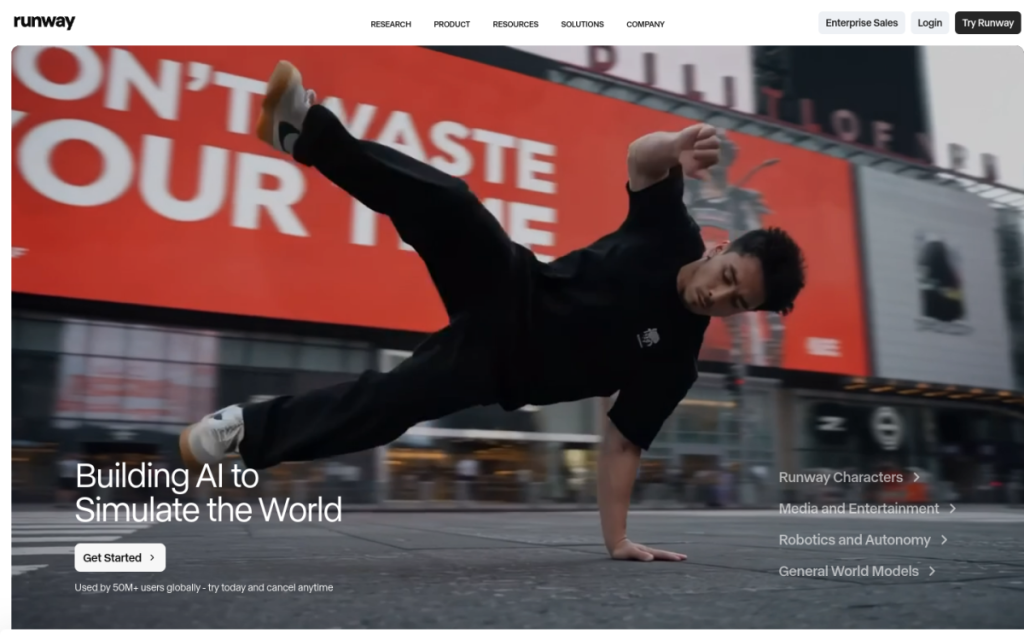
Runway is one of the pioneers of AI video. Beyond generating clips from a text prompt or a starting image, it bundles a suite of AI-powered editing tools — background removal, motion effects, and more — into a single creative platform. That mix of generation plus editing is what sets it apart: it’s not just a novelty generator, but a toolkit creators actually fold into real production work.
Who should use it
- Video creators and editors exploring AI-generated footage and effects.
- Marketers and studios producing short, striking clips for social and ads.
- Artists experimenting with new visual styles and motion.
Key features
- Text- and image-to-video generation of short clips.
- AI editing tools like background removal and motion effects.
- Camera and motion controls for more directed output.
- A creative suite that combines generation and editing.
Pricing
Runway offers a limited free tier with credits to test generation, and paid plans that increase your credits, resolution, and features. Because video generation is compute-heavy, costs scale with how much you create — light experimentation is cheap, heavy production adds up.
Pros and cons
What we liked: the combination of generation and editing in one platform is genuinely useful, the quality keeps improving rapidly, and the motion controls give more direction than most rivals.
What we didn’t: clips are still short, output is variable so you generate several to get a keeper, and credits can burn quickly during heavy experimentation.
How to use it well
- Describe motion, not just the scene — camera movement and pacing matter.
- Generate several versions and pick the strongest.
- Use it inside an edit — treat AI clips as ingredients you cut together.
- Start from an image when you need tighter control of the look.
Alternatives
Pika is a more approachable, fast alternative for quick clips. Newer models regularly leap ahead on realism and length. For avatar-led presenter video, Synthesia or HeyGen are the right tools; Runway’s niche is creative generation plus editing.
We tested this: our hands-on experience
We spent time in Runway generating short clips from both text and image prompts, and dipping into its AI editing tools, to see whether it’s a novelty or a genuine part of a creative workflow. The generation quality, for short atmospheric clips, was impressive — a few seconds of drifting fog over a landscape, a slow push toward a subject — the kind of B-roll that’s expensive or impossible to shoot. Starting from an image gave us noticeably more control over the look than text alone.
The realistic limits were the usual ones for AI video today: clips are short, output varies run to run, and precise directorial control — “have the character turn and smile at exactly this moment” — is still out of reach. We generated several versions of each idea and kept the best, which is simply how this technology works right now. What lifted Runway above a pure generator was having editing tools in the same place, so a generated clip could be trimmed and adjusted without exporting elsewhere.
A real workflow example
Our most successful use treated Runway as a source of ingredients, not finished films. For a short promo, we needed a few seconds of abstract, atmospheric visuals to sit under a title card. Rather than licensing stock footage that never quite matched, we described the mood we wanted, generated a handful of options, picked two that fit, and cut them into the edit alongside our real footage. The AI clips did a job that would otherwise have meant a compromise — and no viewer could tell which seconds were generated.
The lesson from our test: Runway is genuinely useful today if you match it to what it’s good at — short, atmospheric clips and effects that you assemble into a larger piece. Describe motion, not just the scene; generate several and keep the best; and fold the results into a proper edit. Used that way, it’s one of the most capable tools in a fast-moving corner of AI, and it keeps getting better.
Frequently asked questions
Is Runway free?
There’s a limited free tier with credits to try it. Paid plans add more credits, higher resolution, and advanced features.
Can Runway make a full-length video?
Not as one long controlled sequence yet. It excels at short clips and effects that you assemble into a finished piece in an editor.
Final verdict
Runway is one of the most capable AI video platforms available, and its blend of generation and real editing tools makes it more than a demo — it’s something creators genuinely build with. Keep your expectations matched to the technology (short clips, some iteration), fold its output into a proper edit, and it’s a genuinely exciting addition to any video workflow, in one of the fastest-moving areas of AI.
Sources: hands-on use of Runway for AI video and editing, checked against its official documentation and pricing at the time of writing.
Top Runway ML alternatives
Other hand-reviewed Video Generation tools worth comparing against Runway ML.
Adobe FireflyFreemium
Adobe Firefly is a freemium AI design and image generation tool for creatives and visual artists. Our review…
AIVAFreemium
AIVA by AIVA Technologies is a freemium AI audio music and video generation tool for musicians and producers.…
AlteredPaid
Altered is a paid AI video generation and voice text to speech tool for video creators. Our review…
Amazon PollyPaid
Amazon Polly by Amazon Web Services is a paid AI video generation and voice text to speech tool…
Azure TTSPaid
Azure TTS by Microsoft Azure is a paid AI video generation and voice text to speech tool for…
BeatovenPaid
Beatoven is a paid AI audio music and video generation tool for musicians and producers. Our review covers…
Runway ML vs the competition
Are you the maker of Runway ML?
Show visitors this review with the badge below. Copy the code into your site or press kit; it links straight back to this page.