
Key Takeaways
- Submagic is an AI video tool that turns long footage into polished short-form clips.
- It adds accurate captions, removes silences, finds key moments, and can create Magic Clips.
- Aimed at creators, podcasters, and marketers producing TikTok, Reels, and Shorts.
- Fast and effective; a human review still improves which clips you publish.
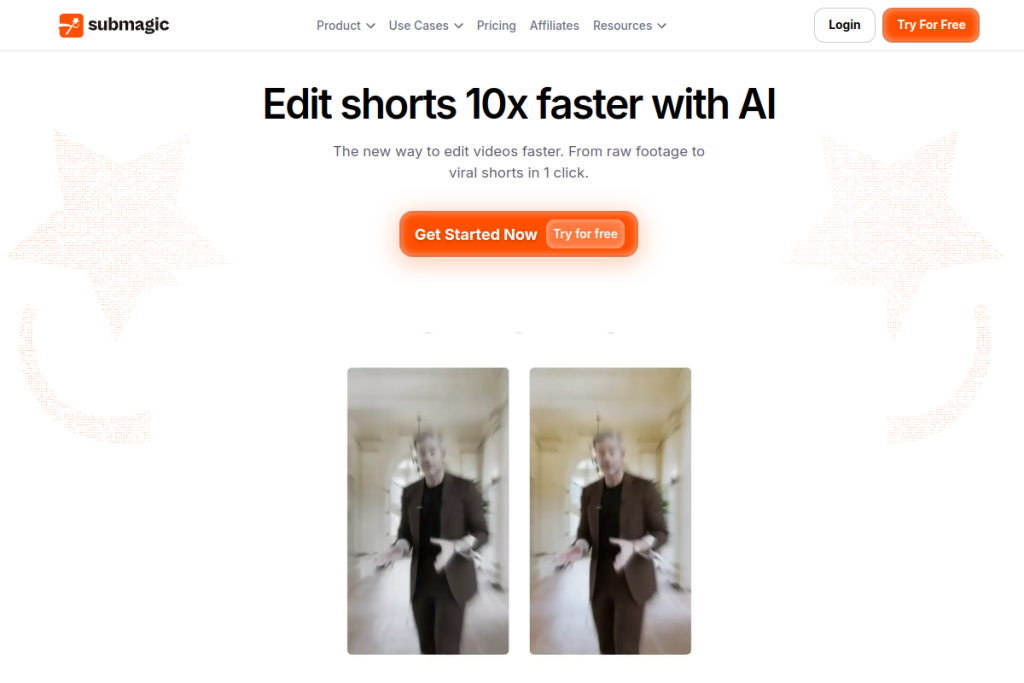
Submagic focuses on the booming world of short-form video, automating the tedious editing that turns long footage into snappy clips. It adds eye-catching captions, trims dead air, highlights the best moments, and can pull multiple shorts from one long video — making it a real time-saver for anyone feeding TikTok, Reels, and YouTube Shorts.
What is Submagic?
Submagic is an AI-powered video editing platform for short-form content. It automatically captions videos in dozens of languages with high accuracy, edits with AI (removing silences, finding key moments, adding B-roll), and offers Magic Clips to extract several shorts from a long video. It uses transcript-based editing, supports AI avatars, social scheduling, team collaboration, and high-quality exports.
What it does well
- Accurate captions — automatic, styled captions in many languages.
- AI editing — remove silences, find key moments, and add B-roll.
- Magic Clips — extract multiple shorts from one long video.
- Transcript editing — edit by text instead of a traditional timeline.
- Publishing — schedule and post directly to social platforms.
Who it is for
Submagic suits content creators, podcasters, interviewers, marketing teams, and agencies who produce short-form video and want to cut editing time dramatically. It is especially useful for anyone repurposing long videos into a steady stream of captioned clips for social platforms.
Things to keep in mind
AI editing and captions are strong but not flawless — captions can need the occasional correction, and the AI’s choice of “best” moments will not always match yours, so a quick review before publishing improves results. The strongest-performing clips still benefit from a human sense of hook and story.
Our verdict
Submagic is a genuinely useful tool for anyone producing short-form video, automating the captioning and clipping work that eats hours. For creators and marketers feeding social channels, it meaningfully speeds up production. Review the AI’s captions and clip choices before publishing, and it becomes an efficient engine for short-form content.
Frequently asked questions
What does Submagic do best?
Turning long videos into captioned short-form clips — with automatic styled captions, silence removal, key-moment detection, and Magic Clips to extract multiple shorts from one video.
Do the clips need editing after?
They are largely ready to post, but reviewing captions and the AI’s chosen moments before publishing improves quality and lets your judgement guide which clips to use.
Reviewed by the World of AI Hub editorial team based on the tool website and documentation.