
Key Takeaways
- Vizard turns long videos into short, social-ready clips automatically with AI.
- It detects highlights, adds captions, and reformats to vertical for TikTok and Reels.
- It supports text-based editing and caption translation in 100+ languages.
- Great for repurposing content at scale; a quick review polishes the best clips.
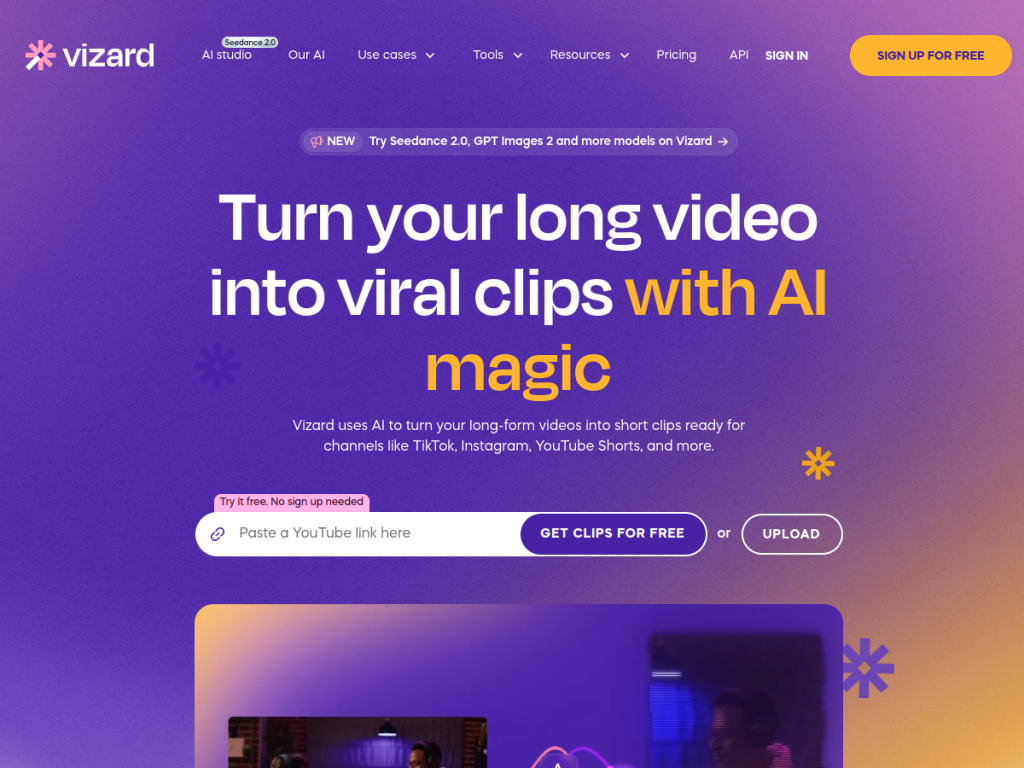
Vizard is an AI video tool built for one increasingly essential job: turning long videos into short clips for social media. Feed it a podcast, webinar, or long-form video and it automatically finds the highlights, adds captions, and reformats them vertically for TikTok, Reels, and Shorts — so creators and marketers can keep a steady stream of short content without hours of editing.
What is Vizard?
Vizard is an AI-powered video editing platform that automatically transforms long-form videos into short, social-media-ready clips. Its AI detects and extracts highlight moments, generates captions (with emoji), reformats video into vertical form for platforms like TikTok, Instagram Reels, and YouTube Shorts, and can translate captions into more than 100 languages. It also supports text-based editing — you edit the video by deleting sections of the transcript — along with brand-template customization, a team collaboration workspace, and direct publishing to social platforms. Vizard serves millions of creators and businesses across creators, coaches, marketers, and agencies, with strong ratings, and it lets you try it free without signing up, with paid plans adding more video minutes, exports, and features.
What it does well
- Auto-highlights: finds the best moments in long videos.
- Captions and reformatting: adds captions and vertical formatting for social.
- Text-based editing: cut video by editing the transcript.
- Multilingual: caption translation across 100+ languages.
Who it is for
Vizard fits content creators, podcasters, coaches, marketers, and agencies who produce long-form video and want to repurpose it into short clips efficiently — keeping a consistent social presence without heavy editing. Its multilingual captions suit those reaching global audiences. Creators wanting fully hand-crafted, cinematic edits will still review and tweak, but for fast, high-volume clip creation from existing content, Vizard is a capable, easy-to-try option.
Things to keep in mind
- AI-selected clips and captions still benefit from a quick review.
- Free use has limits; more minutes and exports require paid plans.
- Great clips also depend on strong source video to work from.
Our verdict
Vizard is a strong tool for turning long videos into short-form content, automating the tedious parts — finding highlights, captioning, and reformatting vertically — that make repurposing so time-consuming. Text-based editing and 100-plus-language caption translation add real flexibility for global creators, and being able to try it without signing up is a nice touch. AI picks and captions deserve a quick review, and heavy use is paid, but for repurposing video into social clips efficiently, Vizard is a capable, popular choice with a free way to test.
Frequently asked questions
What is Vizard?
Vizard is an AI video tool that automatically turns long videos into short, social-ready clips, detecting highlights, adding captions, and reformatting them vertically for TikTok, Reels, and Shorts.
What makes Vizard useful?
It automates repurposing — highlight detection, captions, and vertical formatting — and supports text-based editing and caption translation in 100+ languages.
Is Vizard free?
You can try Vizard free without signing up for basic use, and paid plans add more video minutes, exports, and features.
Who is Vizard best for?
It is best for creators, podcasters, coaches, marketers, and agencies who want to repurpose long videos into short social clips efficiently.