Key Takeaways
- Wordtune is an AI writing assistant focused on rewriting, paraphrasing, and improving your words.
- It suggests alternative phrasings, adjusts tone, fixes grammar, and can summarise text.
- Works as a browser extension across the web, with 10M+ users.
- A polishing assistant, not a ghostwriter — it improves your writing rather than replacing it.
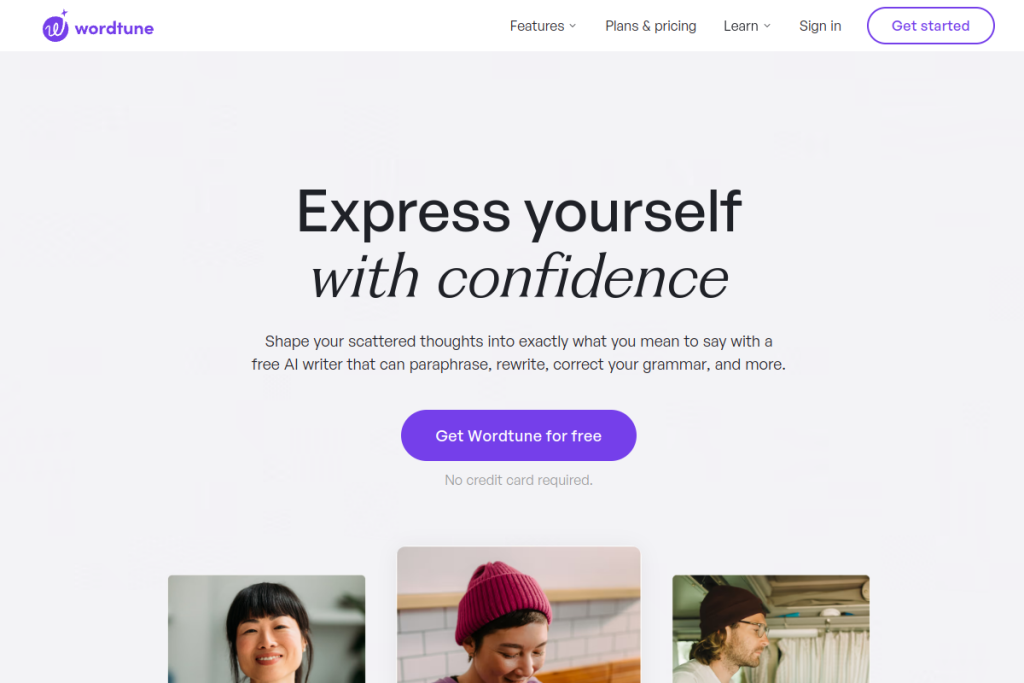
Wordtune approaches AI writing differently from most tools: rather than generating content from scratch, it helps you say what you already mean, better. Highlight a sentence and it offers rewrites, tone changes, and clearer phrasings. That focus on refining your own words — not replacing them — is why so many writers keep it on.
What is Wordtune?
Wordtune is an AI-powered writing and reading assistant. Its core strength is rewriting: it suggests alternative ways to phrase a sentence, lets you shift between formal and casual tones, and fixes grammar and spelling. It also summarises long text and videos and offers synonyms and translation help. It runs as a browser extension, so it works across email, documents, and the web.
What it does well
- Rewriting and paraphrasing — multiple clearer ways to say the same thing.
- Tone control — shift between formal and casual as needed.
- Grammar and spelling — catch and fix errors as you write.
- Summarising — condense long articles and videos.
- Works everywhere — a browser extension across email, docs, and the web.
Who it is for
Wordtune suits students, professionals, non-native English writers, and content creators who write a lot and want their words to read more clearly and naturally. Because it refines rather than generates, it is especially useful for people who have something to say but want help polishing how they say it.
Things to keep in mind
Wordtune is a polishing tool, not a full content generator, so if you need long-form drafting from scratch, other tools fit better. As with any AI suggestion, keep your own judgement — the goal is to sound like a clearer you, not to lose your voice to generic phrasing.
Our verdict
Wordtune is one of the most useful everyday writing assistants precisely because it focuses on improving your own words. For clearer emails, essays, and posts — especially for non-native writers — it is genuinely helpful, and the free tier makes it easy to try. Use it to sharpen your writing while keeping your voice, and it earns a permanent spot in your browser.
Frequently asked questions
Does Wordtune write content from scratch?
Its focus is rewriting and improving your existing words — paraphrasing, tone changes, and grammar — rather than generating long-form content from nothing.
Is Wordtune free?
There is a free tier that requires no credit card to start, with paid plans unlocking more usage and features.
Reviewed by the World of AI Hub editorial team based on hands-on use and the tool documentation.
Top Wordtune alternatives
Other hand-reviewed Writing Assistants tools worth comparing against Wordtune.
AI21 LabsPaid
AI21 Labs is a paid AI marketing and writing assistant tool for writers and marketers. Our review covers…
AnywordPaid
Anyword is a paid AI marketing and writing assistant tool for writers and marketers. Our review covers what…
Article ForgePaid
Article Forge by Glimpse is a paid AI marketing and writing assistant tool for writers and marketers. Our…
BlogelyPaid
Blogely is a paid AI marketing and writing assistant tool for writers and marketers. Our review covers what…
BywordPaid
Byword is a paid AI marketing and writing assistant tool for writers and marketers. Our review covers what…
ChatGPTFreemium
ChatGPT by OpenAI is a freemium AI assistant and chatbot tool for writers and marketers. Our review covers…
Wordtune vs the competition
Are you the maker of Wordtune?
Show visitors this review with the badge below. Copy the code into your site or press kit; it links straight back to this page.



