
Key Takeaways
- Kissflow is a low-code/no-code platform for building business apps and workflows.
- Kissflow AI can generate complete apps or components in seconds.
- It covers workflows, forms, integrations, reports, portals, and boards.
- Strong for enterprise process automation; it is business-app focused, not consumer.
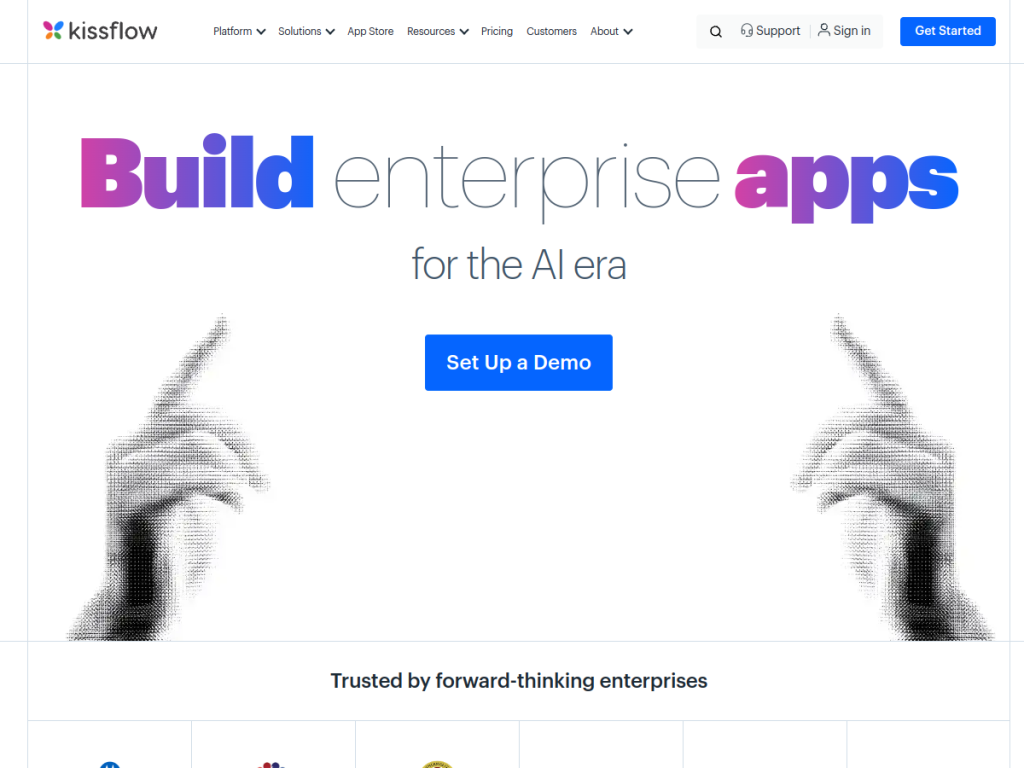
Kissflow is a low-code and no-code platform that lets organizations build custom business applications and automate workflows without heavy coding. It has added AI that can generate whole apps or individual components in seconds — but tuned for enterprise reliability, producing deterministic business apps rather than open-ended experiments.
What is Kissflow?
Kissflow is an enterprise application platform combining low-code and no-code capabilities to build workflows, apps, forms, integrations, reports, portals, and boards without extensive coding. Its AI, Kissflow AI, can generate complete applications or individual components quickly, described as fast AI that works within constraints to produce deterministic enterprise apps — designed for business use cases rather than general-purpose software. Core capabilities include workflow generation and automation, AI-assisted application building, and form and integration creation, enabling rapid prototyping of enterprise solutions. Kissflow serves enterprises with flexible deployment, cites strong ROI figures and customer counts, and maintains good ratings across review sites. Pricing is subscription-based and scales by users and features.
What it does well
- Low-code/no-code: build apps and workflows without heavy coding.
- AI app generation: create complete apps or components in seconds.
- Broad building blocks: workflows, forms, integrations, reports, and portals.
- Enterprise focus: deterministic apps built for business use cases.
Who it is for
Kissflow fits enterprises and business teams that want to build custom applications and automate processes without relying entirely on developers — operations, HR, finance, and IT teams digitizing workflows. Its AI generation speeds up prototyping for those teams. Small businesses with simple needs may find lighter tools sufficient, and consumers are not the audience, but for organizations standardizing and automating business processes, Kissflow is a capable low-code platform.
Things to keep in mind
- It is aimed at enterprise business apps, not consumer or simple personal use.
- AI-generated apps still need review and refinement for production.
- Pricing scales with users and features, so larger rollouts cost more.
Our verdict
Kissflow is a solid low-code/no-code platform for enterprises that want to build business apps and automate workflows without deep development resources, and its AI app generation is a practical accelerator for prototyping. The breadth of building blocks — workflows, forms, integrations, portals, and reports — makes it versatile for digitizing processes. It is enterprise-focused rather than consumer, and AI-generated apps need refinement, but for business teams standardizing and automating their processes, Kissflow is a capable choice.
Frequently asked questions
What is Kissflow?
Kissflow is a low-code/no-code platform for building custom business applications and automating workflows, forms, integrations, reports, and portals.
What does Kissflow AI do?
Kissflow AI can generate complete applications or individual components in seconds, focused on producing deterministic enterprise apps for business use cases.
Who is Kissflow for?
It is for enterprises and business teams — operations, HR, finance, and IT — that want to build apps and automate processes without relying entirely on developers.
How much does Kissflow cost?
Kissflow does not prominently list prices; plans are subscription-based and scale by users and features, so you request a demo for a quote.
Top Kissflow alternatives
Other hand-reviewed Productivity tools worth comparing against Kissflow.
Abnormal SecurityPaid
Abnormal Security by Abnormal AI is a paid AI business and productivity tool for business teams. Our review…
Adobe Acrobat AIFreemium
Adobe Acrobat AI is a freemium AI business and ocr tool for document-heavy teams. Our review covers what…
AirtableFreemium
Airtable is a freemium AI business and productivity tool for knowledge workers. Our review covers what it does,…
AlmanacPaid
Almanac is a paid AI business and productivity tool for knowledge workers. Our review covers what it does,…
AsanaFreemium
Asana is a freemium AI business and productivity tool for knowledge workers. Our review covers what it does,…
Automation AnywherePaid
Automation Anywhere is a paid AI business and productivity tool for business teams. Our review covers what it…
Are you the maker of Kissflow?
Show visitors this review with the badge below. Copy the code into your site or press kit; it links straight back to this page.



