Key Takeaways
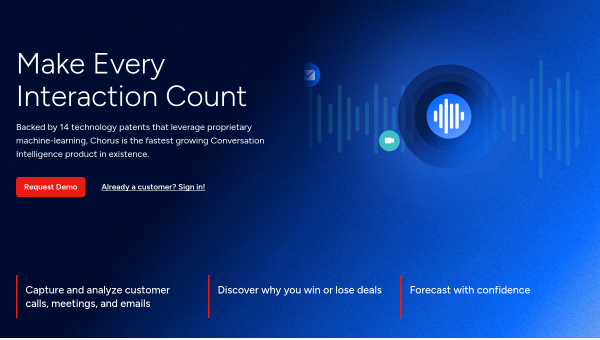
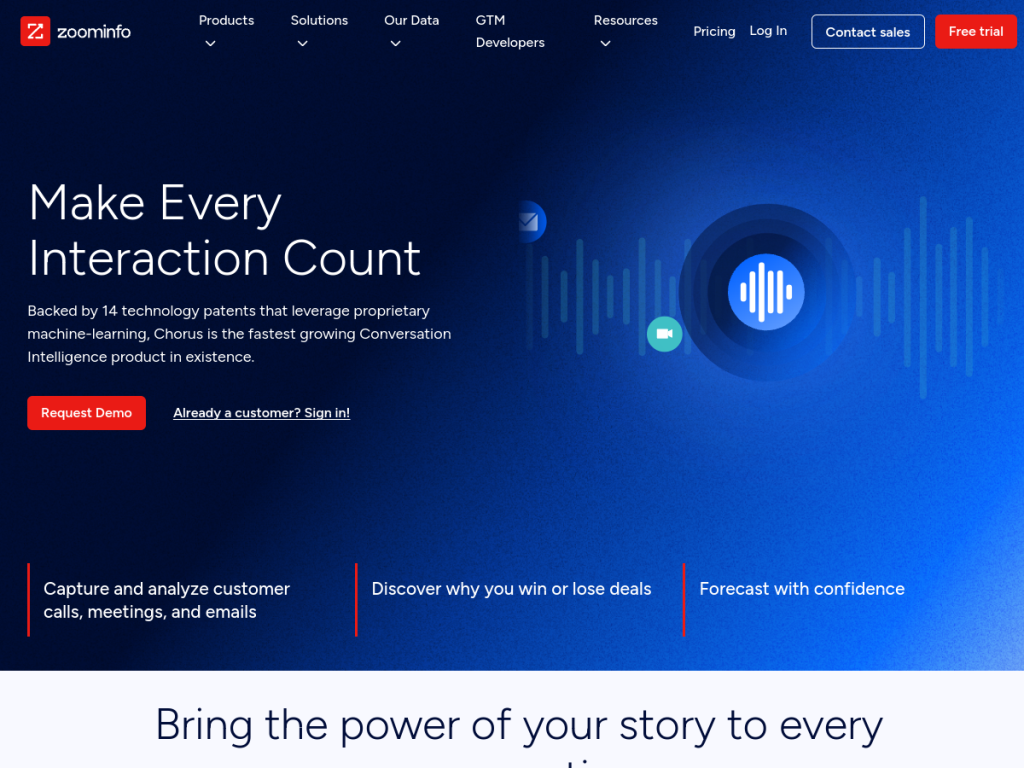
- Chorus is a conversation intelligence platform, now part of ZoomInfo.
- It records, transcribes, and analyzes sales calls automatically.
- It surfaces deal risk, coaching moments, and market insights.
- Great for sales teams wanting data-driven coaching and pipeline visibility.
Chorus is one of the original conversation intelligence platforms for sales: it records and transcribes your team’s calls, then analyzes them to show what actually happens in deals — who talks too much, which objections keep surfacing, which deals are quietly going cold. Acquired by ZoomInfo in 2021, it now plugs into that company’s go-to-market data. For sales leaders who want coaching grounded in evidence rather than anecdote, it is a capable platform.
What is Chorus?
Chorus is a conversation intelligence platform for revenue teams, acquired by ZoomInfo in 2021 and now sold as part of the ZoomInfo platform. It automatically records, transcribes, and analyzes sales calls, meetings, and emails, then applies AI to surface insight from them. Its capabilities include automatic call recording and transcription across major meeting platforms, AI analysis of conversations to identify topics, competitor mentions, pricing discussions, and objections, deal intelligence that flags risk signals and engagement patterns across a pipeline, coaching tools that let managers review calls, leave timestamped comments, and build highlight reels of good and bad moments, talk-time and talk-ratio analytics, and market intelligence aggregated across conversations. It integrates with CRMs (notably Salesforce) and, since the acquisition, connects with ZoomInfo’s contact and company data. It targets sales teams, managers, and revenue leaders. Pricing is arranged with sales as part of ZoomInfo. Note that call recording carries legal consent requirements that vary by jurisdiction.
What it does well
- Automatic capture: records and transcribes calls without effort.
- Deal intelligence: flags risk and engagement across the pipeline.
- Coaching: timestamped review and highlight reels.
- Integrated: CRM plus ZoomInfo go-to-market data.
Who it is for
Chorus fits sales teams, managers, and revenue leaders — particularly those already using ZoomInfo or Salesforce — who want coaching and forecasting grounded in what was actually said on calls rather than in reps’ recollections. Its analysis of objections, competitor mentions, and deal risk is genuinely useful for pipeline visibility. Small teams may find lighter recording tools sufficient, it is enterprise-priced via sales, and recording calls carries real legal consent obligations that vary by jurisdiction — so set up disclosure properly. For data-driven sales coaching, Chorus is a capable choice.
Things to keep in mind
- Call recording has legal consent requirements that vary by jurisdiction.
- It is enterprise-priced via ZoomInfo sales.
- Recording and analyzing reps’ calls needs a thoughtful team culture.
Our verdict
Chorus is a capable, well-established conversation intelligence platform, and its value is turning sales calls into evidence: it records and transcribes automatically, then surfaces what actually happened — objections, competitor mentions, talk ratios, and deal-risk signals across the pipeline — with coaching tools that let managers review real moments rather than rely on recollection. Now part of ZoomInfo, it connects to that company’s go-to-market data and to CRMs. Recording carries genuine legal consent obligations and it is enterprise-priced, but for data-driven sales coaching, Chorus is a solid choice.
Frequently asked questions
What is Chorus?
Chorus is a conversation intelligence platform that records, transcribes, and analyzes sales calls to surface deal risk, coaching moments, and market insight. It is now part of ZoomInfo.
Who owns Chorus?
ZoomInfo acquired Chorus in 2021, and it is now sold as part of the ZoomInfo platform with access to its go-to-market data.
What does Chorus analyze?
It identifies topics, competitor mentions, pricing discussions, and objections, tracks talk ratios and engagement, and flags deal-risk signals across the pipeline.
Is call recording legal?
Consent requirements for recording calls vary by jurisdiction — some require all-party consent. Set up proper disclosure and check the rules that apply to you.
Top Chorus alternatives
Other hand-reviewed Meeting Assistants tools worth comparing against Chorus.
AvomaPaid
Avoma is a paid AI meeting assistant and productivity tool for meeting-heavy teams. Our review covers what it…
FathomFreemium
Fathom is a freemium AI meeting assistant and productivity tool for meeting-heavy teams. Our review covers what it…
Fireflies.aiFreemium
Fireflies.ai is a freemium AI business and meeting assistant tool for meeting-heavy teams. Our review covers what it…
GongEnterprise
Gong is an enterprise AI business and meeting assistant tool for business teams. Our review covers what it…
MeetGeekFreemium
MeetGeek is a freemium AI meeting assistant and productivity tool for meeting-heavy teams. Our review covers what it…
MotionPaid
Motion is a paid AI business and meeting assistant tool for knowledge workers. Our review covers what it…
Are you the maker of Chorus?
Show visitors this review with the badge below. Copy the code into your site or press kit; it links straight back to this page.



