Key Takeaways
- PicWish is an easy, all-in-one AI photo editor.
- It removes backgrounds, enhances and unblurs images, and removes objects.
- It offers an AI designer and product-photo tools, plus an API.
- Great for quick, everyday AI photo editing across devices.
PicWish is an approachable, all-in-one AI photo editor that handles the common edits most people need — removing backgrounds, sharpening and unblurring photos, deleting unwanted objects, and creating product images — quickly and without skills. It works across web, desktop, and mobile, and offers an API for developers and bulk processing for businesses. For fast, everyday AI photo editing, PicWish is a handy, accessible option.
What is PicWish?
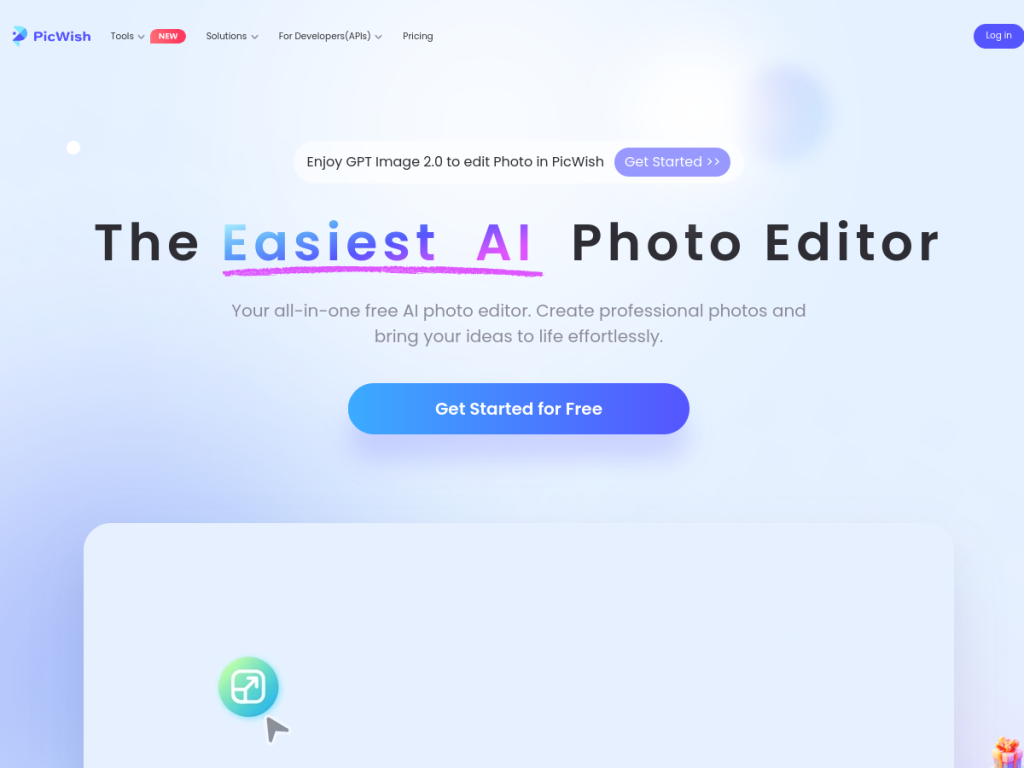
PicWish is an AI-powered photo editing platform describing itself as an easy, all-in-one free AI photo editor. Its features include background removal (with batch processing of many files at once), image enhancement and unblurring to improve clarity, an AI Designer tool for creating visuals using natural language, object removal, and product-photo creation tools, along with references to newer image models. It is available across Windows, macOS, iOS, and Android, plus the web, and offers an API for developers. PicWish emphasizes free access to get started, with paid plans and credits for more processing, higher resolution, and advanced features, and bulk processing suited to ecommerce and business needs. It targets everyday users, small businesses, and ecommerce sellers who want quick, quality edits without professional software.
What it does well
- All-in-one: background removal, enhancement, and object removal.
- Easy for anyone: quality edits without skills.
- Business-ready: batch processing and an API.
- Cross-platform: web, Windows, Mac, iOS, and Android.
Who it is for
PicWish fits everyday users, social media creators, small businesses, and ecommerce sellers who want to quickly remove backgrounds, enhance or unblur photos, delete objects, and make product images — without professional editing software. Its batch processing and API suit sellers handling many product photos. Professionals needing pixel-level manual control may prefer dedicated editors, and AI edits reconstruct rather than perfectly restore detail, but for fast, easy, everyday AI photo editing across devices, PicWish is a capable, free-to-start choice.
Things to keep in mind
- AI enhancement reconstructs detail, so results are improvements, not originals.
- Higher resolution, batch processing, and API access need paid plans.
- A broad toolkit may be less deep than specialized editors.
Our verdict
PicWish is a handy, all-in-one AI photo editor, and its strength is covering the everyday edits most people actually need — background removal, enhancement and unblurring, object removal, and product photos — quickly and without skills, across web, desktop, and mobile. Batch processing and an API make it useful for ecommerce sellers too. AI enhancement reconstructs rather than perfectly restores detail and heavier use is paid, and professionals may want deeper tools, but for fast, easy, everyday AI photo editing, PicWish is a capable, free-to-start choice.
Frequently asked questions
What is PicWish?
PicWish is an easy, all-in-one AI photo editor that removes backgrounds, enhances and unblurs images, removes objects, and creates product photos, across web and mobile.
What can PicWish do?
It offers background removal (with batch processing), image enhancement and unblurring, object removal, an AI Designer, and product-photo tools, plus an API.
Is PicWish free?
PicWish offers free tools with limits and paid plans and credits for more processing, higher resolution, and advanced features, plus an API.
Who is PicWish for?
It is for everyday users, creators, small businesses, and ecommerce sellers who want quick, quality photo edits without professional software.
Top PicWish alternatives
Other hand-reviewed Image Generation tools worth comparing against PicWish.
Adobe FireflyFreemium
Adobe Firefly is a freemium AI design and image generation tool for creatives and visual artists. Our review…
ArtbreederFreemium
Artbreeder is a freemium AI design and image generation tool for creatives and visual artists. Our review covers…
ArtguruFreemium
Artguru is a freemium AI design and image generation tool for creatives and visual artists. Our review covers…
Automatic1111Free
Automatic1111 is a free AI design and image generation tool for creatives and visual artists. Our review covers…
BigJPGFree
BigJPG is a free AI design and image generation tool for creatives and visual artists. Our review covers…
Canva AIFreemium
Canva AI is a freemium AI design and image generation tool for designers. Our review covers what it…
Are you the maker of PicWish?
Show visitors this review with the badge below. Copy the code into your site or press kit; it links straight back to this page.



