Key Takeaways
- Deep-Image.ai is an AI photo-enhancement platform centered on upscaling.
- Its Generative Upscale reconstructs detail, enlarging images up to 300 megapixels.
- It also removes noise and backgrounds, makes avatars, and generates images.
- Great for enhancing and enlarging images; especially handy for ecommerce and real estate.
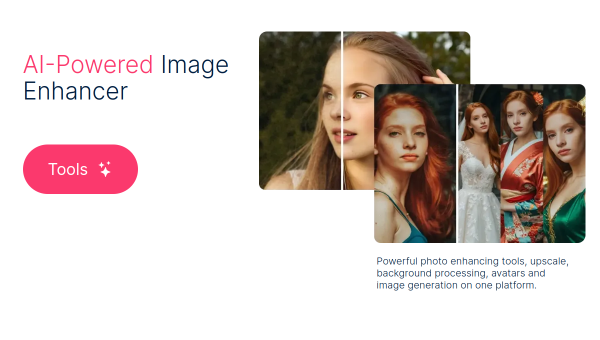
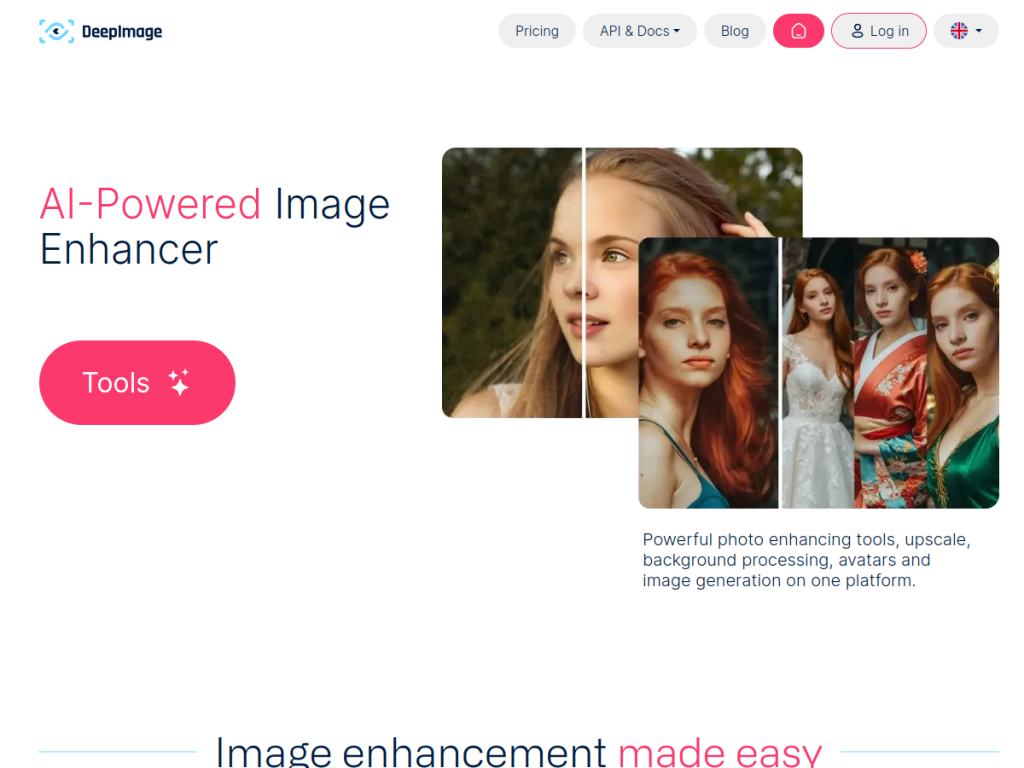
Deep-Image.ai is an AI platform built around making images bigger and better. Its standout is upscaling — including a Generative Upscale that reconstructs detail to rescue almost-lost images — alongside noise removal, background processing, avatars, and text-to-image generation. It brings professional-grade photo enhancement into one browser-based tool, with particular strengths for ecommerce and real estate imagery.
What is DeepImage?
Deep-Image.ai is an AI-powered platform for photo enhancement and image generation, describing itself as offering upscaling, background processing, avatars, and image generation in one place. Its core is image upscaling — enlarging images up to 300 megapixels — complemented by noise removal and sharpening. A distinctive Generative Upscale creates new detail within an image’s context, helping bring back detail that standard upscaling cannot. Beyond upscaling, it offers background removal and generation, avatar creation from selfies, text-to-image generation, face swap, document upscaling, and specialized enhancement tools for real estate and ecommerce (like Packshot). It keeps adding features (an AI Enhancer Studio and prompt-based editing among recent additions) and offers an API. Deep-Image.ai provides a free tier with paid subscriptions and credits scaling by usage.
What it does well
- Powerful upscaling: enlarge images up to 300 megapixels.
- Generative Upscale: reconstruct detail to rescue near-lost images.
- Broad toolkit: backgrounds, avatars, generation, and face swap.
- Business tools: real estate and ecommerce enhancement, plus an API.
Who it is for
Deep-Image.ai suits ecommerce sellers, real estate professionals, photographers, designers, and marketers who need to enhance, upscale, and clean up images — product shots, property photos, portraits — without professional software, plus developers who want an API. Its business-focused tools make it especially useful for product and property imagery. Casual users with occasional needs may use simpler free tools, and AI enhancement reconstructs rather than recovers true detail, but for serious image enhancement and upscaling, Deep-Image.ai is a capable option with a free tier.
Things to keep in mind
- AI upscaling reconstructs detail, so results are enhancements, not the true original.
- Usage- and credit-based pricing means heavier use costs more.
- A broad toolkit may be less deep than specialized dedicated apps.
Our verdict
Deep-Image.ai is a capable AI photo-enhancement platform, and its upscaling — including the detail-reconstructing Generative Upscale and enlargement up to 300 megapixels — is a genuine strength, backed by background tools, avatars, generation, and business-focused features for ecommerce and real estate. For sellers, agents, and creators who need to enhance and enlarge images without pro software, plus developers wanting an API, it delivers a lot. AI enhancement reconstructs rather than recovers true detail and heavier use is paid, but for image enhancement and upscaling, Deep-Image.ai is a solid choice with a free tier.
Frequently asked questions
What is Deep-Image.ai?
Deep-Image.ai is an AI photo-enhancement platform centered on upscaling — including a Generative Upscale that reconstructs detail — plus background tools, avatars, and image generation.
What is Generative Upscale?
It is Deep-Image.ai’s method that creates new detail within an image’s context to bring back detail standard upscaling cannot, enlarging images up to 300 megapixels.
Who is Deep-Image.ai for?
It is especially useful for ecommerce, real estate, photographers, and marketers who need to enhance and upscale images, plus developers wanting an API.
Is Deep-Image.ai free?
There is a free tier to try, with paid subscriptions and credits scaling by usage and features, plus an API.
Top DeepImage alternatives
Other hand-reviewed Image Generation tools worth comparing against DeepImage.
Adobe FireflyFreemium
Adobe Firefly is a freemium AI design and image generation tool for creatives and visual artists. Our review…
ArtbreederFreemium
Artbreeder is a freemium AI design and image generation tool for creatives and visual artists. Our review covers…
ArtguruFreemium
Artguru is a freemium AI design and image generation tool for creatives and visual artists. Our review covers…
Automatic1111Free
Automatic1111 is a free AI design and image generation tool for creatives and visual artists. Our review covers…
BigJPGFree
BigJPG is a free AI design and image generation tool for creatives and visual artists. Our review covers…
Canva AIFreemium
Canva AI is a freemium AI design and image generation tool for designers. Our review covers what it…
Are you the maker of DeepImage?
Show visitors this review with the badge below. Copy the code into your site or press kit; it links straight back to this page.



