Key Takeaways
- Workflowy is a minimalist note-taking and organization app.
- It is built around a single, infinitely nestable bullet list.
- It now includes Workflowy AI features, plus cross-device sync.
- Great for organizing notes, tasks, and ideas simply and flexibly.
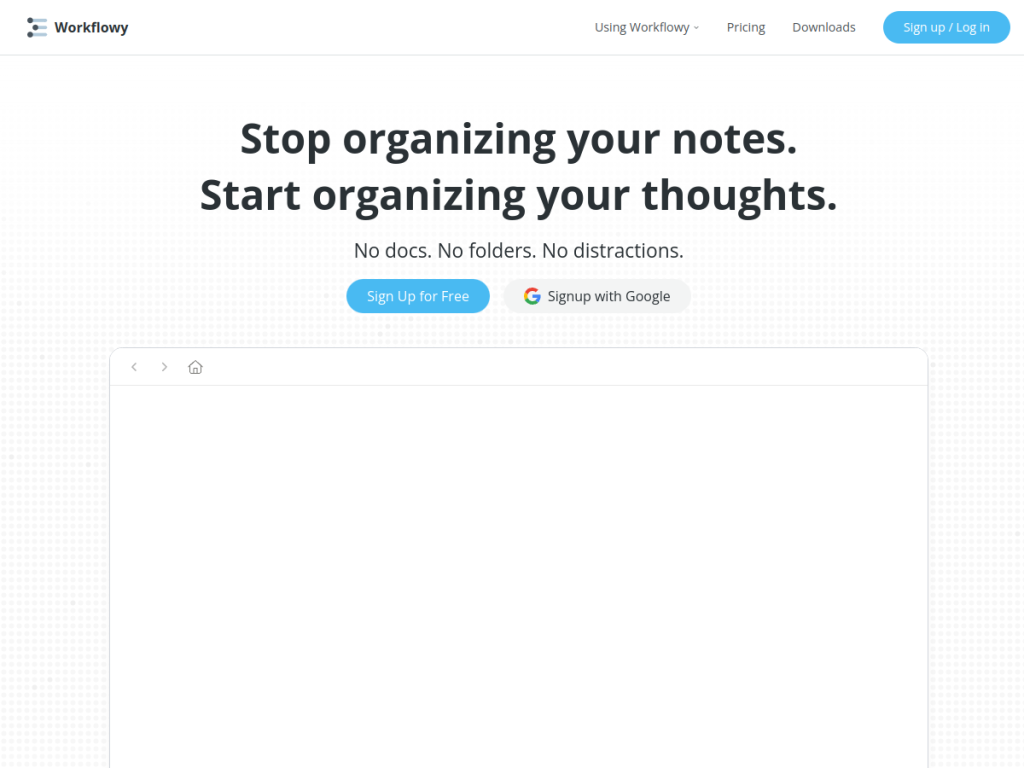
Workflowy is a beloved, minimalist organization tool built around one idea: a single, infinitely nestable bullet list. Instead of folders and separate documents, you indent bullets to structure notes, tasks, and ideas — scaling from a quick to-do list to an entire knowledge base. Fast, flexible, and now with AI features, Workflowy is a favorite for people who think in outlines and want a simple, powerful way to organize everything.
What is Workflowy?
Workflowy is a note-taking and organization tool built around a single bullet-list interface: rather than traditional folders and documents, you indent bullets to create hierarchical structures for notes, tasks, and ideas. Its features include this single, infinitely nestable list system for all organization, cross-device syncing across web, desktop (Windows, Mac, Linux), and mobile (iOS, Android), and flexible use cases (note-taking, to-do lists, bullet journaling, Kanban boards, and checklists), plus integrations, Teams functionality for collaboration, and an education option. Workflowy has added Workflowy AI features (referenced with its own AI terms). Its pricing includes a free plan (forever) with all features and 100 nodes per month and 100MB uploads, and a Pro plan around $6.99/month (billed annually) with unlimited nodes and uploads. It appeals to people who like outlining and want a simple, flexible organization tool.
What it does well
- Radically simple: one nestable list for everything.
- Flexible: notes, tasks, journaling, and boards.
- Cross-device: web, desktop, and mobile sync.
- AI features: Workflowy AI, plus a generous free plan.
Who it is for
Workflowy fits people who think in outlines — note-takers, writers, planners, students, and knowledge workers — who want a simple, fast, flexible way to organize notes, tasks, and ideas in one infinitely nestable list, across their devices, now with AI features. Its minimalism is the appeal for those who find heavier apps cluttered. People who prefer rich documents, databases, or visual canvases may prefer other tools, and its power comes from adopting the outlining mindset, but for simple, flexible, outline-based organization, Workflowy is an excellent choice with a generous free plan.
Things to keep in mind
- Its outline-first approach suits some workflows better than others.
- Unlimited nodes and uploads require the Pro plan.
- It favors simplicity over rich documents or databases.
Our verdict
Workflowy is a beloved, minimalist organization tool, and its single, infinitely nestable bullet list is its genius: structure notes, tasks, and ideas by indenting, scaling from a quick list to a whole knowledge base, with fast cross-device sync and now AI features. For people who think in outlines, that simplicity and flexibility are exactly right, and a genuinely generous free plan makes it easy to adopt. Its outline-first style suits some workflows more than others and unlimited use is paid, but for simple, flexible, outline-based organization, Workflowy is an excellent choice.
Frequently asked questions
What is Workflowy?
Workflowy is a minimalist note-taking and organization app built around a single, infinitely nestable bullet list for notes, tasks, and ideas, now with AI features.
Does Workflowy have AI?
Yes, Workflowy has added Workflowy AI features, alongside its core outlining, cross-device sync, and collaboration.
Is Workflowy free?
Workflowy offers a free plan (forever) with all features and 100 nodes/month; Pro (around $6.99/month billed annually) adds unlimited nodes and uploads.
Who is Workflowy for?
It is for people who think in outlines — note-takers, writers, planners, and students — who want a simple, flexible way to organize everything in one nestable list.
Top Workflowy alternatives
Other hand-reviewed Productivity tools worth comparing against Workflowy.
Abnormal SecurityPaid
Abnormal Security by Abnormal AI is a paid AI business and productivity tool for business teams. Our review…
Adobe Acrobat AIFreemium
Adobe Acrobat AI is a freemium AI business and ocr tool for document-heavy teams. Our review covers what…
AirtableFreemium
Airtable is a freemium AI business and productivity tool for knowledge workers. Our review covers what it does,…
AlmanacPaid
Almanac is a paid AI business and productivity tool for knowledge workers. Our review covers what it does,…
AsanaFreemium
Asana is a freemium AI business and productivity tool for knowledge workers. Our review covers what it does,…
Automation AnywherePaid
Automation Anywhere is a paid AI business and productivity tool for business teams. Our review covers what it…
Are you the maker of Workflowy?
Show visitors this review with the badge below. Copy the code into your site or press kit; it links straight back to this page.



