Key Takeaways
- Fooocus is a free, open-source Stable Diffusion image generator focused on simplicity.
- It hides technical complexity so you focus on prompts, like a Midjourney-style flow.
- It supports inpainting, upscaling, face swap, styles, LoRAs, and custom models.
- Great for accessible local image AI; it is in maintenance-only long-term support.
Fooocus is an open-source image generator built on Stable Diffusion XL with one clear goal: make local AI image creation simple. Where a tool like Automatic1111 exposes every knob, Fooocus deliberately hides the complexity, letting you focus on your prompt while it handles the technical tuning behind the scenes — closer to the Midjourney experience, but offline, open source, and free.
What is Fooocus?
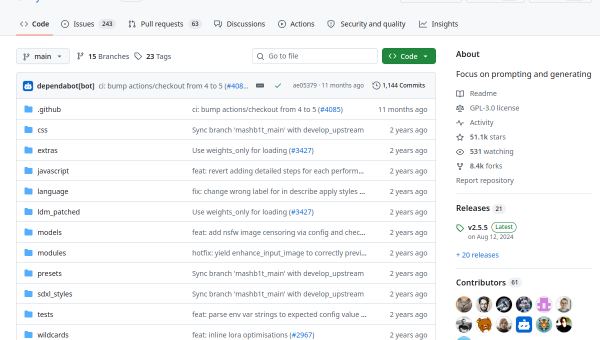
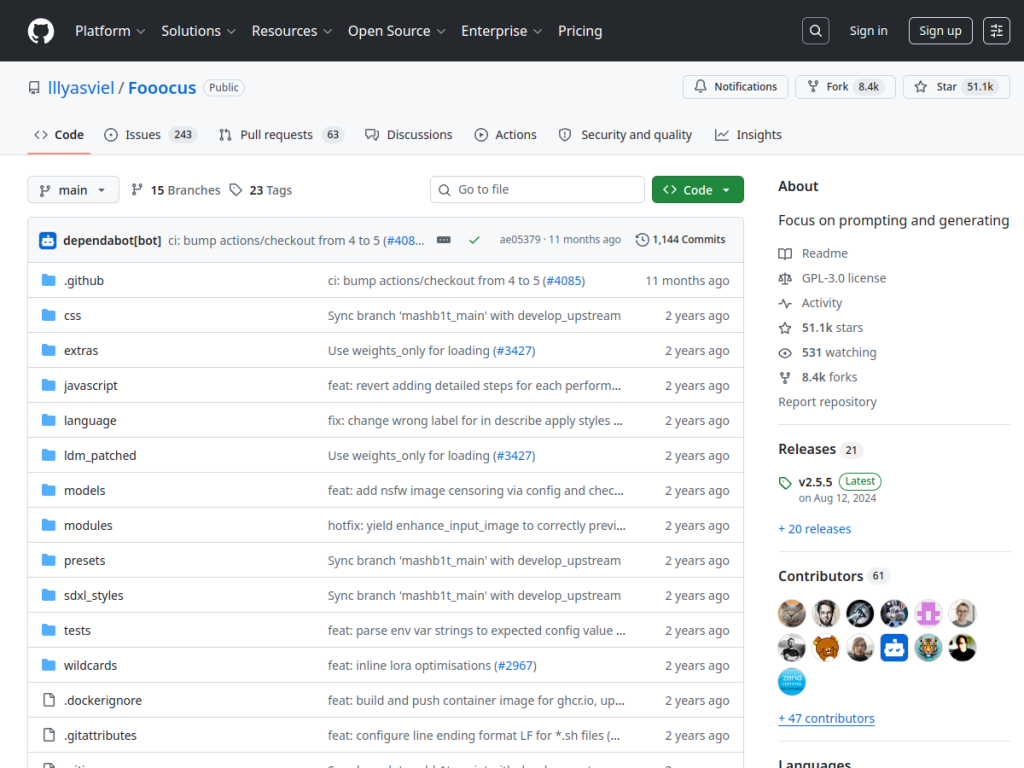
Fooocus is image generation software based on the Stable Diffusion XL architecture, designed as a user-friendly, offline alternative to services like Midjourney. Its philosophy is simplicity: it requires minimal prompt engineering and automatically handles the technical parameters that other local tools make you tune, so you can just describe what you want. Despite that simplicity, it is capable — offering text-to-image generation, inpainting, outpainting, and upscaling, style application, advanced sampling controls, face swapping, image description, and support for LoRAs and custom models. It runs on Windows, Linux, Mac, and cloud platforms like Google Colab, with a modest minimum GPU requirement (around 4GB VRAM on Nvidia). Fooocus is licensed under GPL-3.0 and is 100% non-commercial, offline, open source, and free, with no associated paid websites. It is currently in limited long-term support — maintained with bug fixes rather than pursuing new model architectures.
What it does well
- Simplicity: focus on prompts while it handles technical tuning.
- Capable despite ease: inpainting, upscaling, face swap, and styles.
- Local and free: runs offline, open source, with modest GPU needs.
- Flexible: supports LoRAs and custom models.
Who it is for
Fooocus is ideal for people who want the quality of local Stable Diffusion without the steep learning curve of tools like Automatic1111 — hobbyists and creators who prefer to just type a prompt and get great results, offline and free. Its modest GPU requirement makes it accessible to more machines. Power users who want to control every parameter may prefer more configurable tools, and it is in maintenance mode rather than adding new features, but for accessible, high-quality local image generation, Fooocus is an excellent choice.
Things to keep in mind
- It is in limited long-term support — maintained but not chasing new models.
- Its simplicity trades away some of the fine control power users want.
- It still runs locally and benefits from a capable (if modest) GPU.
Our verdict
Fooocus nails a specific, valuable goal: bringing Midjourney-like simplicity to local, open-source Stable Diffusion. By hiding the technical complexity and letting you focus on prompts — while still offering inpainting, upscaling, face swap, and custom models — it makes high-quality local image generation genuinely accessible, offline and free, on modest hardware. It is in maintenance mode now and trades some fine control for ease, but for anyone who wants great local AI images without the learning curve, Fooocus is a superb, free choice.
Frequently asked questions
What is Fooocus?
Fooocus is a free, open-source Stable Diffusion XL image generator designed for simplicity, letting you focus on prompts while it handles technical tuning — an offline, Midjourney-style experience.
Is Fooocus free?
Yes. Fooocus is open source (GPL-3.0) and 100% free, offline software with no paid websites; costs come only from your own GPU/compute.
How is Fooocus different from Automatic1111?
Fooocus hides technical complexity for simplicity, while Automatic1111 exposes every setting for maximum control. Fooocus is easier; Automatic1111 is more configurable.
Is Fooocus still maintained?
It is in limited long-term support — maintained with bug fixes rather than pursuing new model architectures — but remains fully functional and free.
Top Fooocus alternatives
Other hand-reviewed Image Generation tools worth comparing against Fooocus.
Adobe FireflyFreemium
Adobe Firefly is a freemium AI design and image generation tool for creatives and visual artists. Our review…
ArtbreederFreemium
Artbreeder is a freemium AI design and image generation tool for creatives and visual artists. Our review covers…
ArtguruFreemium
Artguru is a freemium AI design and image generation tool for creatives and visual artists. Our review covers…
Automatic1111Free
Automatic1111 is a free AI design and image generation tool for creatives and visual artists. Our review covers…
BigJPGFree
BigJPG is a free AI design and image generation tool for creatives and visual artists. Our review covers…
Canva AIFreemium
Canva AI is a freemium AI design and image generation tool for designers. Our review covers what it…
Are you the maker of Fooocus?
Show visitors this review with the badge below. Copy the code into your site or press kit; it links straight back to this page.



