Key Takeaways
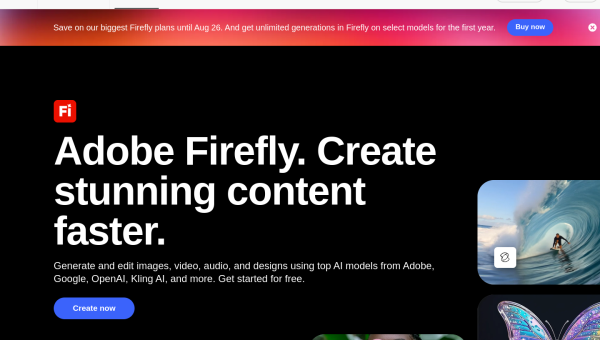
- Adobe Firefly is Adobe’s image generator, designed to be commercially safe and built into Creative Cloud.
- Its big draw is training on licensed content, which reduces copyright worry for business use.
- Best for professionals already in Photoshop and Adobe’s ecosystem.
- Its Generative Fill inside Photoshop is a standout, practical everyday feature.
Overview
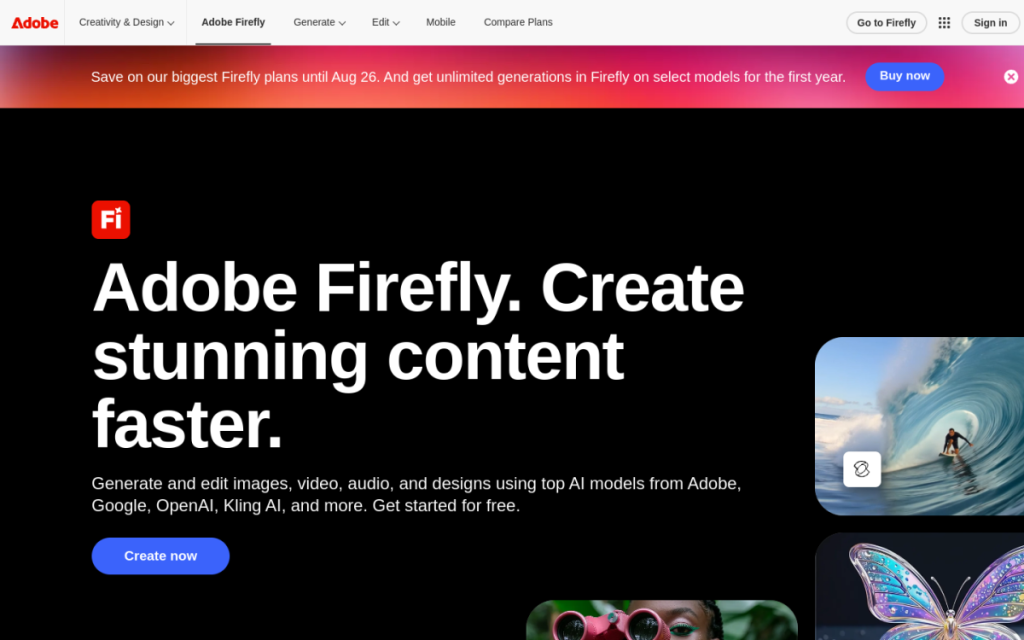
Adobe Firefly is Adobe’s answer to AI image generation, and it competes less on raw artistry than on two things professionals actually care about: commercial safety and integration. Firefly is trained on licensed and public-domain content, which makes businesses far more comfortable using its output. And because it’s woven into Photoshop and the rest of Creative Cloud, it fits the tools designers already use every day.
Who should use it
- Designers and agencies already living in Adobe’s ecosystem.
- Businesses that need reassurance about commercial and copyright safety.
- Photoshop users who want AI editing built into their workflow.
Key features
- Commercially safer training data for lower copyright risk.
- Generative Fill in Photoshop — add, remove, or extend parts of an image with a prompt.
- Text effects and generative tools across Creative Cloud.
- Tight integration with the Adobe apps you already use.
Pricing
Firefly is available with generation credits included in Creative Cloud subscriptions, and as a standalone plan. Free access with limited credits lets you try it. For existing Adobe subscribers, it’s largely part of what you already pay for.
Pros and cons
What we liked: the commercial-safety angle is genuinely reassuring for business use, and Generative Fill in Photoshop is a practical, everyday time-saver rather than a novelty.
What we didn’t: for pure creative flair, dedicated art tools like Midjourney can produce more striking results, and the best features assume you’re in the Adobe ecosystem.
How to use it well
- Lean on Generative Fill in Photoshop for real editing work, not just standalone generation.
- Use it for commercial projects where content provenance matters.
- Combine with your existing Adobe workflow rather than treating it as a separate tool.
Alternatives
Midjourney and DALL·E 3 lead on artistic output; Canva is friendlier for non-designers; Ideogram wins for text in images. Firefly’s edge is commercial safety plus deep Adobe integration.
We tested this: our hands-on experience
We tested Firefly the way its target users actually work — inside Photoshop, using Generative Fill on real images, rather than as a standalone novelty. This is where it shines. Selecting an area and typing what should be there — extending a background, removing an unwanted object, adding an element — produced results that blended into the original image convincingly enough to use in real work. For everyday photo editing, it’s less a “make me an image” tool and more a genuine, practical superpower woven into software professionals already trust.
Standalone generation was solid but not class-leading — for pure artistic flair, dedicated art models produced more striking images. But Firefly isn’t really competing on that axis. Its two real selling points held up in testing: the output is designed to be commercially safer thanks to its training data, which genuinely matters for business use, and the integration means it fits the workflow instead of interrupting it. For a designer, those two things often outweigh raw artistic edge.
A real workflow example
Our most convincing test was a routine but previously time-consuming job: adapting a single product photo into several formats. The original was shot tight, but we needed wider versions for different placements. With Generative Fill, we extended the background outward on each side — Firefly convincingly continued the scene — giving us landscape and square crops from one photo without a reshoot or hours of manual cloning. A task that used to mean careful Photoshop work, or booking another shoot, took minutes, and the results were clean enough to ship.
The takeaway: Adobe Firefly is aiming to be the most professional AI image tool, not the flashiest. For designers and businesses who value commercial safety and want AI built into Photoshop and Creative Cloud, it’s the natural choice, and Generative Fill alone earns its place in a working designer’s day. If you already pay for Adobe, it’s a genuinely useful part of what you’re getting.
Frequently asked questions
Is Adobe Firefly safe for commercial use?
Adobe designed Firefly to be commercially safer by training on licensed and public-domain content. That reduces copyright risk, though you should still review Adobe’s current terms for your specific use.
Is Firefly included with Creative Cloud?
Yes — generation credits are included with Creative Cloud subscriptions, with standalone and limited free options also available.
Final verdict
Adobe Firefly isn’t chasing the title of most artistic AI image tool — it’s aiming to be the most professional one. For designers and businesses who value commercial safety and want AI woven into Photoshop and Creative Cloud, it’s the natural choice, and Generative Fill alone earns its place in a working designer’s toolkit. If you already pay for Adobe, it’s a genuinely useful part of what you’re getting.
Sources: hands-on use of Adobe Firefly and Generative Fill, checked against Adobe’s official documentation at the time of writing.
Top Adobe Firefly alternatives
Other hand-reviewed Image Generation tools worth comparing against Adobe Firefly.
ArtbreederFreemium
Artbreeder is a freemium AI design and image generation tool for creatives and visual artists. Our review covers…
ArtguruFreemium
Artguru is a freemium AI design and image generation tool for creatives and visual artists. Our review covers…
Automatic1111Free
Automatic1111 is a free AI design and image generation tool for creatives and visual artists. Our review covers…
BigJPGFree
BigJPG is a free AI design and image generation tool for creatives and visual artists. Our review covers…
Canva AIFreemium
Canva AI is a freemium AI design and image generation tool for designers. Our review covers what it…
CivitaiFreemium
Civitai is a freemium AI design and image generation tool for creatives and visual artists. Our review covers…
Adobe Firefly vs the competition
Are you the maker of Adobe Firefly?
Show visitors this review with the badge below. Copy the code into your site or press kit; it links straight back to this page.



