Key Takeaways
- InvokeAI is a free, open-source creative engine for AI image generation.
- It offers a layer-based canvas and node-based, reproducible workflows.
- It supports models like FLUX, SDXL, and SD 1.5, and runs locally.
- Great for creative pros who want control and privacy over AI image generation.
InvokeAI is a free, open-source creative engine for AI-powered image generation, built for creative professionals who want real control over their work and their data. It runs locally — a self-hosted alternative to cloud image services — and pairs a layer-based editing canvas with node-based, reproducible workflows. Supporting leading open models like FLUX and SDXL, it is a serious, professional-grade option for artists who want power and privacy.
What is InvokeAI?
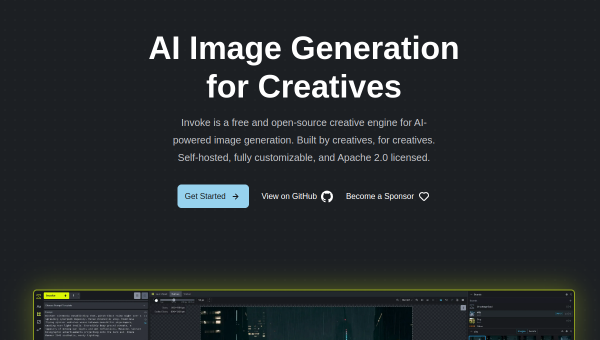
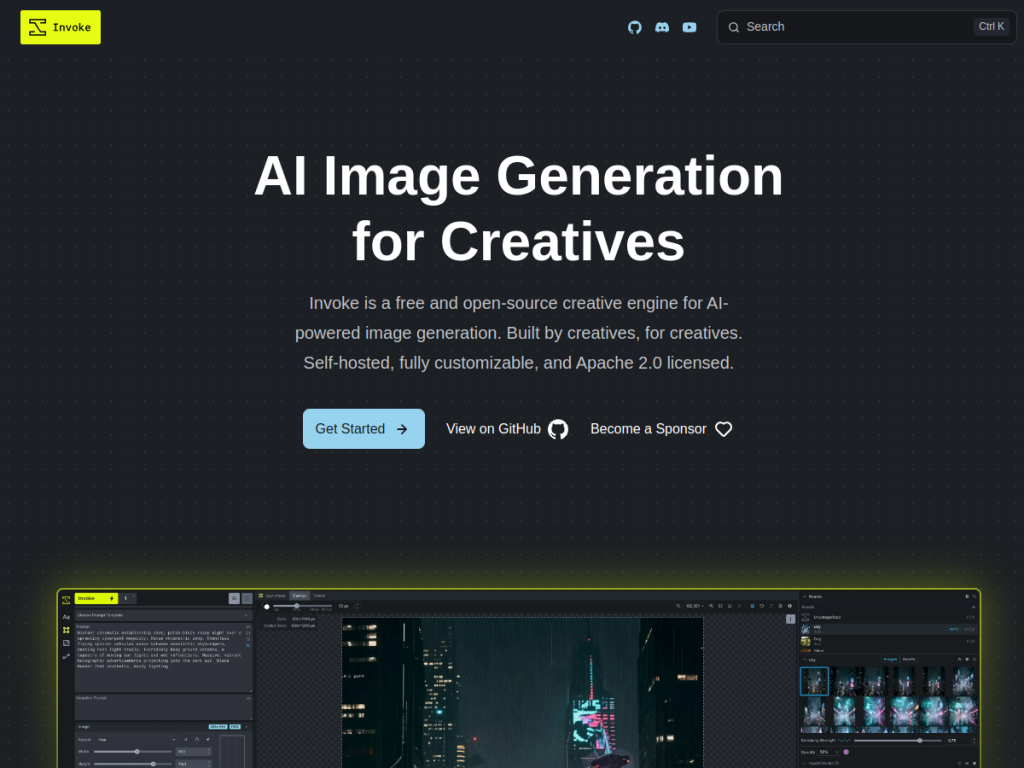
InvokeAI (Invoke) is a free and open-source creative engine for AI-powered image generation designed specifically for creative professionals, functioning as a self-hosted alternative to cloud-based platforms so users keep complete control over their work and data. Its features include a layer-based canvas with independent layer manipulation for precise composition control, node-based workflows for building reproducible and customizable generation pipelines, support for major models including FLUX, SDXL, and SD 1.5, ControlNet support for guided generation using depth maps, poses, and edges, plus batch generation, prompt wildcards, and upscaling. Everything runs locally with no cloud dependency. The project is completely free under the Apache 2.0 license, remains actively maintained by community developers (after its founding team moved to Adobe), and is available for Windows, macOS (Apple Silicon), and Linux, with optional third-party GPU hosting.
What it does well
- Open and free: Apache 2.0, with no cost to use.
- Professional control: layer-based canvas and node workflows.
- Local and private: runs on your own hardware, no cloud dependency.
- Modern models: supports FLUX, SDXL, SD 1.5, and ControlNet.
Who it is for
InvokeAI fits artists, designers, and technical creators who want a powerful, professional-grade, open-source image-generation tool they can run locally — keeping full control over their data and workflows — and who value features like a layer-based canvas, node pipelines, and ControlNet. Its open, self-hosted nature suits the privacy-minded and those who like to customize. Casual users wanting a simple, hosted app with no setup may prefer cloud tools, and running it well needs capable hardware and some technical comfort, but for creative pros wanting control and privacy in AI image generation, InvokeAI is an excellent, free choice.
Things to keep in mind
- Running it locally requires capable GPU hardware and some setup.
- It is aimed at creative pros and tinkerers more than casual users.
- Self-hosting means you manage your own environment and models.
Our verdict
InvokeAI is a standout open-source creative engine for AI image generation, and its professional focus shows: a layer-based canvas, node-based reproducible workflows, ControlNet, and support for modern models like FLUX and SDXL — all running locally so you keep full control of your work and data. Being free under Apache 2.0 and actively community-maintained makes it especially appealing to privacy-minded creative pros. It needs capable hardware and some technical comfort, but for artists who want control and privacy in AI image generation, InvokeAI is an excellent, free choice.
Frequently asked questions
What is InvokeAI?
InvokeAI (Invoke) is a free, open-source creative engine for AI image generation that runs locally, with a layer-based canvas, node-based workflows, and support for models like FLUX and SDXL.
Is InvokeAI free?
Yes, InvokeAI is completely free and open-source under the Apache 2.0 license, self-hosted, with optional third-party GPU hosting and sponsorship.
What models does InvokeAI support?
It supports major models including FLUX, SDXL, and SD 1.5, plus ControlNet for guided generation using depth maps, poses, and edges.
Who is InvokeAI for?
It is for creative professionals and technical users who want a powerful, private, self-hosted AI image tool with layer-based editing and reproducible workflows.
Top InvokeAI alternatives
Other hand-reviewed Image Generation tools worth comparing against InvokeAI.
Adobe FireflyFreemium
Adobe Firefly is a freemium AI design and image generation tool for creatives and visual artists. Our review…
ArtbreederFreemium
Artbreeder is a freemium AI design and image generation tool for creatives and visual artists. Our review covers…
ArtguruFreemium
Artguru is a freemium AI design and image generation tool for creatives and visual artists. Our review covers…
Automatic1111Free
Automatic1111 is a free AI design and image generation tool for creatives and visual artists. Our review covers…
BigJPGFree
BigJPG is a free AI design and image generation tool for creatives and visual artists. Our review covers…
Canva AIFreemium
Canva AI is a freemium AI design and image generation tool for designers. Our review covers what it…
Are you the maker of InvokeAI?
Show visitors this review with the badge below. Copy the code into your site or press kit; it links straight back to this page.



