Key Takeaways
- Pica AI is a suite of AI photo tools including face swap.
- It offers AI headshots, photo restoration, and enhancement.
- It is aimed at fun and practical portrait editing.
- Fun to use — but face-swap AI carries consent considerations.
Pica AI is a collection of AI photo tools centered on portraits — face swapping, AI headshot generation, old-photo restoration, and enhancement. It sits in the popular, playful end of AI imaging, where people generate professional-looking headshots from selfies or swap faces for fun. It is genuinely useful and entertaining, with one honest caveat that applies to all face-manipulation AI: editing or swapping real people’s faces requires their consent and should never be used to deceive or harm.
What is Pica AI?
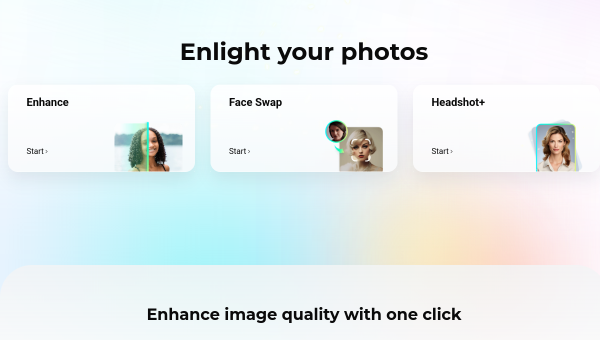
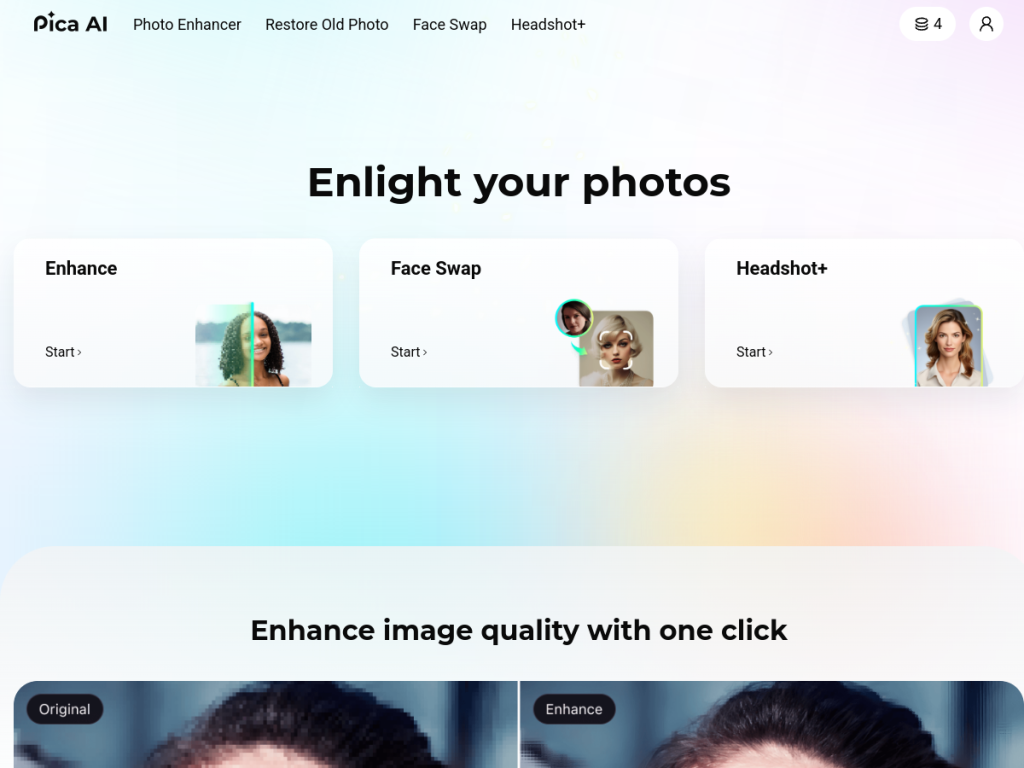
Pica AI (at pica-ai.com) is a suite of AI-powered photo tools focused primarily on faces and portraits. Its features typically include AI face swap (replacing a face in a photo or into templates), AI headshot and portrait generation (creating professional-looking headshots from a set of user selfies), old-photo restoration (repairing and enhancing damaged or low-quality old photographs), photo enhancement and upscaling, and related portrait-editing capabilities. It sits in the consumer-friendly, often playful category of AI imaging, where users generate polished headshots for professional profiles, restore family photos, or create fun face-swapped images. (Note: Pica AI has focused on these portrait/face tools; some enhancement functionality has been associated with related brands over time.) It is generally accessible via web and app, with free features and paid or subscription options. It targets everyday users, job seekers (for headshots), and people wanting to restore or enhance photos. An honest caveat is central: face-swap and face-manipulation AI carries real consent and misuse considerations — you should only edit or swap faces of people who have consented, and never use it to deceive, impersonate, or harm.
What it does well
- Portrait-focused: face swap, headshots, and restoration.
- AI headshots: professional-looking from selfies.
- Photo restoration: repair old or damaged photos.
- Accessible: consumer-friendly web and app.
Who it is for
Pica AI suits everyday users, job seekers wanting professional-looking AI headshots from selfies, and people who want to restore old family photos or have fun with face swaps. Its portrait focus makes it handy and entertaining. The honest caveats are central: face-swap and face-manipulation AI carries real consent and misuse concerns — only edit or swap faces of people who have consented, and never use it to deceive, impersonate, or harm anyone. AI headshots should also be a fair representation for professional use. Heavier features are paid. Used responsibly and with consent, Pica AI is a fun, useful set of portrait tools.
Things to keep in mind
- Only edit or swap faces of people who have consented.
- Never use face-swap AI to deceive, impersonate, or harm.
- Some tools are subscription-based; check terms before subscribing.
Our verdict
Pica AI is a useful and entertaining suite of AI portrait tools — face swap, AI headshot generation from selfies, old-photo restoration, and enhancement — sitting in the popular, playful end of AI imaging. Generating professional-looking headshots or restoring a treasured family photo are genuinely handy uses. The honest caveat is inseparable from any face-manipulation AI: only edit or swap faces of people who have consented, and never use it to deceive, impersonate, or harm. Some tools are subscription-based, so check terms. Used responsibly and with consent, Pica AI is a fun, capable choice for portrait editing.
Frequently asked questions
What is Pica AI?
Pica AI is a suite of AI photo tools focused on portraits — face swap, AI headshot generation from selfies, old-photo restoration, and enhancement.
Can Pica AI make professional headshots?
Yes — it can generate professional-looking headshots from a set of your selfies; ensure the result is a fair representation of you for professional use.
Is face swap ethical?
Only if used responsibly: edit or swap faces only of people who have consented, and never to deceive, impersonate, or harm anyone.
Is Pica AI free?
Pica AI offers free features with paid plans; some tools are subscription-based, so check the terms before subscribing.
Top Pica AI alternatives
Other hand-reviewed Image Generation tools worth comparing against Pica AI.
Adobe FireflyFreemium
Adobe Firefly is a freemium AI design and image generation tool for creatives and visual artists. Our review…
ArtbreederFreemium
Artbreeder is a freemium AI design and image generation tool for creatives and visual artists. Our review covers…
ArtguruFreemium
Artguru is a freemium AI design and image generation tool for creatives and visual artists. Our review covers…
Automatic1111Free
Automatic1111 is a free AI design and image generation tool for creatives and visual artists. Our review covers…
BigJPGFree
BigJPG is a free AI design and image generation tool for creatives and visual artists. Our review covers…
Canva AIFreemium
Canva AI is a freemium AI design and image generation tool for designers. Our review covers what it…
Are you the maker of Pica AI?
Show visitors this review with the badge below. Copy the code into your site or press kit; it links straight back to this page.



