Key Takeaways
- Pixlr is a popular browser-based photo editor with a full set of AI tools.
- AI features include generative fill, background/object removal, and upscaling.
- It also does text-to-image generation using models like Flux and Recraft.
- Great value for accessible editing and AI; very affordable paid plans.
Pixlr has been a go-to browser-based photo editor for years, and it has embraced AI across the board. Alongside familiar editing tools, it now offers generative fill and expand, one-click background and object removal, upscaling, and even text-to-image generation — all in the browser, with no download, and at prices that undercut most competitors.
What is Pixlr AI?
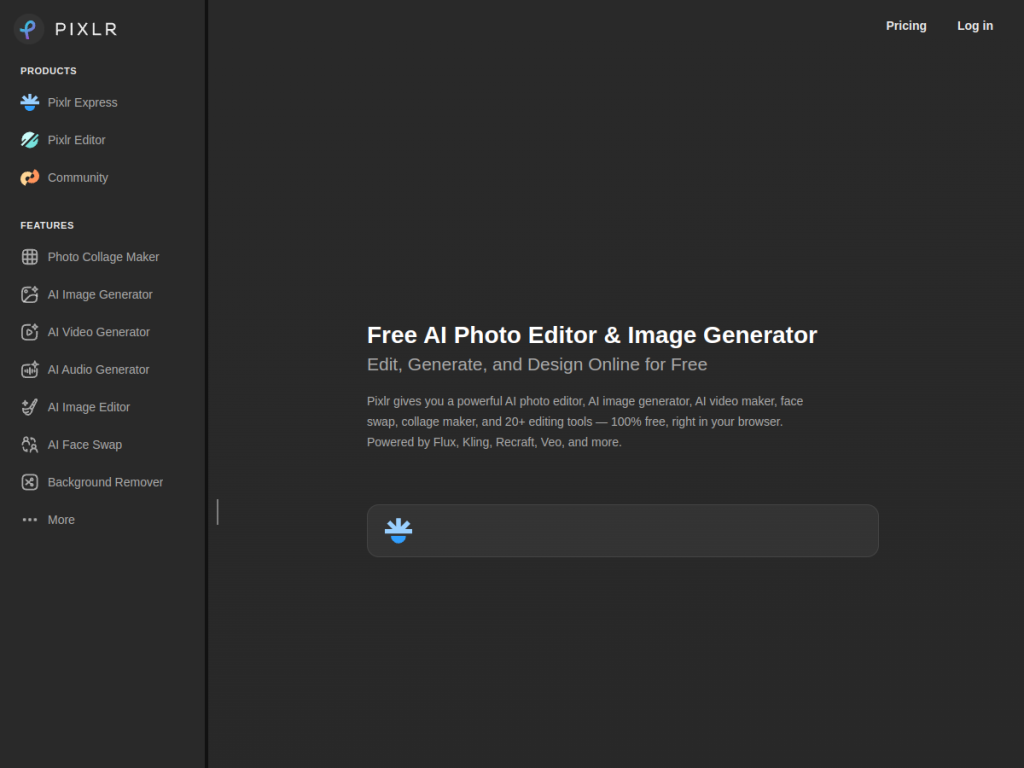
Pixlr is an online photo editing platform combining traditional editing with AI-powered features, accessible on web, iOS, and Android. Its AI toolkit is broad: generative tools to fill, expand, and transform images by adding or modifying content; one-click AI background and object removal; image enhancement including upscaling, noise reduction, and sharpening; AI face manipulation such as face swapping; and text-to-image generation powered by models like Flux and Recraft. It serves a very large global user base and partners with leading AI providers for its generative features. Pixlr keeps a genuinely useful free version, with affordable Premium and Plus subscriptions starting around $1.99/month, plus enterprise and education options — all running entirely in the browser without a download.
What it does well
- Broad AI tools: generative fill, background removal, upscaling, and more.
- Text-to-image: create images from prompts with leading models.
- Browser-based: no download, works across web and mobile.
- Very affordable: capable free tier and low-cost paid plans.
Who it is for
Pixlr suits everyday users, social creators, small businesses, and students who want accessible photo editing and AI image tools without expensive software or a learning curve — quick edits, background removal, upscaling, and AI generation in the browser. Professional designers needing the deepest, most precise control may still use dedicated desktop software, but for accessible, affordable editing with a strong AI layer, Pixlr is an excellent, value-packed choice.
Things to keep in mind
- It favors accessibility over the deepest professional-grade control.
- AI generation quality varies by model and prompt, so results differ.
- The most advanced features and higher usage need a paid plan.
Our verdict
Pixlr is one of the best-value photo editors around, and its AI features — generative fill, background and object removal, upscaling, and text-to-image with leading models — make an already handy browser editor genuinely powerful. For everyday users, creators, and small businesses who want quick, good-looking results without expensive software, it delivers a lot, and its low-cost plans are hard to beat. Pros needing precise, high-end control may look elsewhere, but for accessible, affordable AI-assisted editing, Pixlr is an excellent choice with a capable free tier.
Frequently asked questions
What is Pixlr?
Pixlr is a browser-based photo editor that combines traditional editing with AI tools like generative fill, background and object removal, upscaling, and text-to-image generation.
What AI features does Pixlr have?
It offers generative fill and expand, one-click background and object removal, image upscaling and enhancement, AI face swapping, and text-to-image generation using models like Flux and Recraft.
Is Pixlr free?
Yes, Pixlr has a genuinely useful free version. Premium and Plus subscriptions start around $1.99/month, with enterprise and education options.
Do I need to download Pixlr?
No. Pixlr runs entirely in the browser, and is also available as iOS and Android apps.
Top Pixlr AI alternatives
Other hand-reviewed Image Generation tools worth comparing against Pixlr AI.
Adobe FireflyFreemium
Adobe Firefly is a freemium AI design and image generation tool for creatives and visual artists. Our review…
ArtbreederFreemium
Artbreeder is a freemium AI design and image generation tool for creatives and visual artists. Our review covers…
ArtguruFreemium
Artguru is a freemium AI design and image generation tool for creatives and visual artists. Our review covers…
Automatic1111Free
Automatic1111 is a free AI design and image generation tool for creatives and visual artists. Our review covers…
BigJPGFree
BigJPG is a free AI design and image generation tool for creatives and visual artists. Our review covers…
Canva AIFreemium
Canva AI is a freemium AI design and image generation tool for designers. Our review covers what it…
Are you the maker of Pixlr AI?
Show visitors this review with the badge below. Copy the code into your site or press kit; it links straight back to this page.



