Key Takeaways
- Stable Diffusion WebUI is the popular open-source SD interface.
- Known as AUTOMATIC1111, it runs Stable Diffusion locally.
- It offers text-to-image, img2img, inpainting, and extensions.
- Great for enthusiasts wanting powerful, free, local image generation.
Stable Diffusion WebUI — universally known by its author’s handle, AUTOMATIC1111 — is the open-source interface that made running Stable Diffusion locally accessible to a huge community. It wraps the model in a full-featured browser UI with text-to-image, image-to-image, inpainting, and a vast ecosystem of extensions. Free, powerful, and endlessly customizable, it is the go-to for enthusiasts who want complete control over local AI image generation on their own hardware.
What is Stable Diffusion WebUI?
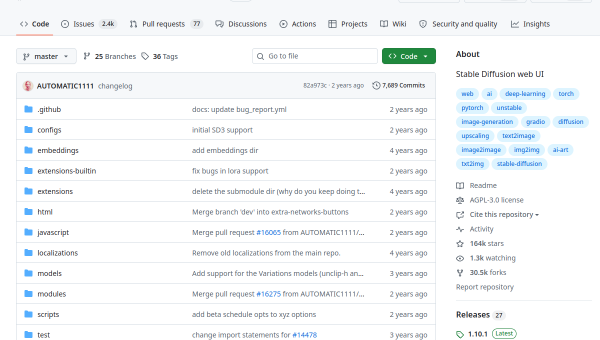
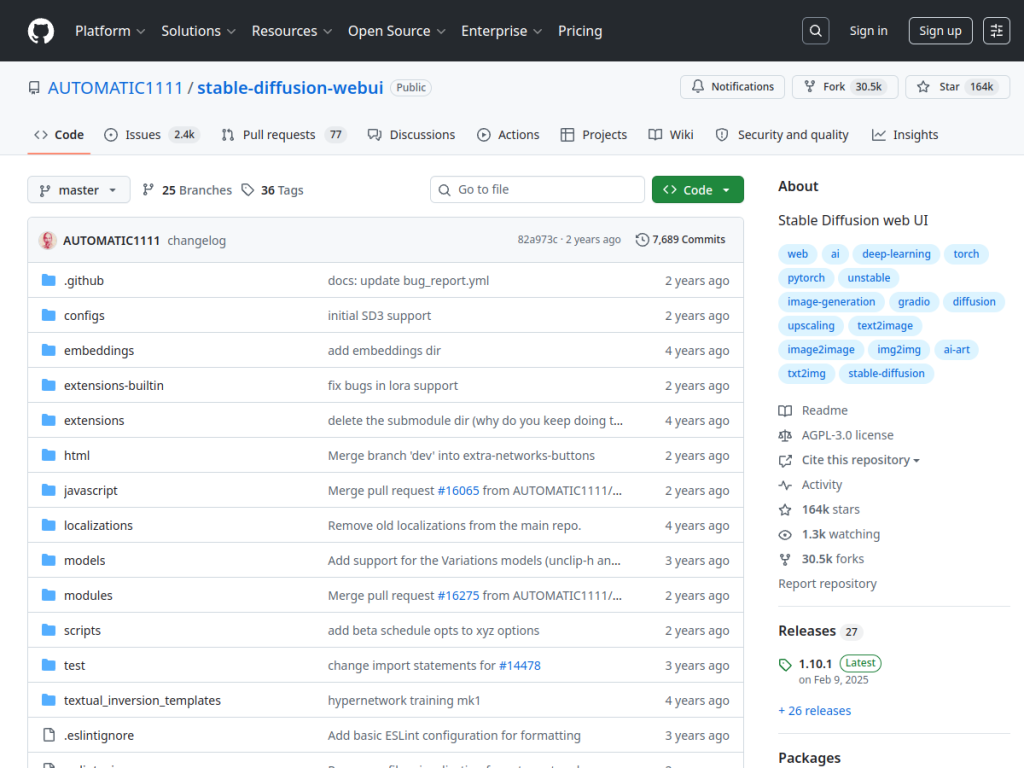
Stable Diffusion WebUI (github.com/AUTOMATIC1111/stable-diffusion-webui), commonly called “AUTOMATIC1111” or “A1111,” is a free, open-source web interface (built on Gradio) for running Stable Diffusion and related image-generation models locally. One of the most popular projects of its kind (with an enormous GitHub following), it provides a comprehensive browser-based UI over the model, exposing a wide range of capabilities: text-to-image generation, image-to-image, inpainting and outpainting, upscaling, control over samplers and generation parameters, support for custom models/checkpoints and LoRAs, prompt weighting and advanced prompting, and an extensive ecosystem of community extensions (adding features like ControlNet and many others). Because it runs locally, users have full control and privacy, generating images on their own GPU without per-image cloud costs — though it requires a capable GPU and some technical setup. It is free and open-source, developed and extended by a large community. It targets AI art enthusiasts, developers, and power users who want deep control over Stable Diffusion. As with all AI image generation, mind model licenses, content policies, and the rights and ethics of what you generate.
What it does well
- Comprehensive: txt2img, img2img, inpainting, and more.
- Extensible: a huge ecosystem of community extensions.
- Local and private: runs on your own GPU, no per-image fees.
- Free and open-source: powerful and customizable.
Who it is for
Stable Diffusion WebUI fits AI art enthusiasts, developers, and power users who want deep, hands-on control over Stable Diffusion — text-to-image, img2img, inpainting, custom models and LoRAs, and a vast extension ecosystem — running locally on their own GPU for full control, privacy, and no per-image cloud costs. That power and flexibility are exactly its appeal. It requires a capable GPU and some technical setup, so non-technical users wanting one-click simplicity will prefer hosted consumer tools, and users must mind model licenses, content policies, and the rights and ethics of what they generate. For powerful, free, local AI image generation, it is an excellent choice.
Things to keep in mind
- It requires a capable GPU and some technical setup.
- Non-technical users may prefer simpler hosted tools.
- Mind model licenses, content policies, and generation ethics.
Our verdict
Stable Diffusion WebUI — the legendary AUTOMATIC1111 — is the open-source interface that made running Stable Diffusion locally accessible to a huge community, and it remains the go-to for enthusiasts who want complete control. It wraps the model in a comprehensive browser UI with text-to-image, image-to-image, inpainting, upscaling, custom models and LoRAs, and a vast ecosystem of extensions like ControlNet, all running locally on your own GPU for full control, privacy, and no per-image fees. It needs a capable GPU and some setup, and simpler hosted tools suit non-technical users, but for powerful, free, local AI image generation, Stable Diffusion WebUI is an excellent choice.
Frequently asked questions
What is Stable Diffusion WebUI?
Stable Diffusion WebUI (AUTOMATIC1111) is a free, open-source Gradio-based web interface for running Stable Diffusion locally, offering text-to-image, img2img, inpainting, and a huge extension ecosystem.
Why is it called AUTOMATIC1111?
It is named after its original author’s GitHub handle, AUTOMATIC1111 (often shortened to “A1111”); it is one of the most popular Stable Diffusion interfaces.
Is Stable Diffusion WebUI free?
Yes — it is free and open-source; you run it on your own hardware (needing a capable GPU) or a cloud GPU.
Who is it for?
It is for AI art enthusiasts, developers, and power users who want deep, hands-on control over Stable Diffusion, running locally.
Top Stable Diffusion WebUI alternatives
Other hand-reviewed Image Generation tools worth comparing against Stable Diffusion WebUI.
Adobe FireflyFreemium
Adobe Firefly is a freemium AI design and image generation tool for creatives and visual artists. Our review…
ArtbreederFreemium
Artbreeder is a freemium AI design and image generation tool for creatives and visual artists. Our review covers…
ArtguruFreemium
Artguru is a freemium AI design and image generation tool for creatives and visual artists. Our review covers…
Automatic1111Free
Automatic1111 is a free AI design and image generation tool for creatives and visual artists. Our review covers…
BigJPGFree
BigJPG is a free AI design and image generation tool for creatives and visual artists. Our review covers…
Canva AIFreemium
Canva AI is a freemium AI design and image generation tool for designers. Our review covers what it…
Are you the maker of Stable Diffusion WebUI?
Show visitors this review with the badge below. Copy the code into your site or press kit; it links straight back to this page.



